
Best ClickUp Alternatives in 2026
Height offers a free tier that rivals ClickUp's $7 annual plan for basic task tracking. Switch when paying per-user fees for simple project-management feels wasteful.
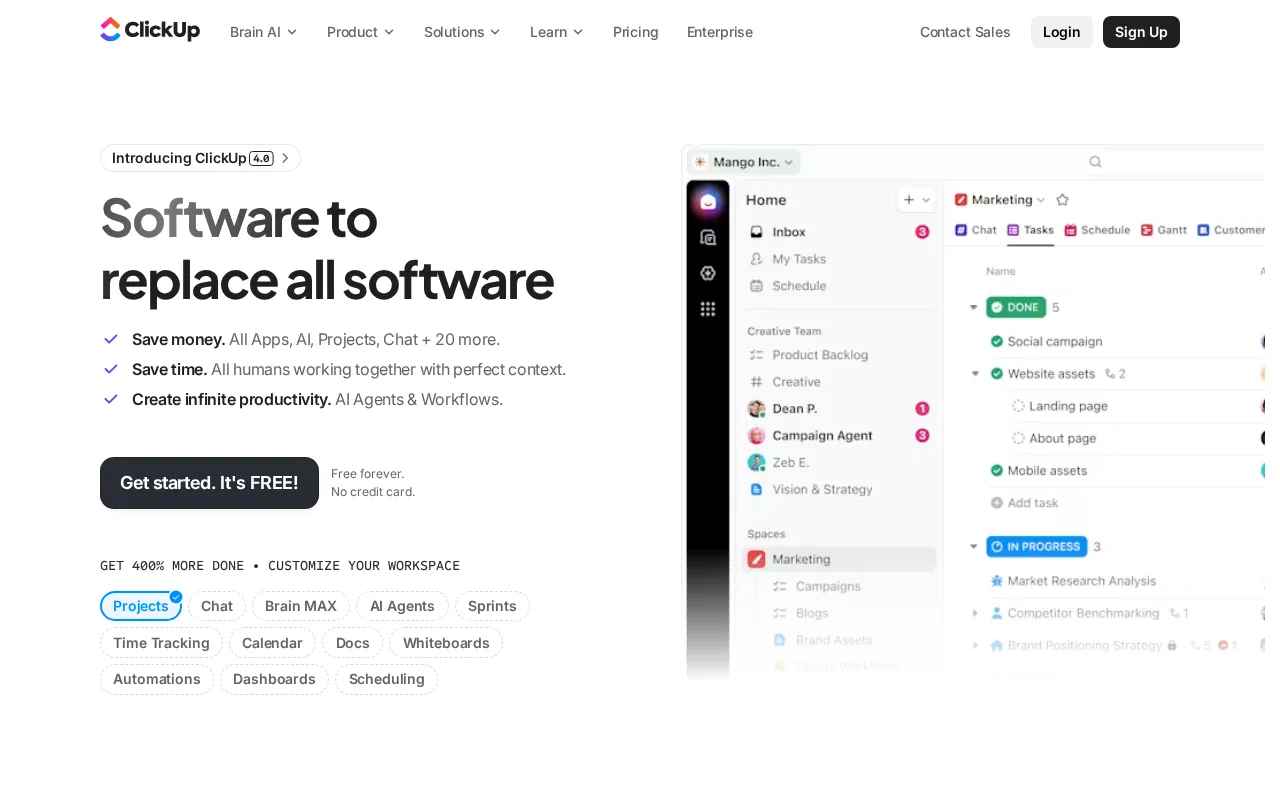
Feature Overview: Top ClickUp Alternatives
ClickUp compared against all 19 project management alternatives. Pricing, free plan availability, rating, and project management-specific capabilities.
| Tool | Price | Free Plan | Rating |
|---|---|---|---|
 | $10/mo | 4.7G2 | |
 | $8.5/mo | 4.8G2 | |
 | $10/mo | 4.8G2 | |
 | $12/mo | 4.7G2 | |
 | $7/mo | 4.7G2 | |
 | $10.98/mo | 4.7G2 | |
 | $10/mo | 4.6G2 | |
 | $24/mo | 4.6G2 | |
 | $12/mo | 4.7G2 | |
 | $7.5/mo | 4.6G2 | |
 | $7/mo | 4.5G2 | |
 | $12/mo | No | 4.5G2 |
 | $13.49/mo | 4.4G2 | |
 | $6/mo | 4.4G2 | |
 | $9.99/mo | 4.4G2 | |
 | $7.91/mo | 4.3G2 | |
 | $10/mo | 4.3G2 | |
 | $5/mo | 4.3G2 | |
 | Free | 4.2G2 | |
 | $15/mo | 4.1G2 |
How Does ClickUp Compare to Alternatives?
Independently verified metrics. Sources: Vendor pricing/feature pages. Verified 2026.
| Tool | App Loadms | Free Automations | Free Seats | API Limit/mo |
|---|---|---|---|---|
| ClickUp (this) | 2,000 | 100 | 999 | 100 req/min |
| Height | - | - | - | - |
| Miro | - | - | - | - |
| Notion | 1,500 | 0 | 999 | 3 req/s |
| monday.com | 2,200 | 0 | 0 | 5000 req/min |
| Linear | 800 | 0 | 999 | 1500 req/hour |
| Airtable | 1,800 | 100 | 5 | 5 req/s |
When Should You Stick with ClickUp?
Alternatives are not always the right move. ClickUp remains strong in these scenarios.
- +Unmatched feature breadth: Consolidates tasks, docs, goals, and whiteboards.
- +Highly customizable views (List, Board, Calendar, Gantt, Mind Map, etc.).
- +Generous free forever plan with 100MB storage and unlimited tasks.
- +Powerful nested hierarchy: Spaces > Folders > Lists > Tasks > Subtasks.
- +AI assistant integrated directly into workflows for content and summaries.
- -Steep learning curve due to overwhelming feature set and customization options.
- -Mobile app performance and feature parity lag behind the desktop version.
- -Can feel slow and buggy, especially when loading complex views or dashboards.
- -Reporting is less robust than dedicated BI tools; cross-space reporting is limited.
ClickUp Alternatives by Team & Workflow
19 project management tools compared. The right choice depends on team size, methodology, and integration needs.
Expert Take
Teams chasing one tool for everything get the widest feature set here, but pay twice: the free plan hits a file-storage ceiling early, and AI is sold as add-on tiers, not included.
 Oleh KemFounder & Lead Analyst
An AI-powered project management tool that unifies tasks, chat, and docs for cross-functional product and engineering te. Rated 4.9/5 vs 4.8/5 for ClickUp.
- +AI Copilot automates subtasks, summaries, and action items
- +Chat and tasks are unified in one view, reducing context switching
- +Spreadsheet-like interface is intuitive for non-technical users
- +Powerful task list visualizations (Kanban, Gantt, Calendar, List)
- +Real-time sync with GitHub, Figma, Slack, and other dev tools
- +AI Copilot
- −Mobile app lacks the full functionality of the desktop version
- −AI features are limited to paid plans (Team and Business)
- −Fewer native integrations compared to established players like Jira
An online collaborative whiteboard for teams to brainstorm, plan, design, and manage workflows in a shared visual space.. Rated 4.9/5 vs 4.8/5 for ClickUp.
- +Vast template library for specific workflows (retrospectives, roadmaps).
- +Deep integrations with Jira, Asana, and other core dev/PM tools.
- +Real-time cursor tracking and video chat for live collaboration.
- +Infinite canvas supports massive, complex diagrams and mind maps.
- −Performance can lag on very large boards with many objects.
- −The mobile app has limited editing capabilities compared to the desktop version.
- −Per-user pricing becomes expensive for large, non-power-user teams.
A connected workspace where you can build docs, databases, and project trackers as flexible, interlinked blocks.. Priced higher at $12/mo vs $10/mo.
- +Combines docs, wikis, and project tasks in one unified interface
- +Highly customizable databases function like spreadsheets with superpowers
- +Flexible block-based editor for creating any type of content layout
- +Powerful relational linking between pages, tasks, and database entries
- +Generous free plan for individuals and very small teams
- +Docs & Pages
- −Mobile app can be slow and lacks full desktop functionality
- −Offline access is limited and unreliable for complex workspaces
- −Lacks granular, project-level permissions on Business Plan and below
Project management hub that aligns goals, tasks, and communication. Starts cheaper at $7/mo vs $10/mo.
- +Free plan available
- +Affordable starting at $7/mo
- +Highly rated (4.7/5 on review platforms)
- +15 key features including Tasks & Kanban and Milestones
A visual Work OS for building custom workflows, managing projects, and centralizing team collaboration in one platform.. Priced higher at $10.98/mo vs $10/mo.
- +Highly visual and customizable 'Work OS' interface
- +Extensive library of pre-built workflow and project templates
- +Robust automation and integration capabilities on higher tiers
- −Per-user pricing with a 3-seat minimum can be costly for small teams
- −Core features like automations and integrations are limited on lower-tier plans
- −Task dependencies and sub-items can be less intuitive than competitors
An opinionated issue tracker and project management tool designed for speed and efficiency in modern software teams.. Priced higher at $10/mo vs $10/mo.
- +Blazing-fast UI with keyboard-first navigation
- +Opinionated workflow (Cycles, Triage) enforces best practices
- +Deep, native integration with GitHub and Figma
- +Automated issue management and cycle planning
- +Exceptional design and user experience
- +Issues & Sub-issues
- +Projects & Cycles
- +Roadmaps
- −Rigid, opinionated structure may not fit all team workflows
- −Lacks advanced, customizable reporting and dashboards
- −No native time tracking or budget management features
A relational database with a spreadsheet interface, used to build custom applications and automate complex workflows.. Priced higher at $24/mo vs $10/mo.
- +Hybrid spreadsheet-database interface is uniquely flexible.
- +Interface Designer builds custom UIs for specific workflows.
- +Extensive API and scripting for deep, custom automation.
- +Linked records create powerful relational data structures.
- +Airtable Sync integrates data across multiple bases without manual syncing.
- −Record limits per base (e.g., 50k on Business) are restrictive for large datasets.
- −Pricing scales per user, becoming expensive for large teams.
- −Lacks native, granular permission controls at the field or record level.
An all-in-one doc that blends documents, spreadsheets, and applications into a single, collaborative workspace.. Priced higher at $12/mo vs $10/mo.
- +Combines docs, tables, and apps into one surface
- +Tables can be viewed as kanbans, calendars, or charts
- +Packs: Connect live data from apps like Slack & Jira
- +Powerful formulas feel like spreadsheets on steroids
- +Automations trigger actions based on doc changes
- +Documents
- +Tables
- +Formulas
- −Mobile app is less functional than the desktop version
- −Performance can lag in very large, complex docs
- −Doc Maker pricing model can become expensive for large teams
Showing 8 of 19 alternatives
Find Your Match - By Use Case
Common Questions About Switching from ClickUp
Sources & verification
| Source | What was checked | Last checked |
|---|---|---|
| Official Website | Official vendor website | — |
| Official Pricing Page | Source of verified tiers | July 8, 2026 |
| G2 | G2 verified user reviews · 4.7/5 · 12,357 reviews | — |
| Capterra | Capterra verified user reviews · 4.6/5 | — |
| TrustRadius | TrustRadius verified reviews | — |
| PeerSpot | PeerSpot enterprise peer reviews | — |
Every fact on this ClickUp pricing page is tied to a named source and a verification date. Freshness-sensitive figures trace to the sources above; verify against the vendor before relying on them.