

Trello Pricing: Plans & Cost Calculator 2026
Premium at $12.50/user/mo is the most popular plan, but the free tier with 10 boards per workspace is enough for many teams.
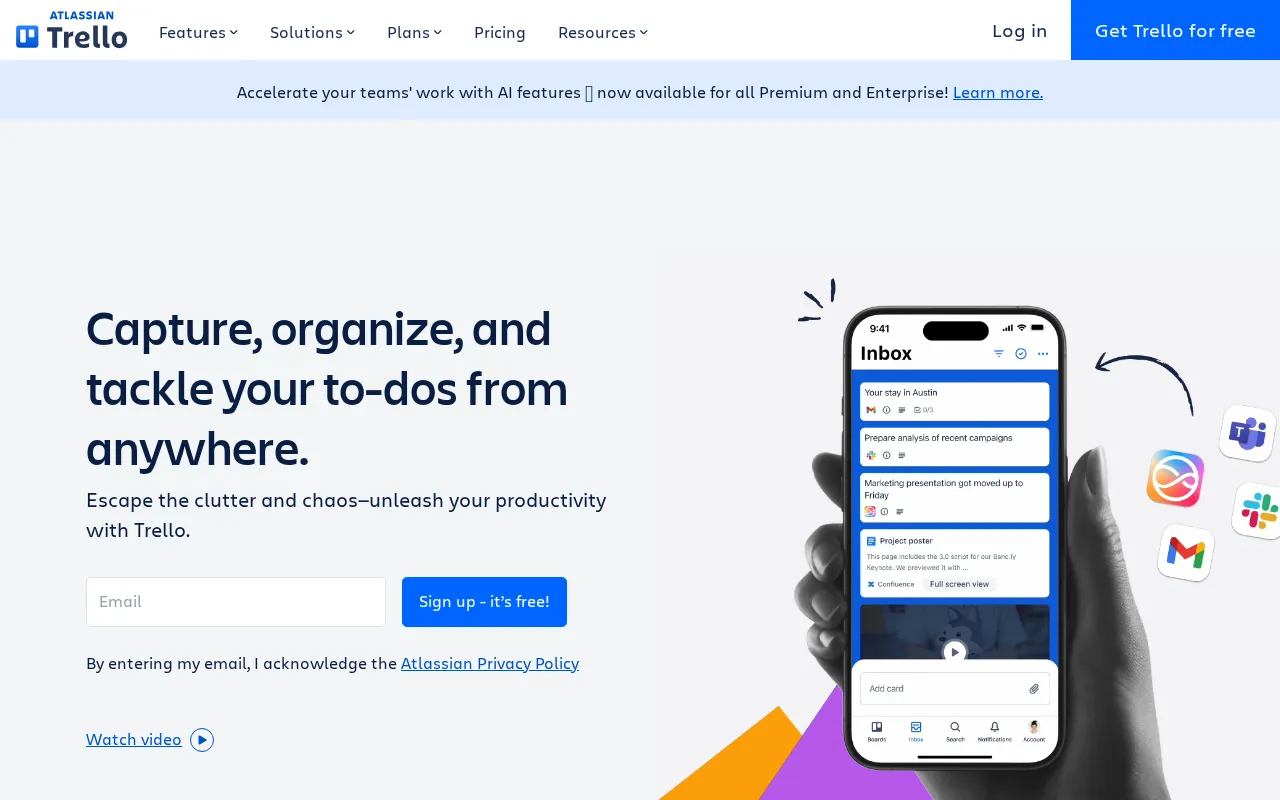
Trello plans and pricing
Billing surface
Pick a plan, set your seat count and switch billing to see the running total. The full breakdown lives in the calculator below.
FREE
Individuals and small teams (up to 10 collaborators per Workspace)
STANDARD
Teams wanting unlimited boards and more automation
ENTERPRISE
Enterprises needing security, controls, and 24/7 support
Trello pricing: the quick answer
Trello costs $6 per user a month on Standard and $12.50 on Premium as of July 8, 2026, dropping to $5 and $10 on annual billing, with a free tier and Enterprise at $17.50 billed annually. Enterprise also carries a 50-user minimum, so it is not a small-team option. The free plan gives unlimited cards but caps you at 10 boards per workspace. The recurring gripe is Power-Ups: many useful third-party ones charge their own subscription on top. Cheap and simple to start, with the cost creeping in through add-ons.
- FREEFree
- STANDARD$6/user/mo
- PREMIUM$12.50/user/mo
- ENTERPRISE$17.50/user/mo, annual
At $6/mo to start, Trello sits 40% below the $10/mo median across 19 project management tools we track.
Trello cost calculator
Trello Hidden Costs & Pitfalls
Trello's seat prices are low and clear. Where the bill grows is the paid Power-Ups people bolt on and the Enterprise floor most teams do not see coming.
Trello pricing, read against its live plans and category
Positioning
Trello positions itself as a budget-friendly entry point to project management, with its Standard plan priced at $6/user/mo and Premium at $12.5/user/mo, the entry comfortably below the category median of $10/mo. The Free plan offers generous core utilities like unlimited cards and Power-Ups, but restricts teams to 10 boards. To unlock advanced views like Timeline and Calendar, alongside Atlassian Intelligence, users must step up to the Premium tier.
Cost drivers
- 1Power-Up Subscriptions: While Trello allows unlimited Power-Ups, many essential third-party integrations require their own separate, costly subscription fees.
- 2Collaborator Fees: Adding external collaborators or guests can quickly inflate seat counts, as single-board guests are restricted to paid tiers.
- 3Annual Billing Defaults: Users checking out may face unexpected upfront annual charges, such as $119 per license, if they do not manually toggle to monthly billing.
Watch-outs
Users express frustration over sudden cost spikes when scaling past small team sizes, noting that managing larger groups becomes highly restrictive. The compounding cost of paid third-party Power-Ups on top of the base subscription is a frequent pain point.
Strengths
The Standard plan at $6/user/mo offers extremely intuitive Kanban interface with a minimal learning curve.
- Extremely intuitive Kanban interface with a minimal learning curve.
- Generous free plan with unlimited cards and up to 10 boards.
- Rich automation (Butler) is included even on the free plan.
What users say
“Atlassian has made it very annoying and extremely expensive to use Trello”
“Power-ups on top of trello... is making the cost of this tool outrageous!”
Editor’s take
Trello Free and Standard are ideal for small teams and individuals seeking simple, visual Kanban tracking. However, rapidly growing teams requiring deep native functionality may find better value in ClickUp at $7/mo or Asana at $10.99/mo to avoid paying for external add-ons.
 Oleh KemFounder & Lead Analyst
Trello price history
Cheaper Project Management tools

Frequently asked questions
Sources & verification
| Source | What was checked | Last checked |
|---|---|---|
| Official Pricing Page | Source of verified tiers | July 8, 2026 |
| Official Website | Official vendor website | — |
| G2 | G2 verified user reviews · 4.4/5 · 13,985 reviews | — |
| Capterra | Capterra verified user reviews · 4.5/5 | — |
| TrustRadius | TrustRadius verified reviews | — |
| PeerSpot | PeerSpot enterprise peer reviews | — |
| StackShare | StackShare developer community | — |
Every fact on this Trello pricing page is tied to a named source and a verification date. Freshness-sensitive figures trace to the sources above; verify against the vendor before relying on them.
Explore Trello
Every page on Trello in one place, you are on pricing.