

Coda Review: Features, Pricing & Integrations 2026
Best for teams needing connected databases and custom workflows rather than flat docs. Plans range from free to $36/user/month.
Expert Analysis of Coda
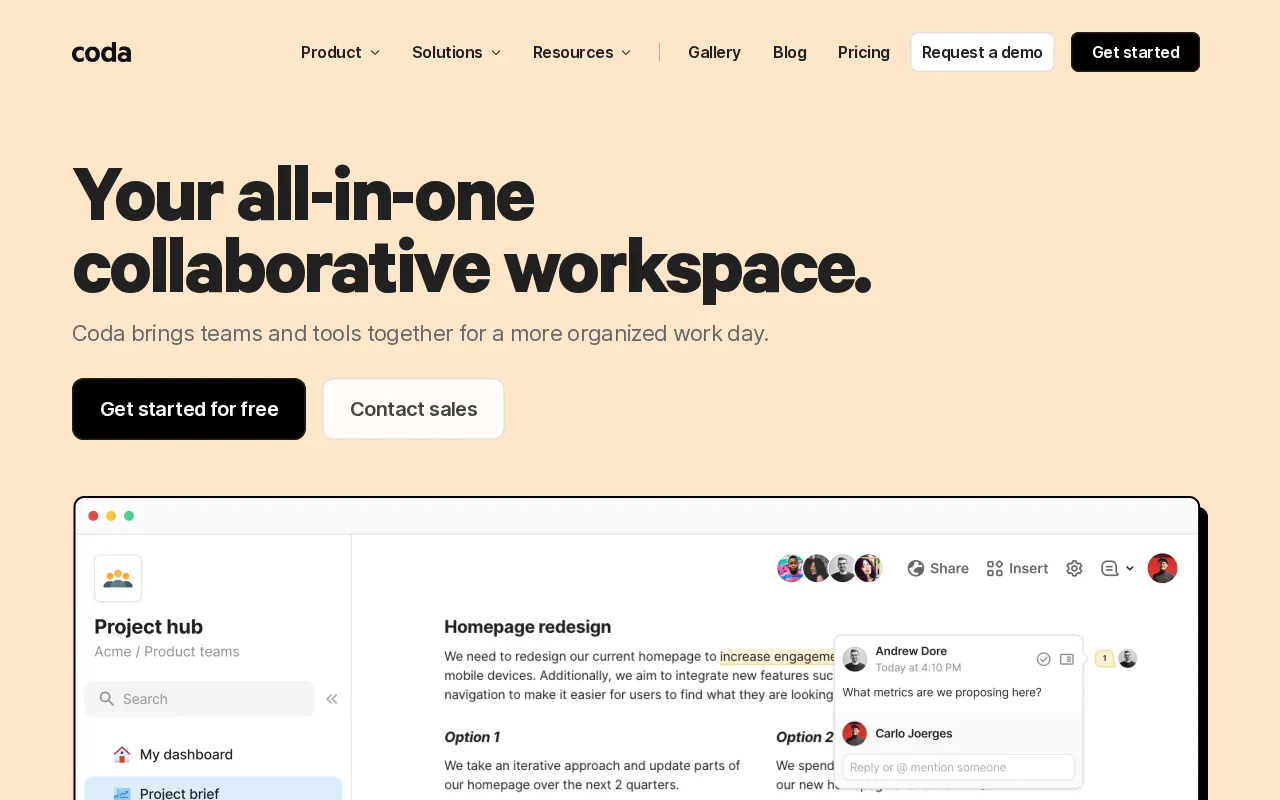
Coda rewards teams that build rather than view. Its AI runs on credits pooled per workspace, sized only as some, more or most, with extra packs sold per maker. Formula depth is real; the learning curve is steep.
 Oleh KemFounder & Lead Analyst
Live Resource Capacity in Coda Tables
Allocation formulas flag over-capacity contributors automatically; cross-doc references feed live data into each squad's planning doc, keeping every pod in sync without manual.
Async Standups in Embedded Status Tables
An embedded Table collects blockers and priorities per contributor in structured rows; Automations fire when entries are overdue, keeping async standups on schedule across time.
Client Delivery Milestone Dashboard
A Tables and multi-View Coda doc tracks every deliverable's status across Kanban and calendar layouts; Packs push daily team chat summaries so clients skip chasing progress via email.
Free
FreeBest for: Anyone just getting started
- ✓Create collaborative docs
- ✓unlimited pages and objects (unshared docs only)
- ✓connected tables, charts, kanban boards, forms
- ✓powerful formulas & automations
- ✓try AI for free
Showing 3 of 4 plans. See all plans & API pricing →
Prices last verified July 8, 2026
Monitored Plans & Rates
2 price changes recordedComparEdge is tracking Coda pricing: Change DetectedChangelog
Coda "Pro" price changed from $16/mo to $12/mo
Coda "Team" price changed from $48/mo to $36/mo
The Final Verdict: Is Coda Right for You?
One of the most capable project management platforms available for free, trusted by Cross-functional & Ops teams.
Top Pros
- Combines docs, tables, and apps into one surface
- Tables can be viewed as kanbans, calendars, or charts
- Packs: Connect live data from apps like Slack & Jira
Watch Out For
- Steep learning curve for advanced features and formulas
- Mobile app is less functional than the desktop version
Oleh KemFounder & Lead AnalystExpert verified·Updated July 8, 2026·Our methodologyFrequently Asked Questions About Coda
Explore More Project Management Tools for 2026






Sources & verification
| Source | What was checked | Last checked |
|---|---|---|
| Official Website | Official vendor website | — |
| Official Pricing Page | Source of verified tiers | July 8, 2026 |
| G2 | G2 verified user reviews · 4.7/5 · 492 reviews | — |
| Capterra | Capterra verified user reviews · 4.6/5 | — |
| TrustRadius | TrustRadius verified reviews | — |
| PeerSpot | PeerSpot enterprise peer reviews | — |
Every fact on this Coda pricing page is tied to a named source and a verification date. Freshness-sensitive figures trace to the sources above; verify against the vendor before relying on them.
Explore Coda
Every page on Coda in one place, you are on overview.