

Smartsheet Review: Features, Pricing & Integrations 2026
Smartsheet pairs spreadsheet ease with deep automation, though advanced formulas have a steep learning curve. From $12 to $24/mo.
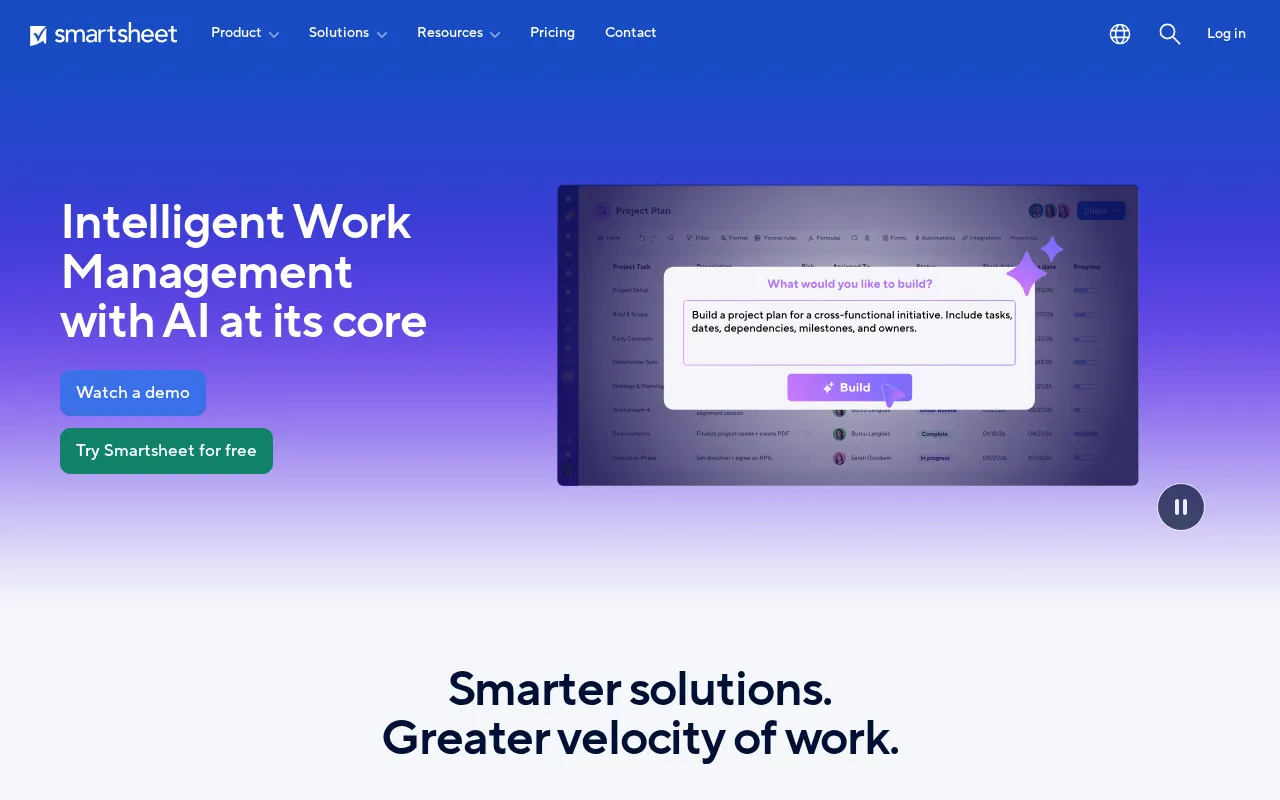
Expert Analysis of Smartsheet
The spreadsheet crowd is the fit: Smartsheet manages work at scale in a grid, but it is the one tool here that never goes free, only a 30-day trial. Less-active teams pay per seat for capacity they underuse.
 Oleh KemFounder & Lead Analyst
Cross-Region QA Test Coordination
A master test case library in Grid View tracks real-time pass/fail status per sprint; Forms auto-populate execution data from field testers across geographies without manual.
Multi-Channel Campaign Timeline View
Calendar View maps milestones across email, social, and paid channels in one timeline; Automations trigger stakeholder alerts 48 hours before each gate, cutting missed handoffs.
Enterprise Capacity Across Business Units
Card View organizes staff by skill; Grid View allocates headcount across projects; Dashboards surface real-time bench percentage and capacity gaps six weeks out to inform hiring.
200-Customer Implementation Tracker
Gantt Charts lock milestones; Forms capture intake; automated escalations fire on SLA drift; dashboards flag at-risk customer accounts within 24 hours of slippage.
Pro
$12/user/moBest for: People and teams wanting to track, share, and manage projects
- ✓Unlimited free Contributors
- ✓Gantt, table, board, and calendar view
- ✓Rich formulas
- ✓Conversational AI features (Smart Assist, Smart Columns, AI-powered dashboards) NEW
- ✓Unlimited sheets, forms, and reports
Showing 3 of 4 plans. See all plans & API pricing →
Prices last verified July 16, 2026
Monitored Plans & Rates
Currently TrackingComparEdge is tracking Smartsheet pricing. No price changes recorded. Plan structure changes detected: 1 plan added, 1 plan removed.
Plan Structure Changes
The Final Verdict: Is Smartsheet Right for You?
Highly rated project management software built for Enterprise Operations & PMOs who need comprehensive workflows.
Top Pros
- Combines spreadsheet UI with powerful project management automation.
- Extensive reporting and dashboarding capabilities for portfolio views.
- Advanced security and compliance features (HIPAA, FedRAMP).
Watch Out For
- Steep learning curve for advanced features like formulas and automation.
- Lacks true baseline functionality for formal project variance tracking.
Oleh KemFounder & Lead AnalystExpert verified·Updated July 16, 2026·Our methodologyFrequently Asked Questions About Smartsheet
Explore More Project Management Tools for 2026






Sources & verification
| Source | What was checked | Last checked |
|---|---|---|
| Official Website | Official vendor website | — |
| Official Pricing Page | Source of verified tiers | July 16, 2026 |
| G2 | G2 verified user reviews · 4.5/5 · 22,023 reviews | — |
| Capterra | Capterra verified user reviews · 4.5/5 | — |
| TrustRadius | TrustRadius verified reviews | — |
| PeerSpot | PeerSpot enterprise peer reviews | — |
Every fact on this Smartsheet pricing page is tied to a named source and a verification date. Freshness-sensitive figures trace to the sources above; verify against the vendor before relying on them.
Explore Smartsheet
Every page on Smartsheet in one place, you are on overview.