Three MCP servers for
SaaS intelligence
A zero-dependency family of MCP servers that gives Claude, Cursor, VS Code, and Copilot instant access to verified SaaS pricing, live LLM token costs, and pricing-change tracking for 490+ tools. Install one, or all three.
npx @comparedge/mcp-serverThe family
Three focused, zero-dependency servers that share the same ComparEdge data. Add whichever you need to your AI client - they run side by side with no conflicts.
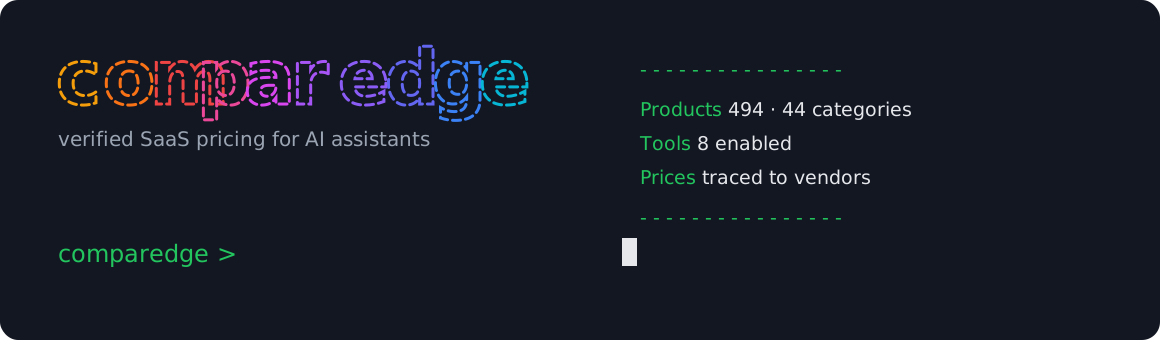
ComparEdge
Flagshipv2.7.1@comparedge/mcp-server
Verified pricing, alternatives, and side-by-side comparisons for 495 SaaS and AI tools across 44 categories. Ask in plain English, get structured data with links back to the source.
{
  "mcpServers": {
    "comparedge": {
      "command": "npx",
      "args": ["-y", "@comparedge/mcp-server"]
    }
  }
}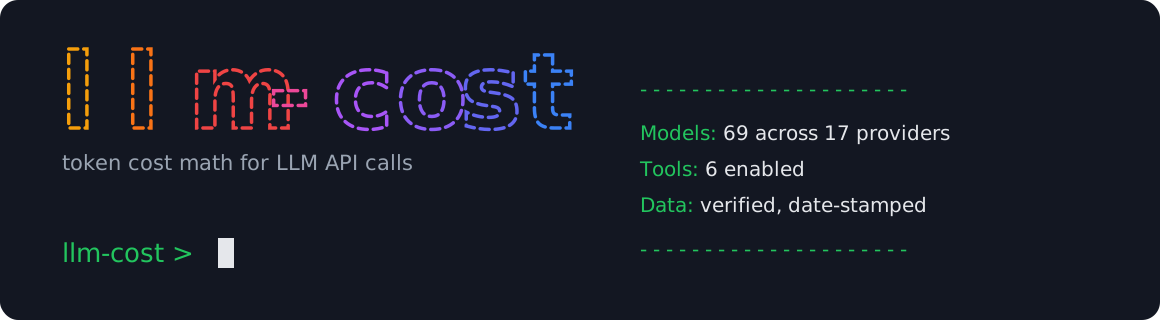
LLM Cost
Newv1.0.0@comparedge/llm-cost-mcp
Estimate and compare the real cost of any LLM workload across 69 models from 17 providers. Live per-token pricing, side-by-side model math, and monthly budget projections without leaving your assistant.
{
  "mcpServers": {
    "llm-cost": {
      "command": "npx",
      "args": ["-y", "@comparedge/llm-cost-mcp@latest"]
    }
  }
}
Publishing to npm shortly. The command above resolves once the package is live.
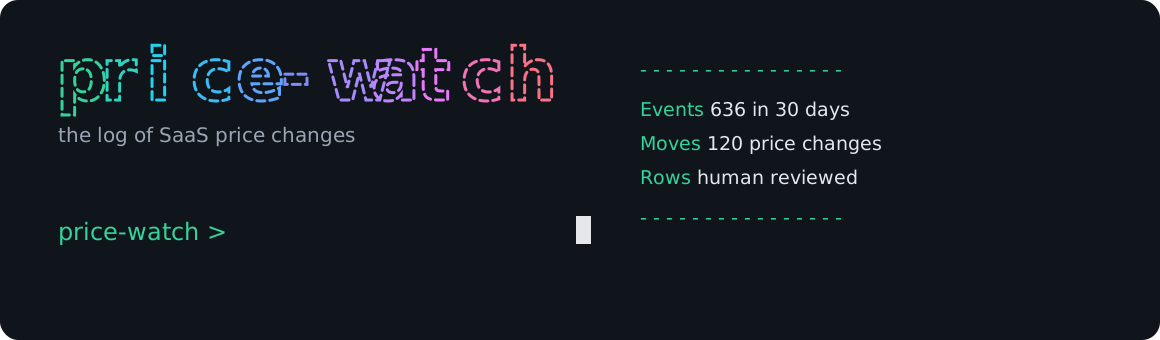
Price Watch
Newv1.0.0@comparedge/price-watch-mcp
Track pricing changes across all 495 tools ComparEdge monitors. Surface recent moves, per-product history, category trends, and the biggest increases so your assistant knows when a vendor changed the deal.
{
  "mcpServers": {
    "price-watch": {
      "command": "npx",
      "args": ["-y", "@comparedge/price-watch-mcp@latest"]
    }
  }
}
Publishing to npm shortly. The command above resolves once the package is live.
See it in action
Ask your AI assistant in plain English. Get structured, verified data back.

Linear Pricing
Free plan: Yes - up to 10 members
Starting price: $8/mo per seat
Plans:
- -Free - Up to 10 members, unlimited issues
- -Business - $8/mo - Unlimited members, admin tools
- -Enterprise - Custom - SSO, audit logs, SLA
19 tools across three servers
Every tool is a read-only lookup that returns structured text with links back to the source pages. Full parameter reference lives in the docs.
ComparEdge
@comparedge/mcp-server8 tools495 tools · 44 categoriessearch_tools
Search 495 SaaS tools by name, category, keyword, or natural language. Stopwords are stripped, keywords matched across name, slug, category, and description.
get_tool
Retrieve the complete profile for a specific tool by its slug.
get_pricing
Retrieve verified pricing plans for a specific tool.
get_alternatives
Find verified alternatives to a tool within the same category.
compare_tools
Side-by-side structured comparison of two software products.
list_category
Browse all tools in a category with a pricing overview.
get_leaderboard
Top-rated tools by category, ranked by aggregated review scores.
list_categories
List all 44 supported software categories with slugs and display names.
LLM Cost
@comparedge/llm-cost-mcp6 tools69 models · 17 providersestimate_cost
Estimate the cost of a workload for a single model from input and output token counts.
compare_models_cost
Run the same token workload across several models and rank them by cost.
monthly_budget
Project monthly spend for a model from a per-day call volume.
cheapest_models
Rank the cheapest models for a given token profile.
list_models
List all 69 tracked models with per-token input and output pricing.
list_providers
List all 17 providers with the number of models tracked for each.
Price Watch
@comparedge/price-watch-mcp5 tools495 tools monitoredrecent_changes
List the most recent pricing changes across every tracked product.
product_changes
Full price-change history for a single product.
category_changes
Recent pricing changes within a category.
biggest_increases
Rank the products with the largest price increases over a window.
check_price
Current verified price and last-changed date for a product.
10 guided prompts
Prompts are ready-made workflows that chain several tools in one pass. Your AI client can expose them as slash commands. Each server ships its own set.
ComparEdge
@comparedge/mcp-server4 promptsfind_best_tool
promptGuided search for the best tool matching a use case. Calls search_tools, then get_pricing on top results.
compare_pricing
promptSide-by-side pricing comparison of two tools. Calls compare_tools plus get_pricing on both.
evaluate_tool
promptFull evaluation in one session: get_tool for the profile, get_pricing for plans, get_alternatives for competitors.
category_overview
promptOverview of the best tools in a category. Resolves the slug, calls get_leaderboard, then get_pricing on the top 3.
LLM Cost
@comparedge/llm-cost-mcp3 promptsestimate_my_workflow
promptEstimate the LLM cost of a described workflow: token estimates plus per-run and monthly cost.
pick_cheapest_model
promptRecommend the cheapest model that still meets a stated requirement, with the top candidates priced.
forecast_ai_budget
promptProject the monthly and yearly bill for a feature from expected volume.
Price Watch
@comparedge/price-watch-mcp3 promptsrecent_price_moves
promptSummarize the notable SaaS pricing changes in a recent window.
track_product
promptCurrent price, free-tier status, and recent direction for one tool.
category_price_watch
promptRecent moves and the sharpest hikes affecting one category.
Ask anything about SaaS
Natural language queries, structured data back. No configuration beyond the one-time setup.
One-time setup
Add one JSON block to your client config. No API key, no global install required.
~/Library/Application Support/Claude/claude_desktop_config.json{
"mcpServers": {
"comparedge": {
"command": "npx",
"args": ["-y", "@comparedge/mcp-server"]
}
}
}{
"mcpServers": {
"comparedge": {
"command": "npx",
"args": ["-y", "@comparedge/mcp-server"]
},
"llm-cost": {
"command": "npx",
"args": ["-y", "@comparedge/llm-cost-mcp@latest"]
},
"price-watch": {
"command": "npx",
"args": ["-y", "@comparedge/price-watch-mcp@latest"]
}
}
}Need more detail? Full installation guide
Listed everywhere
Published across all major MCP registries and developer directories.
Frequently asked questions
Common questions about the ComparEdge MCP family.
What are the three ComparEdge MCP servers?
ComparEdge (verified SaaS pricing, alternatives, and comparisons), LLM Cost (token pricing and budget math across 69 models), and Price Watch (SaaS pricing-change tracking). Each is a separate zero-dependency server. Install one, or run all three side by side.
What is the ComparEdge MCP server?
A zero-dependency Node.js package that connects AI assistants and IDEs to verified SaaS pricing data via the Model Context Protocol. It covers 490+ tools across 44 categories.
Which AI clients does it work with?
Claude Desktop, Cursor, VS Code with GitHub Copilot, and any other MCP-compatible client. Setup requires adding a single JSON block to the client config.
Does it require an API key?
No. No API key, no environment variables. The server fetches data from public ComparEdge endpoints and caches results in memory.
Can I use it alongside other MCP servers?
Yes. It works alongside Postgres MCP, GitHub MCP, and any other community servers. Each server registers its own tools independently, no conflicts.
How do I install it?
Run npx @comparedge/mcp-server or add {"comparedge": {"command": "npx", "args": ["-y", "@comparedge/mcp-server"]}} to your client config.
What SaaS categories does it cover?
AI coding tools, project management, CRM, AI agents, LLM APIs, cloud hosting, design tools, and 40+ more categories. Full catalog at comparedge.com/best.
Is it open source?
Yes. MIT license. Source code and issue tracker on GitHub at github.com/comparedge/mcp-server-comparedge.
Add it in 60 seconds
One config block. Your AI assistant gets access to 490+ verified tools instantly.