

ClickUp Pricing: Plans & Cost Calculator 2026
Unlimited at $10/user/mo and Business at $19 cover growing teams, above a genuinely usable free tier and below a custom Enterprise. AI is a separate add-on.
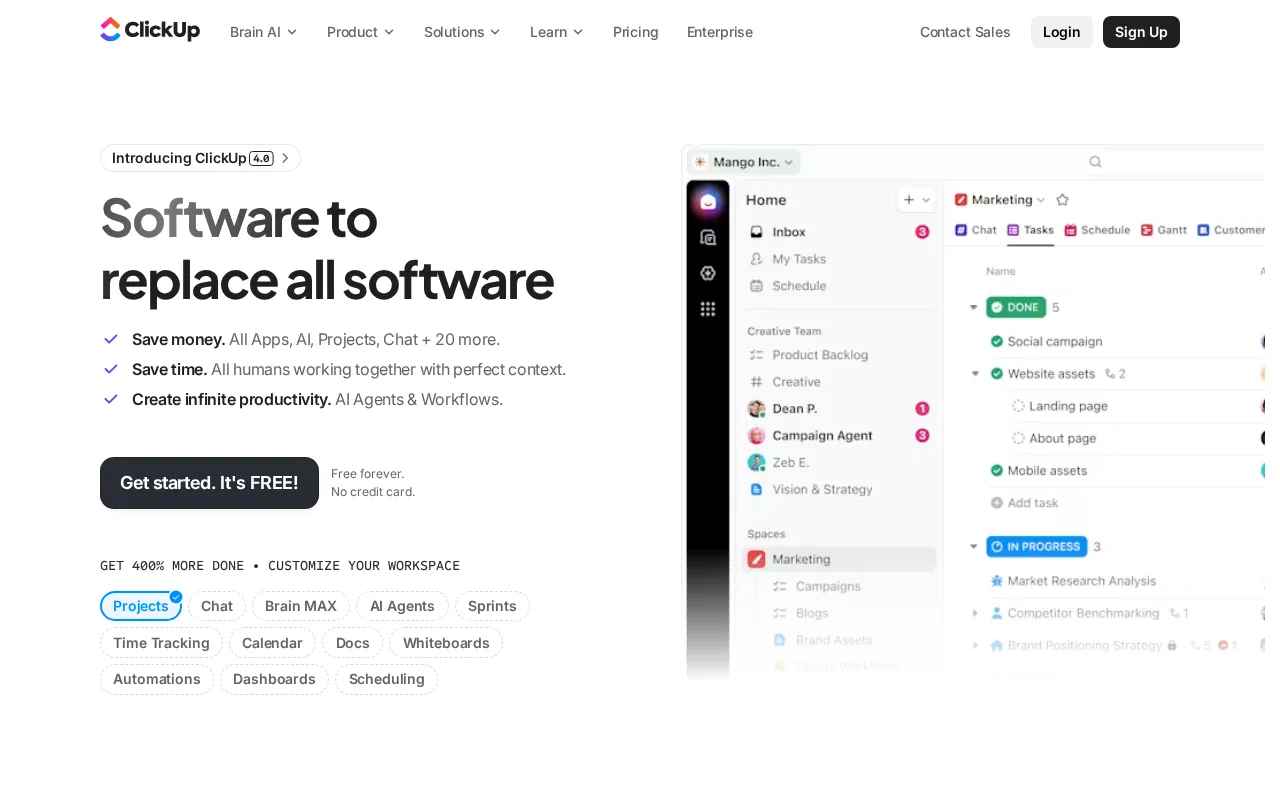
ClickUp plans and pricing
Billing surface
Pick a plan, set your seat count and switch billing to see the running total. The full breakdown lives in the calculator below.
Free Forever
Individuals or small teams starting out
Unlimited
Teams needing more storage and integrations
Brain AI
Teams wanting core AI for productivity
Business
Growing businesses
Everything AI
Teams wanting full agentic AI suite
Enterprise
Large organizations needing governance + security
ClickUp pricing: the quick answer
ClickUp charges $10 per user per month for Unlimited and $19 for Business as of July 8, 2026, or $7 and $12 billed annually, over a Free Forever plan that gives unlimited tasks but caps file storage at 60 MB. Enterprise is a custom quote. AI is not included: Brain AI is a $14 per user per month add-on ($9 annually) and Everything AI runs $33 ($28 annually), both stacked on the base plan. Heavy AI use also draws on Super Credits at $10 per 10,000. The base tiers are priced sharply; the AI layer is where the number grows.
- Free ForeverFree
- Unlimited$10/user/mo
- Brain AI$14/user/mo
- Business$19/user/mo
- Everything AI$33/user/mo
- EnterpriseCustom
At $10/mo to start, ClickUp sits right at the $10/mo median across 19 project management tools we track.
ClickUp cost calculator
ClickUp Hidden Costs & Pitfalls
ClickUp's base plans are only part of the story. The AI add-ons and their credit meter are what push a real bill past the seat price.
ClickUp pricing, read against its live plans and category
Positioning
ClickUp positions itself aggressively around the category median of $10/mo. The Unlimited plan at $10/user/mo offers strong baseline value with native time tracking and unlimited storage, while the Business plan at $19/user/mo pushes past the median to gate advanced automations and workload management. For teams needing basic task tracking, the Free Forever plan is highly competitive, but scaling past basic features forces users into steep per-seat price jumps that quickly erode the tool's cost-to-value ratio.
Cost drivers
- 1Guest seat monetization: ClickUp charges full member fees for guests unless they are restricted to view-only access.
- 2Mandatory workspace-wide upgrades: Upgrading requires paying for every single seat in the workspace, with no option for individual or partial team upgrades.
- 3AI add-on fees: ClickUp Brain features require an additional paid subscription on top of the base plan cost.
Watch-outs
Users report sudden, poorly communicated changes to billing structures and guest policies that instantly inflate software spend. The platform has faced backlash for retroactively charging full member rates for previously free guest accounts.
Strengths
The Unlimited plan at $10/user/mo offers unmatched feature breadth: Consolidates tasks, docs, goals, and whiteboards.
- Unmatched feature breadth: Consolidates tasks, docs, goals, and whiteboards.
- Highly customizable views (List, Board, Calendar, Gantt, Mind Map, etc.).
- Generous free forever plan with 60MB storage and unlimited tasks.
What users say
“I love the AI features (ClickUp Brain) and automations.”
“ClickUp is quite unique with the dishonest pricing games that they play.”
Editor’s take
Solopreneurs and small teams should stick to the Free Forever or $10/user/mo Unlimited plan to avoid steep scaling costs. Mid-sized teams requiring advanced workload management will find the $19/user/mo Business plan expensive once guest seats are factored in. If you want a highly customizable workspace without the aggressive seat-upgrading traps, choose Notion starting at $10/user/mo as the sharpest alternative.
 Oleh KemFounder & Lead Analyst
ClickUp price history
Cheaper Project Management tools


Frequently asked questions
Sources & verification
| Source | What was checked | Last checked |
|---|---|---|
| Official Pricing Page | Source of verified tiers | July 8, 2026 |
| Official Website | Official vendor website | — |
| G2 | G2 verified user reviews · 4.7/5 · 12,357 reviews | — |
| Capterra | Capterra verified user reviews · 4.6/5 | — |
| TrustRadius | TrustRadius verified reviews | — |
| PeerSpot | PeerSpot enterprise peer reviews | — |
Every fact on this ClickUp pricing page is tied to a named source and a verification date. Freshness-sensitive figures trace to the sources above; verify against the vendor before relying on them.
Explore ClickUp
Every page on ClickUp in one place, you are on pricing.