
Todoist Review: Features, Pricing & Integrations 2026
Best for individuals and small teams who prioritize ultra-fast task entry. It ranges from free to $10/mo, but reminders require a paid plan.
Expert Analysis of Todoist
Solo users and small teams get the cleanest deal: every plan is priced on the page with no hidden enterprise step. Free covers the basics, task reminders included; custom and unlimited reminders wait behind Pro. A to-do app, not team project management.
 Oleh KemFounder & Lead Analyst
Natural Language Task Entry for Standups
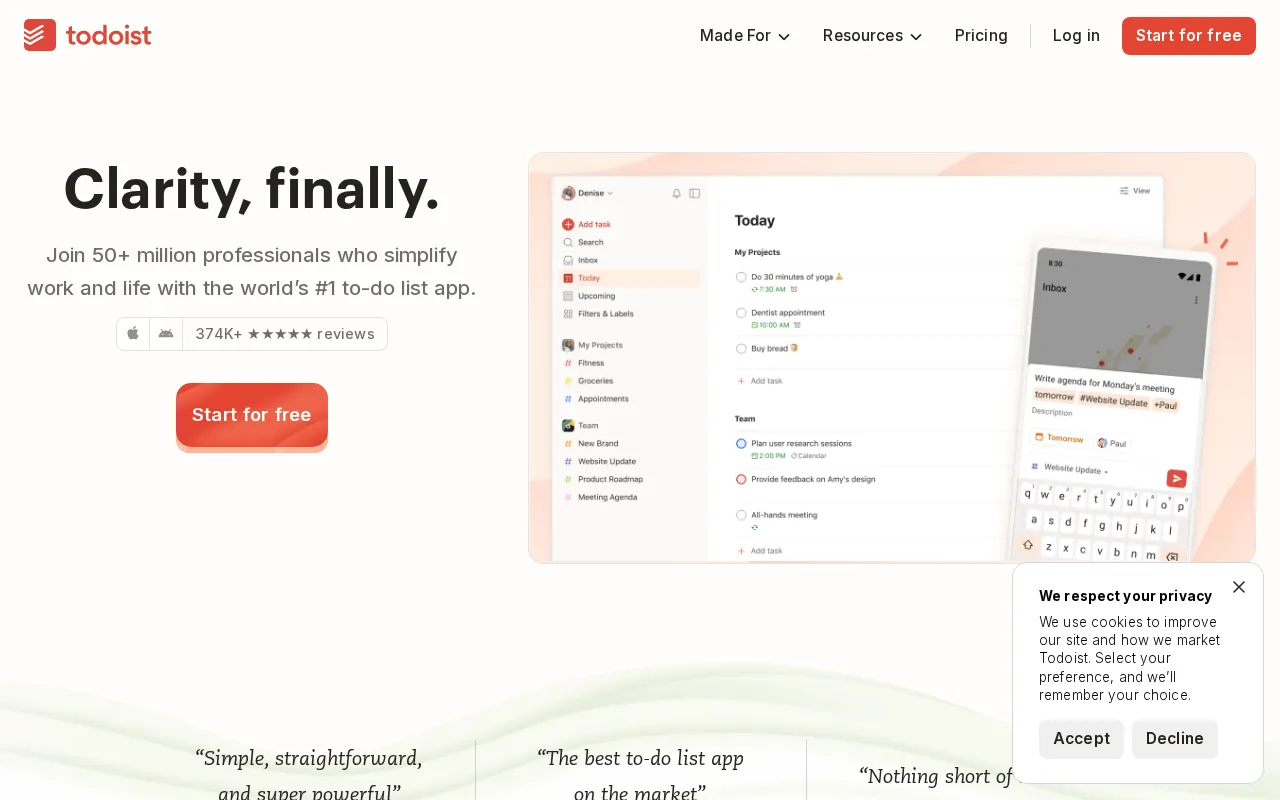
Natural Language Input turns phrases like 'fix auth bug tomorrow @backend' into fully structured tasks with dates and labels, slashing standup prep time from 15 minutes to under 3.
Beginner
FreeBest for: Individuals starting to organize their life
- ✓5 personal projects
- ✓Smart Quick Add
- ✓Task reminders
- ✓Flexible list & board layouts
- ✓3 filter views
Prices last verified July 8, 2026
Monitored Plans & Rates
Currently TrackingComparEdge is tracking Todoist pricing. No price changes recorded since monitoring began.
The Final Verdict: Is Todoist Right for You?
A top-rated project management tool with 43 features and a free plan - excellent for Individuals & small, agile teams.
Top Pros
- Natural language input for quick task creation (e.g., 'every Friday at 10am')
- Karma system gamifies productivity and tracks progress over time
- Excellent cross-platform sync across 10+ native apps (desktop, mobile, web)
Watch Out For
- Free plan lacks key features like reminders, comments, and filters
- No built-in calendar view; requires third-party integration
Oleh KemFounder & Lead AnalystExpert verified·Updated July 8, 2026·Our methodologyFrequently Asked Questions About Todoist
Explore More Project Management Tools for 2026






Sources & verification
| Source | What was checked | Last checked |
|---|---|---|
| Official Website | Official vendor website | — |
| Official Pricing Page | Source of verified tiers | July 8, 2026 |
| G2 | G2 verified user reviews · 4.5/5 · 826 reviews | — |
| Capterra | Capterra verified user reviews · 4.6/5 | — |
| TrustRadius | TrustRadius verified reviews | — |
Every fact on this Todoist pricing page is tied to a named source and a verification date. Freshness-sensitive figures trace to the sources above; verify against the vendor before relying on them.
Explore Todoist
Every page on Todoist in one place, you are on overview.