

Trello Review: Features, Pricing & Integrations 2026
Ideal for small teams needing simple Kanban tracking, this free-to-$12.50/mo tool holds a 4.4/5 G2 rating but lacks native Gantt charts.
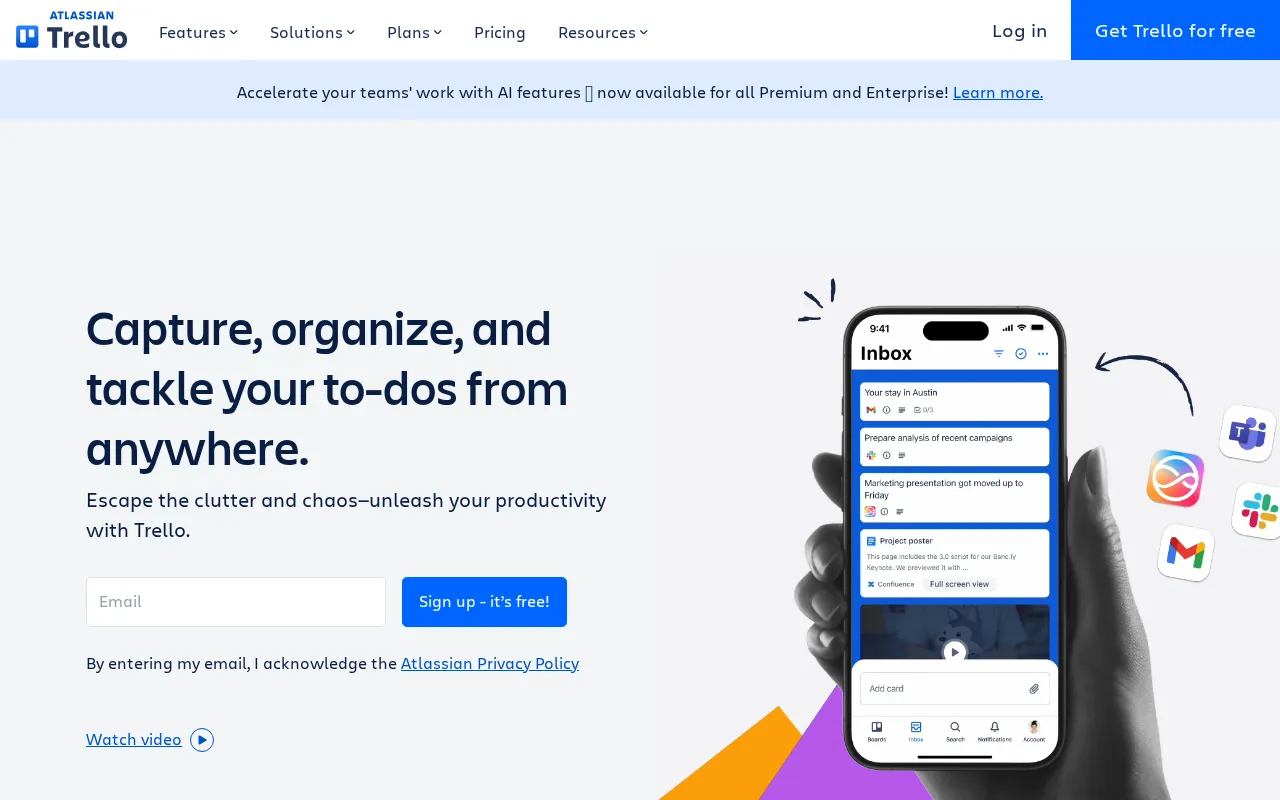
Expert Analysis of Trello
Small teams get more free than they expect: 10 boards with Butler automation already on. Past that, Trello stays a kanban board with no native Gantt or dependencies. Enterprise only prices sensibly at 50 users.
 Oleh KemFounder & Lead Analyst
Bug Triage With Butler Automation
Custom Fields categorize bugs by severity and product area, while Butler automation routes cards through triage stages based on customer report volume thresholds.
Async Daily Standup Log for Remote Devs
Each morning, engineers add a Card with Custom Fields for completed work and blockers; Butler automation compiles the responses and posts a team chat digest by 9 AM.
Ad Hoc Request Queue for Studios
Requests flow through Queue → In Progress → Review → Delivered on a Kanban board, with Custom Fields logging turnaround time and deliverable type per client.
Cross-Board Dependency Mapping
Card Links connect issues across multiple Kanban Boards; Timeline View renders those relationships as a Gantt chart, surfacing cross-team scheduling conflicts weeks in advance.
Showing 3 of 4 plans. See all plans & API pricing →
Prices last verified July 8, 2026
Monitored Plans & Rates
Currently TrackingComparEdge is tracking Trello pricing. No price changes recorded since monitoring began.
The Final Verdict: Is Trello Right for You?
A top-rated project management tool with 18 features and a free plan - excellent for Small teams & simple projects.
Top Pros
- Extremely intuitive Kanban interface with a minimal learning curve.
- Generous free plan with unlimited cards and up to 10 boards.
- Rich automation (Butler) is included even on the free plan.
Watch Out For
- Lacks native reporting, Gantt charts, and dependency management.
- Becomes cluttered and slow when managing many cards on a single board.
Oleh KemFounder & Lead AnalystExpert verified·Updated July 8, 2026·Our methodologyFrequently Asked Questions About Trello
Explore More Project Management Tools for 2026





Sources & verification
| Source | What was checked | Last checked |
|---|---|---|
| Official Website | Official vendor website | — |
| Official Pricing Page | Source of verified tiers | July 8, 2026 |
| G2 | G2 verified user reviews · 4.4/5 · 13,985 reviews | — |
| Capterra | Capterra verified user reviews · 4.5/5 | — |
| TrustRadius | TrustRadius verified reviews | — |
| PeerSpot | PeerSpot enterprise peer reviews | — |
| StackShare | StackShare developer community | — |
Every fact on this Trello pricing page is tied to a named source and a verification date. Freshness-sensitive figures trace to the sources above; verify against the vendor before relying on them.
Explore Trello
Every page on Trello in one place, you are on overview.