

Wrike Review: Features, Pricing & Integrations 2026
Enterprise teams use Wrike to manage complex, cross-functional workflows. It offers free plans but has a steep learning curve.
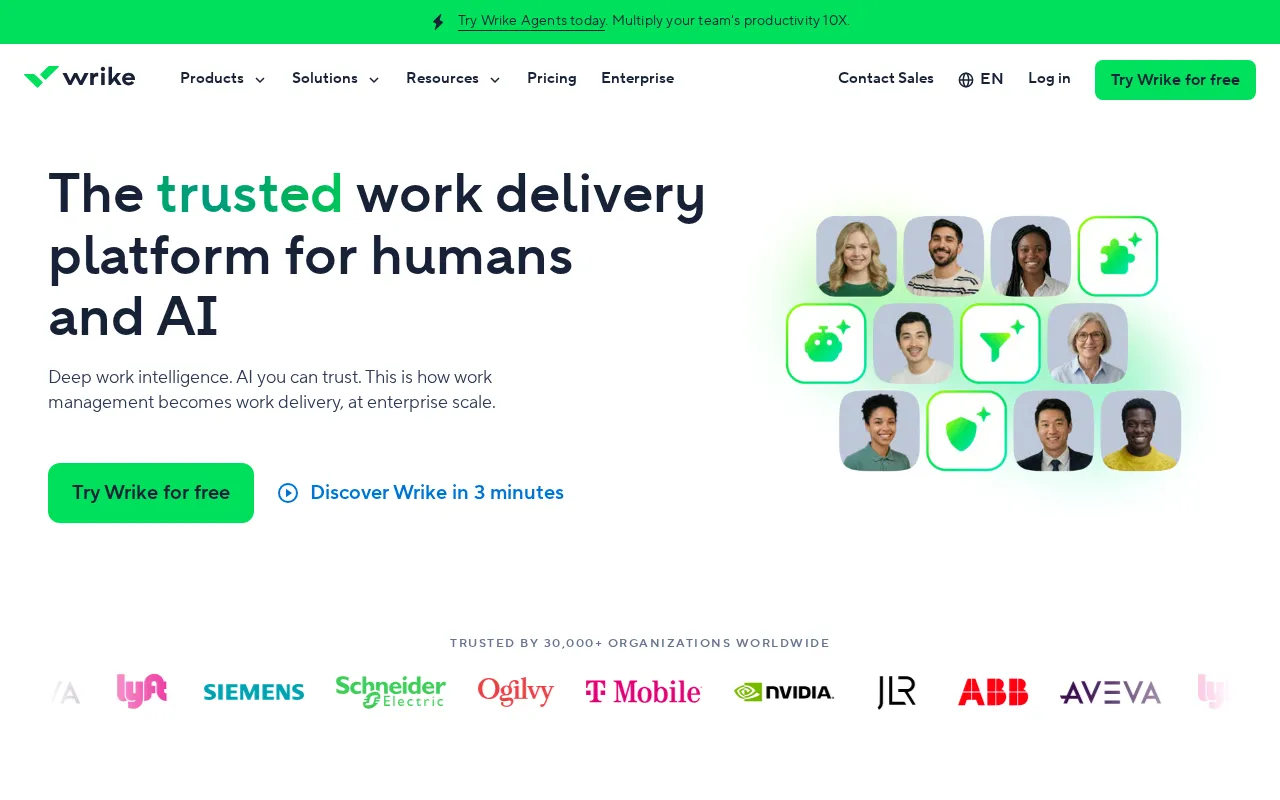
Expert Analysis of Wrike
The catch is billing cadence: Team and Business list on annual terms only, so there is no month-to-month way in. Wrike carries proofing and resourcing for services teams, and its own price list reserves the right to change packaging and pricing at any time.
 Oleh KemFounder & Lead Analyst
Client Proofing Inside Task Timelines
Proofing embeds client review into task timelines, with frame-specific markup and approval gates that automatically unlock downstream tasks after sign-off is received.
IT Resource Planning by Skill Queue
Resource Planning maps engineer capacity across support and infrastructure queues; Custom Workflows route priority incidents to the least-loaded available staff automatically.
Multi-Site Construction Sync Dashboard
Dashboards share weekly milestones per site in a read-only view; task dependencies alert teams when a delayed phase impacts downstream work at other locations.
Free
FreeBest for: Individuals needing essential task management
- ✓Basic task management
- ✓Collaborative work
- ✓Limited integrations
- ✓Up to 5 users
Showing 3 of 5 plans. See all plans & API pricing →
Prices last verified July 8, 2026
Monitored Plans & Rates
Currently TrackingComparEdge is tracking Wrike pricing. No price changes recorded since monitoring began.
The Final Verdict: Is Wrike Right for You?
A top-rated project management tool with 39 features and a free plan - excellent for Large teams & enterprise organizations.
Top Pros
- Customizable dashboards and workflows for complex projects
- Advanced reporting with real-time analytics and BI tools
- Enterprise-grade security features (SSO, 2FA, user roles)
Watch Out For
- Steep learning curve; interface can feel cluttered and overwhelming
- Mobile app has limited functionality compared to the desktop version
Oleh KemFounder & Lead AnalystExpert verified·Updated July 8, 2026·Our methodologyFrequently Asked Questions About Wrike
Explore More Project Management Tools for 2026






Sources & verification
| Source | What was checked | Last checked |
|---|---|---|
| Official Website | Official vendor website | — |
| Official Pricing Page | Source of verified tiers | July 8, 2026 |
| G2 | G2 verified user reviews · 4.2/5 · 4,527 reviews | — |
| Capterra | Capterra verified user reviews · 4.3/5 | — |
| TrustRadius | TrustRadius verified reviews | — |
| PeerSpot | PeerSpot enterprise peer reviews | — |
Every fact on this Wrike pricing page is tied to a named source and a verification date. Freshness-sensitive figures trace to the sources above; verify against the vendor before relying on them.
Explore Wrike
Every page on Wrike in one place, you are on overview.