
Best GoTo Meeting Alternatives in 2026
Riverside.fm ($9/mo) delivers superior studio-grade recording quality for remote video-conferencing. Switch if per-organizer licensing fees are bloating your budget.
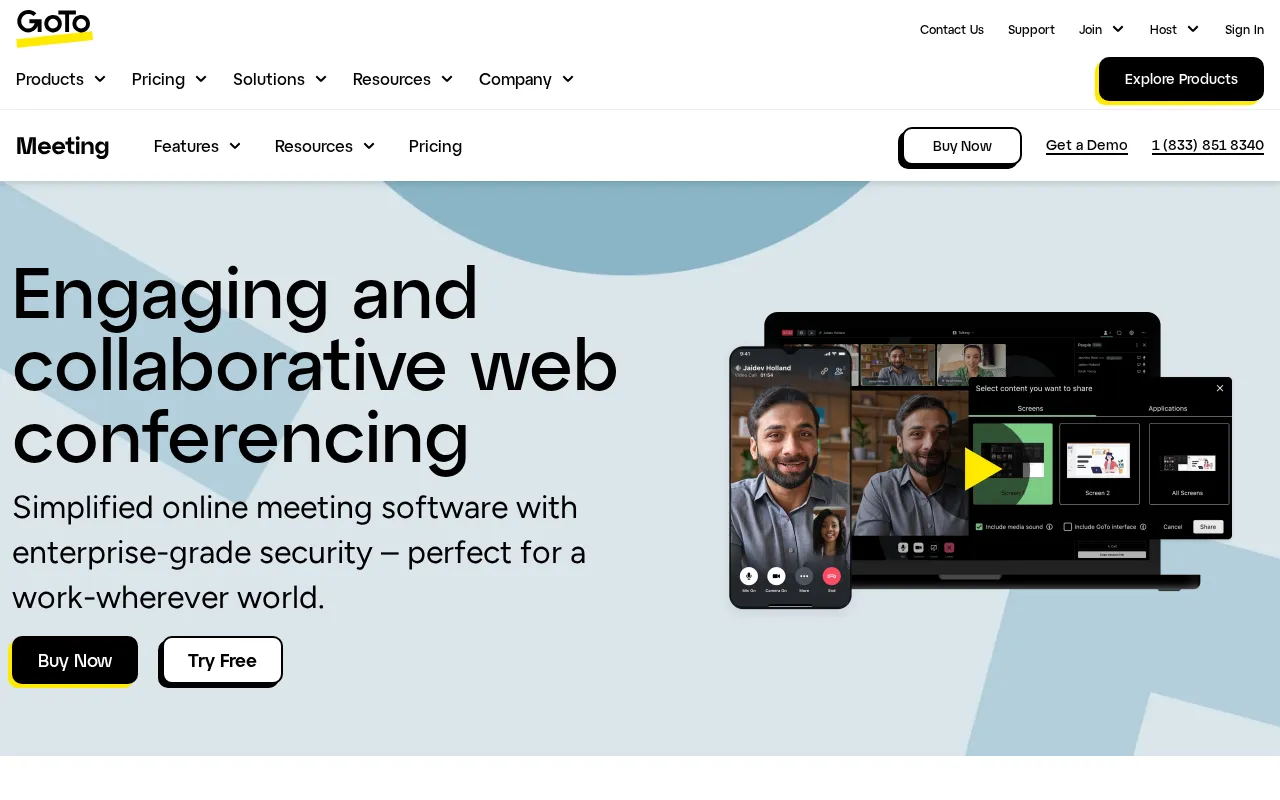
Feature Overview: Top GoTo Meeting Alternatives
GoTo Meeting compared against all 18 video conferencing alternatives. Pricing, free plan availability, rating, and video conferencing-specific capabilities.
| Tool | Price | Free Plan | Rating |
|---|---|---|---|
 | $14/mo | No | 4.2G2 |
 | $14/mo | 4.8G2 | |
 | $18/mo | 4.7G2 | |
 | $500/mo | 4.7G2 | |
 | $16/mo | 4.7G2 | |
 | $18/mo | 4.7G2 | |
 | $8.75/mo | 4.5G2 | |
 | $63/mo | No | 4.4G2 |
 | $16.99/mo | 4.5G2 | |
 | $8.4/mo | 4.6G2 | |
 | $10.99/mo | 4.6G2 | |
 | $99/mo | 4.3G2 | |
 | $16.49/mo | 4.5Capterra | |
 | $16.8/mo | 4.3G2 | |
 | $99/mo | 4.3G2 | |
 | $14.5/mo | 4.3G2 | |
 | Free | 4.4G2 | |
 | $27/mo | No | 4.4G2 |
 | $30/mo | No | 4.1G2 |
When Should You Stick with GoTo Meeting?
Alternatives are not always the right move. GoTo Meeting remains strong in these scenarios.
- +Commuter Mode saves mobile data with an audio-only option
- +Smart Meeting Assistant provides automated transcripts and notes
- +No download required for attendees; join instantly from a browser
- +Drawing tools allow real-time annotation on a shared screen
- +Strong security with risk-based authentication and encryption
- -User interface feels dated compared to modern competitors like Zoom
- -Mobile app functionality is less robust than the desktop version
- -Higher-tier plans are required for features like transcription and drawing tools
- -The 250-participant limit is lower than many enterprise-level alternatives
GoTo Meeting Alternatives by Team Size
18 video conferencing tools compared. Most teams switch over participant limits, recording features, or pricing.
Expert Take
Cheaper for a crowd than seat-priced rivals, because GoTo Meeting bills per organizer and attendees join free. The $14 Professional plan covers one host and a small room; the $19 Business plan lifts the ceiling, which still stops at 250 people.
 Oleh KemFounder & Lead Analyst
A remote recording studio that captures locally-recorded, separate audio and video tracks for high-quality content creat. Rated 4.9/5 vs 4.3/5 for GoTo Meeting.
- +Local recording for lossless 48kHz WAV audio & 4K video
- +Separate audio/video tracks for each participant for easy editing
- +AI-powered text-based video editor simplifies post-production
- +Progressive upload ensures files are safe even if connection drops
- −Free plan watermarks all exported content
- −Mobile app has fewer features than the desktop version
- −Requires significant local storage and upload bandwidth from guests
An async video messaging platform for creating and sharing instantly-watchable screen recordings and webcam messages.. Rated 4.8/5 vs 4.3/5 for GoTo Meeting.
- +Instant sharing via link; no rendering or upload wait time
- +Generous free plan with up to 25 videos/user and 5-min limit
- +AI-powered summaries, titles, and chapter generation
- +Interactive features: viewer comments and emoji reactions
- −No advanced video editing tools like trimming the middle of a clip
- −Mobile app has limited recording and editing functionality
- −Video organization can become cluttered without disciplined folder use
An API platform for developers to embed real-time video and audio calls directly into any website or application.. Rated 4.8/5 vs 4.3/5 for GoTo Meeting.
- +Generous free tier: 10,000 participant-minutes/month
- +Prebuilt UI for rapid deployment with minimal front-end code
- +Global infrastructure for low-latency calls (SFU network)
- +Comprehensive SDKs for web, mobile, and desktop platforms
- +Advanced features like live transcription and real-time streaming
- +Video API
- −Usage-based pricing can become expensive at very high scale
- −Free tier lacks HIPAA eligibility and advanced support options
- −Fewer out-of-the-box integrations than some larger competitors
Open-source scheduling infrastructure that automates meeting bookings with its own built-in video conferencing solution.. Rated 4.8/5 vs 4.3/5 for GoTo Meeting.
- +Open-source core allows for deep customization and self-hosting
- +White-labeling on Team plan for a fully branded client experience
- +API-first design enables embedding scheduling into any product
- +Built-in Cal Video simplifies workflow; no third-party app needed
- +Extensive app store for integrations beyond standard calendars
- −Cal Video lacks advanced features like virtual backgrounds or polling
- −UI can be less intuitive for users new to advanced scheduling tools
- −Mobile app experience is less polished than the web application
An all-in-one video platform for planning, running, and recapping highly engaging, collaborative workshops and training . Rated 4.8/5 vs 4.3/5 for GoTo Meeting.
- +Built-in agenda with time tracking keeps workshops on schedule
- +Pre-set breakout rooms with unique tools for each group
- +Interactive flashcards, polls, and soundboards engage participants
- −Free plan is limited to 40-minute sessions and 10 participants
- −Mobile app has limited functionality compared to the desktop version
- −No virtual backgrounds or advanced video filters are available
A team communication hub where you can launch instant audio/video huddles with screen sharing directly from your chats.. Rated 4.6/5 vs 4.3/5 for GoTo Meeting.
- +Start video huddles directly within any channel or DM
- +Live video, screen sharing, and drawing tools in one lightweight interface
- +Persistent huddle thread keeps notes and links organized post-call
- +Deep integration with your existing Slack workspace and workflows
- +Multi-person screen sharing allows for collaborative presentations
- −Huddles are limited to 50 participants, even on paid plans
- −No native virtual backgrounds or advanced video filters
- −Video recording is a premium feature, unavailable on the Free plan
No-download webinar platform for marketing teams and lead generation. Rated 4.5/5 vs 4.3/5 for GoTo Meeting.
- +Highly rated (4.4/5 on G2)
- +15 key features including Live Webinars and Automated Webinars
- +Multiple pricing tiers (3 plans) to match different needs
- +AI-powered features built in
- +Workflow automation capabilities
- +Live Webinars
- +Automated Webinars
- −Higher price point (from $59/mo)
A unified communications platform for video meetings, team chat, webinars, and phone systems with high-quality performan. Rated 4.6/5 vs 4.3/5 for GoTo Meeting.
- +Industry-leading video/audio quality and reliability, even on low bandwidth
- +Generous free plan with 40-minute group meetings for up to 100 attendees
- +Extensive third-party app integrations via the Zoom App Marketplace
- +Strong webinar features for large-scale virtual events and broadcasting
- +Advanced features like immersive views, breakout rooms, and detailed analytics
- +Video Meetings
- −Free plan meetings are limited to 40 minutes for 3+ participants
- −Cloud storage on paid plans is limited (1-10GB) without expensive add-ons
- −End-to-end encryption is not enabled by default and limits some features
Showing 8 of 18 alternatives
Common Questions About Switching from GoTo Meeting
Sources & verification
| Source | What was checked | Last checked |
|---|---|---|
| Official Website | Official vendor website | — |
| Official Pricing Page | Source of verified tiers | July 8, 2026 |
| G2 | G2 verified user reviews · 4.2/5 · 20,893 reviews | — |
| Capterra | Capterra verified user reviews · 4.4/5 | — |
| TrustRadius | TrustRadius verified reviews | — |
| PeerSpot | PeerSpot enterprise peer reviews | — |
Every fact on this GoTo Meeting pricing page is tied to a named source and a verification date. Freshness-sensitive figures trace to the sources above; verify against the vendor before relying on them.