

Remote software alternatives

Best Remote Alternatives in 2026

Updated July 16, 2026 · 6 ranked

Rippling starts at 8 dollars per user monthly, undercutting Remote paid plans. Switch if you need cheaper contractor management than Remote 29 dollar rate.

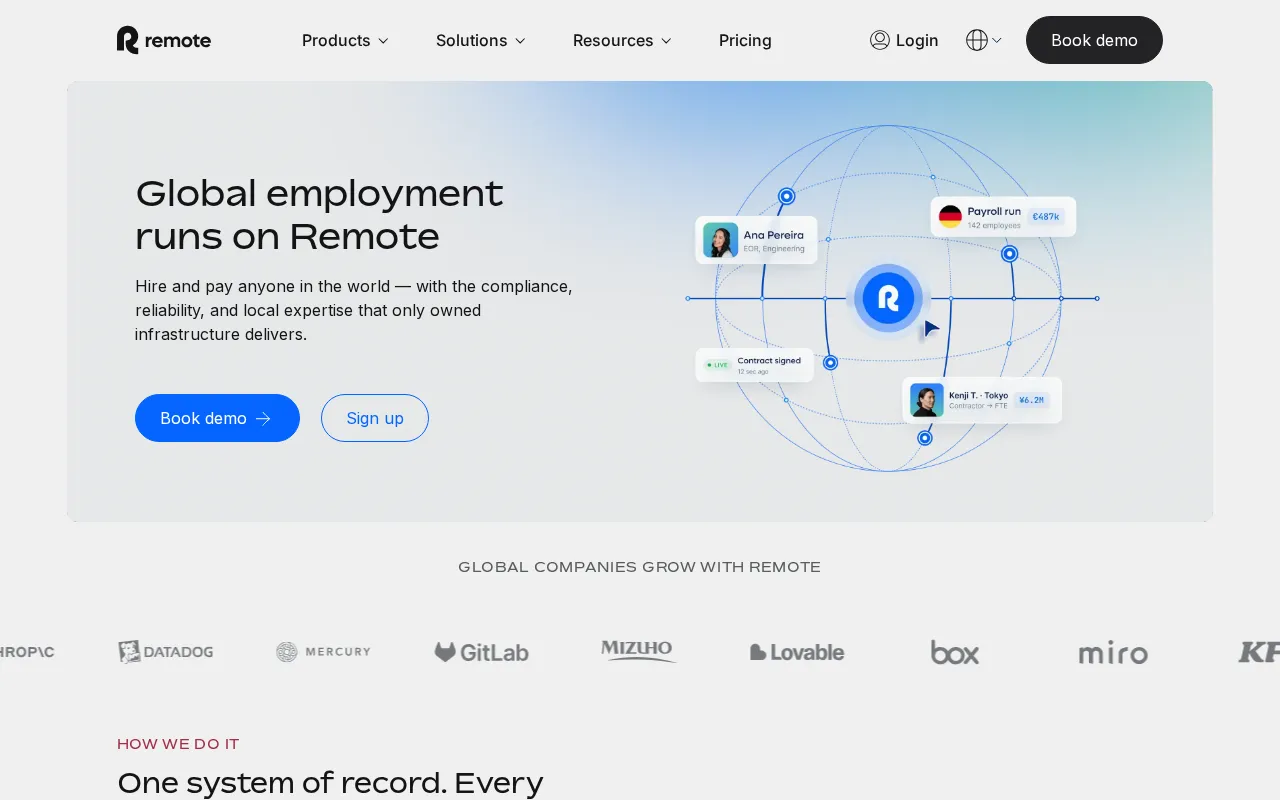
Remote interface screenshot

Feature Overview: Top Remote Alternatives

Remote compared against all 6 hr & people ops alternatives. Pricing, free plan availability, rating, and hr & people ops-specific capabilities.

ToolPriceFree PlanRating
Remote logo
Remoteyou
$29/moNo4.6G2
Rippling logo
Rippling
CustomNo4.8G2
Deel logo
Deel
$5/moNo4.7G2
Gusto logo
Gusto
$35/moNo4.6G2
Lattice logo
Lattice
Pay-as-you-goNo4.7G2
BambooHR logo
BambooHR
$10/moNo4.4G2
Workday logo
Workday
Pay-as-you-goNo4.1G2

How Does Remote Compare to Alternatives?

Independently verified metrics. Sources: Vendor documentation, independent research. Verified 2026.

ToolCountriesTime to HiredaysIntegrations+
Remote (this)180350
Rippling1851500
Deel1502200
Gusto11100
Lattice--30
BambooHR13120
Workday1757700
Countries: Countries with native payroll compliance.Time to Hire: Average time-to-hire reduction vs manual process.Integrations: ATS, payroll, and HRIS integrations.

When Should You Stick with Remote?

Alternatives are not always the right move. Remote remains strong in these scenarios.

Stick with Remote if you need
  • +Owns legal entities in 60+ countries, ensuring direct compliance
  • +Flat, transparent pricing for Employer of Record ($599/mo)
  • +Strong intellectual property & invention rights protection built-in
  • +Manages contractor payments, EOR, and global payroll in one platform
  • +Includes benefits administration in its core EOR offering
Consider an alternative when
  • -EOR pricing is fixed and can be costly for lower-wage countries
  • -Customer support response times can be slow during peak periods
  • -Platform UI can feel less intuitive than some modern competitors
  • -Limited advanced HRIS features like performance management
Before You Switch: 5-Step Migration Checklist
1Export your Remote data — documents, settings, templates, and API credentials
2Audit all integrations and automations built on Remote
3Run a 2-week parallel trial on a non-critical workflow before cancelling Remote
4Calculate true cost delta: include retraining time + data migration, not just subscription price
5Confirm the alternative covers your primary use case — a lower price is worthless if core workflows break

Remote Alternatives by Company Size

6 alternatives evaluated by features, pricing, and real-world use cases.

Expert Take

Deel splits global hiring into line items; Remote charges one flat $699 Employer of Record fee per head and owns the legal entities doing the hiring, not a subcontractor. Predictable, but it does not flex down for a cheap country, so the same seat can cost more than the local salary math would suggest.

·Oleh KemOleh KemFounder & Lead Analyst

All-in-one HR, IT, and finance platform for workforce management. Rated 4.9/5 vs 4.7/5 for Remote.

Why Choose Rippling
  • +Unified HR + IT + Finance platform
  • +Excellent automation capabilities
  • +Fast onboarding/offboarding
  • +Highly rated by customers
  • +Payroll Processing
  • +Device Management
  • +App Provisioning
  • +Time & Attendance
Points of Friction
  • Starting price requires custom quote for full features
  • Can be complex to set up
  • More expensive than simpler HR tools
Deel logo
Deel4.7G2
SaaS ToolFrom $5/mo

An all-in-one platform to hire, pay, and manage international contractors and employees compliantly without local entiti. Starts cheaper at $5/mo vs $29/mo.

Why Choose Deel
  • +Hire contractors or EOR employees in 150+ countries
  • +Automated, localized contract generation and e-signing
  • +Pay team in 120+ currencies, including crypto options
  • +Deel-funded cash advance for contractors between pay cycles
  • +Integrated global background checks and equipment provisioning
Points of Friction
  • EOR pricing is premium compared to some regional providers
  • Customer support response times can be slow during peak periods
  • Limited native integrations with smaller, niche HRIS/accounting tools
Gusto logo
Gusto4.6G2
SaaS ToolFrom $35/mo

An all-in-one platform for US small businesses to manage payroll, benefits, HR, and compliance automatically.. Priced higher at $35/mo vs $29/mo.

Why Choose Gusto
  • +Automated payroll with unlimited runs and off-cycle payments
  • +Full-service benefits admin including health, 401(k), and commuter
  • +Employee self-onboarding and lifetime portal access
  • +Handles multi-state payroll and tax filings automatically
  • +Integrates time tracking, PTO, and hiring tools in one platform
  • +Payroll Processing
  • +Tax Filing
Points of Friction
  • Payroll processing is limited to the United States only
  • No dedicated account manager on lower-tier plans (Simple, Plus)
  • Advanced HR features (surveys, performance) require Premium plan
Lattice logo
Lattice4.7G2
SaaS ToolPay-as-you-go

An integrated people success platform for performance, engagement, and growth that connects goals to company outcomes..

Why Choose Lattice
  • +Connects performance reviews directly to goals (OKRs) and growth plans
  • +Automated review cycles with deep customization and templates
  • +Powerful manager tools: 1:1 agendas, feedback, and team dashboards
  • +Seamless Slack/Teams integration for real-time feedback and praise
  • +Holistic view of employee sentiment via engagement and pulse surveys
  • +Performance Reviews
  • +360 Feedback
Points of Friction
  • Pricing is a la carte; full-suite cost per user can be high ($20+)
  • Lacks native HRIS features like payroll, benefits, or time-off tracking
  • Can feel overly complex for small teams not using all modules
BambooHR logo
SaaS ToolFrom $10/mo

An all-in-one HRIS platform that centralizes employee data, hiring, onboarding, and performance management for SMBs.. Remote edges it on ratings (4.7 vs 4.5/5).

Why Choose BambooHR
  • +Centralizes employee data into a single, accessible system of record.
  • +Streamlines onboarding with customizable new hire packets and task lists.
  • +Strong applicant tracking system (ATS) is seamlessly integrated.
  • +Employee self-service for time-off requests and personal data updates.
  • +Intuitive, clean user interface simplifies daily HR tasks for all users.
Points of Friction
  • Lacks an integrated payroll module; requires third-party integration.
  • Limited benefits administration capabilities compared to dedicated platforms.
  • Performance management tools are solid but lack deep customization.
Workday logo
Workday4.1G2
SaaS ToolPay-as-you-go

Enterprise cloud HCM and finance platform for large organizations. Remote edges it on ratings (4.7 vs 4.2/5).

Why Choose Workday
  • +Comprehensive enterprise HR suite
  • +Strong analytics and reporting
  • +Unified HR and finance platform
  • +Excellent compliance capabilities
Points of Friction
  • Workday can be improved in terms of reporting and customization.
  • Workday could improve its custom reporting for beginners.
  • If you want to add more features to your subscription, Workday becomes expensive.


Oleh KemOleh KemFounder & Lead AnalystExpert verified·Updated July 16, 2026·Our methodology
Price & Data Intelligence SyncLast verified: July 31, 2026 · CE-HRTO-2026W31-A9DC49 · ✓ Pricing updated
Up to date

Common Questions About Switching from Remote


Sources & verification

Verified by ComparEdgeMethod: Vendor docs, official pages, and selected independent sources
SourceWhat was checkedLast checked
Official WebsiteOfficial vendor website
Official Pricing PageSource of verified tiersJuly 16, 2026
G2G2 verified user reviews · 4.6/5 · 3,887 reviews
CapterraCapterra verified user reviews · 4.7/5
TrustRadiusTrustRadius verified reviews
PeerSpotPeerSpot enterprise peer reviews

Every fact on this Remote pricing page is tied to a named source and a verification date. Freshness-sensitive figures trace to the sources above; verify against the vendor before relying on them.