

Copper Review: Features, Pricing & Integrations 2026
Google-centric sales teams use Copper to manage pipelines directly from Gmail. Plans run $12-$134/mo per user.
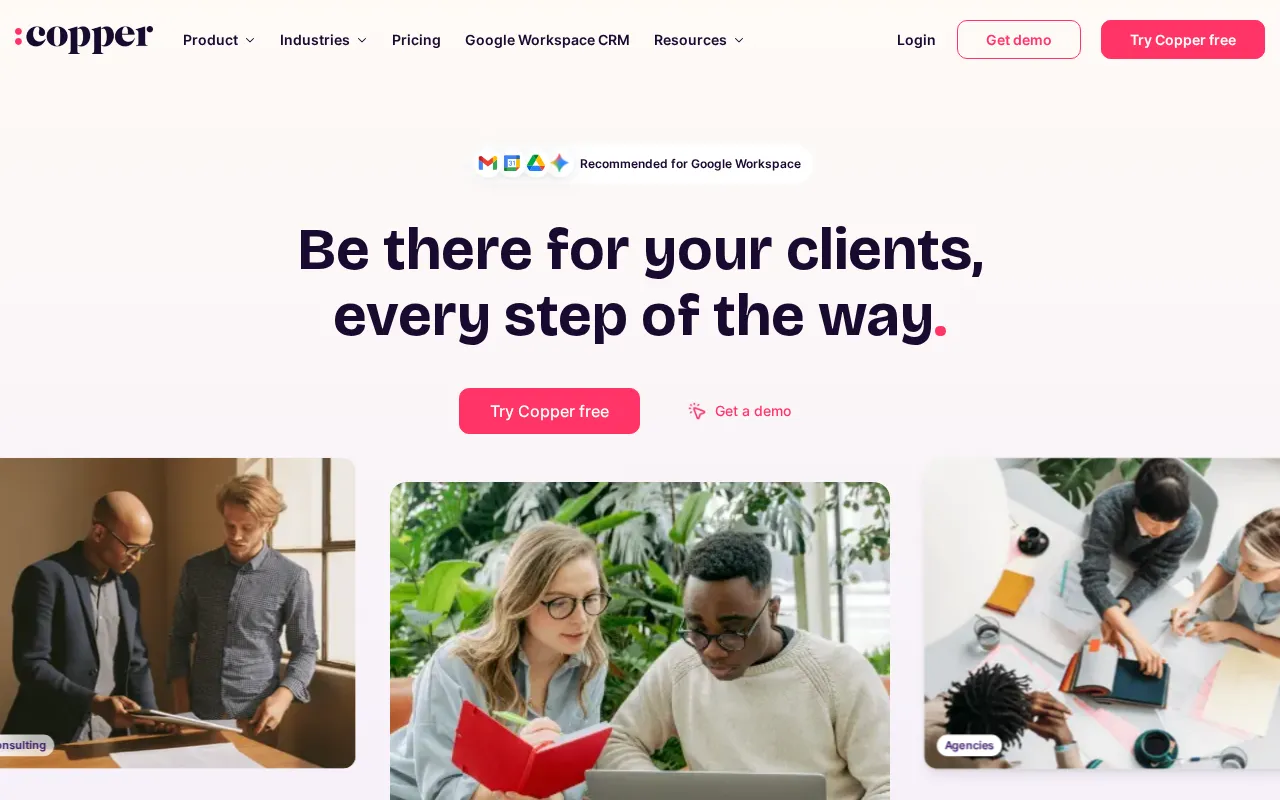
Expert Analysis of Copper
Where rivals chase breadth, Copper covers just two of six columns and stakes everything on living inside Google Workspace. It auto-scrapes contacts from Gmail signatures, but outside Workspace there is little reason to pick it, and reporting stays basic.
 Oleh KemFounder & Lead Analyst
Auto-Capture Gmail Contacts Into Pipeline
Copper automatically syncs Gmail threads as deal activity and creates tasks inline, so sales reps build complete pipelines without leaving their inbox or manually entering data.
Map Stakeholders Across Complex Deals
Contact Management tracks roles, interactions, and Custom Fields like budget authority for every stakeholder in a deal, so no key contact is missed across 15+ person buying.
Spot Stalled Pipeline Deals Instantly
Reporting dashboards surface blocked deals, aging opportunities, and at-risk revenue so pipeline reviews focus on specific prospects instead of broad metrics or exported.
Separate Deals by Stage in Agency Pipelines
Pipeline Management supports custom stages like Discovery, Proposal, and Onboarding, so agency handoffs from sales to delivery happen at exactly the right moment without context.
Basic
$29/user/moBest for: Flexible pipelines, team collaboration
- ✓2,500 contacts
- ✓Task automation
- ✓Pipelines
- ✓Project Management
- ✓Contact enrichment
Prices last verified July 8, 2026
Monitored Plans & Rates
Currently TrackingComparEdge is tracking Copper pricing. No price changes recorded. Plan structure changes detected: 1 plan removed.
Plan Structure Changes
The Final Verdict: Is Copper Right for You?
Strong crm choice for SMBs using Google Workspace - 4.6/5 rating, 22 features.
Top Pros
- Deep, native integration lives inside Gmail and Google Calendar
- Automatically scrapes contact info from email signatures
- Chrome extension for prospecting on websites and LinkedIn
Watch Out For
- Limited functionality outside the Google Workspace ecosystem
- Reporting and analytics are basic compared to larger CRMs
Oleh KemFounder & Lead AnalystExpert verified·Updated July 8, 2026·Our methodologyFrequently Asked Questions About Copper






Sources & verification
| Source | What was checked | Last checked |
|---|---|---|
| Official Website | Official vendor website | — |
| Official Pricing Page | Source of verified tiers | July 8, 2026 |
| G2 | G2 verified user reviews · 4.5/5 · 1,155 reviews | — |
| Capterra | Capterra verified user reviews · 4.4/5 | — |
| TrustRadius | TrustRadius verified reviews | — |
| PeerSpot | PeerSpot enterprise peer reviews | — |
Every fact on this Copper pricing page is tied to a named source and a verification date. Freshness-sensitive figures trace to the sources above; verify against the vendor before relying on them.
Explore Copper
Every page on Copper in one place, you are on overview.