

Spline Review: Features, Pricing & Integrations 2026
Spline brings real-time collaborative 3D design to browsers from a free tier to $25/mo, though it lacks Blender's advanced modeling.
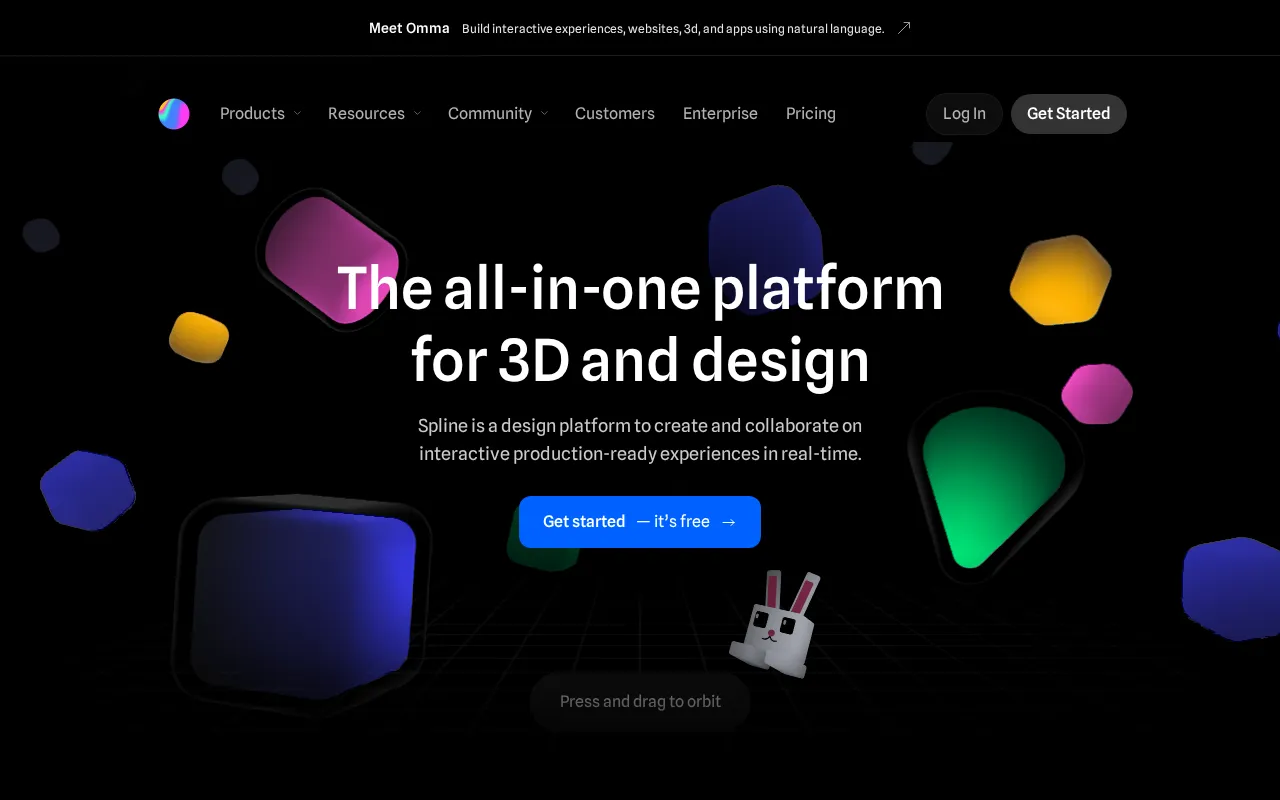
Expert Analysis of Spline
Spline keeps its AI out of every plan: it is a paid per-seat add-on, not part of any tier. Free web exports carry a watermark. It is the friendliest way into browser 3D, though performance on mobile still wobbles.
 Oleh KemFounder & Lead Analyst
Embed 3D Product Demos in Landing Pages
Spline's Web Embed drops interactive 3D product visualizations into landing pages without plugins, letting visitors rotate and inspect materials in real time.
Prototype Packaging With Physics Engine
Spline's Physics engine and Collaborative Editing let product designers simulate how packaging folds, stacks, and collapses with instant multi-user sync.
Free
FreeBest for: Get started for free
- ✓Limited files
- ✓unlimited viewers
- ✓web exports WITH watermark
- ✓access to Spline Templates
Starter
$15/seat/moBest for: Individuals upgrading from Free
- ✓Everything on Free, plus: unlimited 3D & 2D files
- ✓upload video
- ✓(3D Editor) no watermark on web exports
- ✓higher-resolution image exports
- ✓Spline's material & audio library
Professional
$25/seat/moBest for: Teams/pros
- ✓Everything on Starter, plus: unlimited folders & projects
- ✓video export
- ✓(3D Editor) unlimited scenes per file, Apple & Android exports, upload audio, code exports, unlimited Variables/APIs/Webhooks, Variables local storage
- ✓(Hana 2D Editor) no watermark on web embeds
Showing 3 of 4 plans. See all plans & API pricing →
Prices last verified July 8, 2026
Monitored Plans & Rates
Currently TrackingComparEdge is tracking Spline pricing. No price changes recorded. Plan structure changes detected: 3 plans added, 3 plans removed.
Plan Structure Changes
View all 6 →The Final Verdict: Is Spline Right for You?
Strong design tools choice for Web designers & product teams - 4.6/5 rating, 15 features, free to start.
Top Pros
- Browser-based 3D design, no software installation needed
- Real-time collaboration for teams on 3D scenes
- Interactive web exports (React, JS) without coding
Watch Out For
- Lacks advanced modeling tools of Blender or Cinema 4D
- Performance can lag on complex, high-poly scenes
Oleh KemFounder & Lead AnalystExpert verified·Updated July 8, 2026·Our methodologyFrequently Asked Questions About Spline
Explore More Design Tools Tools for 2026






Sources & verification
| Source | What was checked | Last checked |
|---|---|---|
| Official Website | Official vendor website | — |
| Official Pricing Page | Source of verified tiers | July 8, 2026 |
| G2 | G2 verified user reviews · 4.5/5 · 2 reviews | — |
| Capterra | Capterra verified user reviews · 4.6/5 | — |
Every fact on this Spline pricing page is tied to a named source and a verification date. Freshness-sensitive figures trace to the sources above; verify against the vendor before relying on them.
Explore Spline
Every page on Spline in one place, you are on overview.