

Spline Pricing: Plans & Cost Calculator 2026
Go from free 3D design to the $25/mo Professional plan across 3 tiers, with a $15 Starter option for mid-range projects.
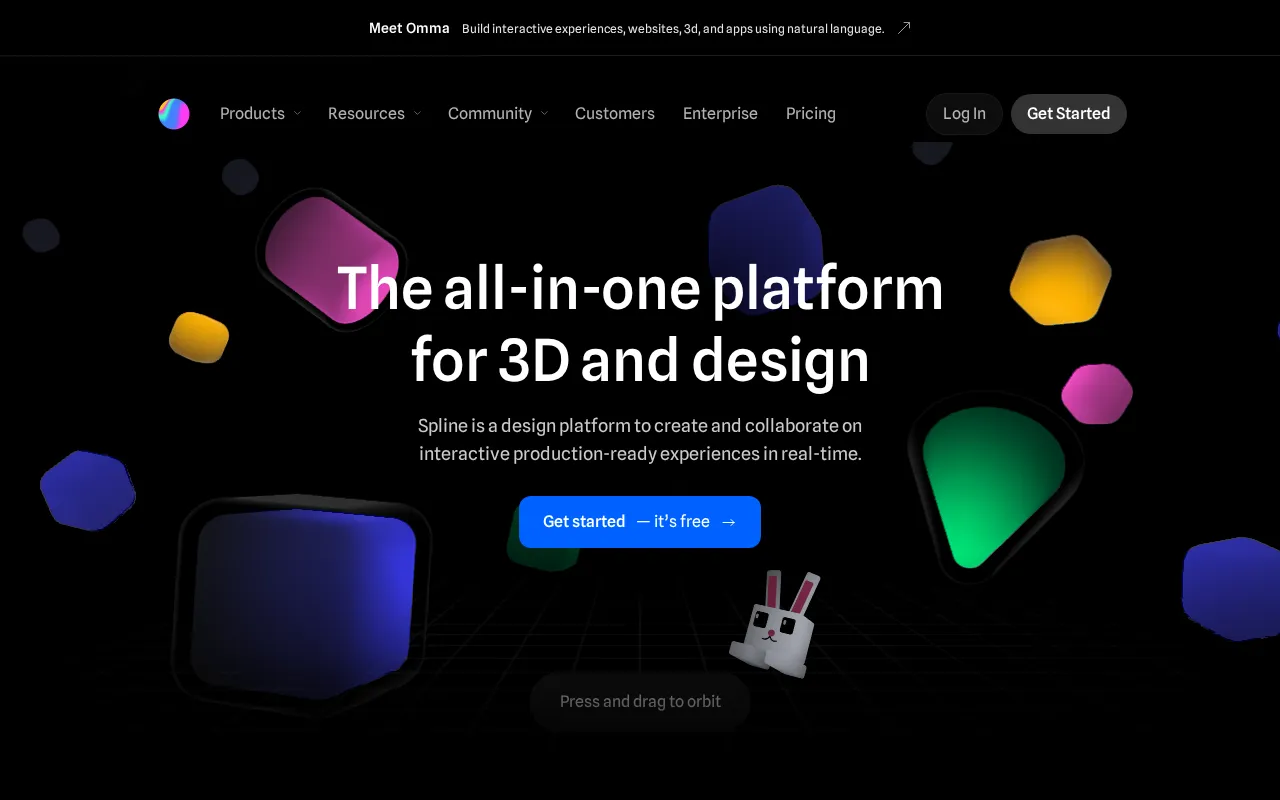
Spline plans and pricing
Billing surface
Pick a plan, set your seat count and switch billing to see the running total. The full breakdown lives in the calculator below.
Free
Get started for free
Starter
Individuals upgrading from Free
Professional
Teams/pros
Enterprise
Orgs
Spline pricing: the quick answer
Spline is browser-based 3D design with per-seat pricing from a free tier to $25 a seat monthly across four plans. The Free plan handles basic modeling but watermarks web exports. Starter is $15 a seat monthly ($12 yearly) and removes the watermark. Professional, the popular tier, is $25 a seat ($20 yearly) and adds code exports and unlimited projects. Enterprise is quote-only. One line item people miss: Spline AI is not in any base plan; it bills as a separate add-on.
- FreeFree
- Starter$15/user/mo
- Professional$25/user/mo
- EnterpriseCustom
At $15/mo to start, Spline sits 3% above the $14.50/mo median across 14 design tools tools we track.
Spline cost calculator
Spline Hidden Costs & Pitfalls
The plan price only covers the editor. Spline's AI generation sits outside every tier as a paid add-on, and the free plan's watermark quietly pushes casual users to upgrade sooner than the feature list suggests.
Spline pricing, read against its live plans and category
Positioning
Spline positions its Starter plan at $15/mo, against a design-tools category median of $14.50/mo, but the real value is gated behind the Professional plan at $25/mo. While the Free plan is generous for basic 3D modeling and library access, serious web designers will find the Starter plan restrictive due to the lack of code exports and advanced interactive features. For teams requiring production-ready assets, the Professional plan is a steep jump, but it remains a highly competitive entry point for dedicated 3D web design compared to traditional, heavy-duty 3D suites.
Cost drivers
- 1Pricing is straightforward; no documented hidden fees or overage traps found.
Watch-outs
Users have expressed frustration over recent pricing adjustments, noting that the cost of maintaining a subscription solely for hosting and minor tweaks feels disproportionate. There are also complaints regarding the value proposition of Spline's premium tiers when compared to broader creative suites.
Strengths
The Starter plan at $15/mo offers browser-based 3D design, no software installation needed.
- Browser-based 3D design, no software installation needed
- Real-time collaboration for teams on 3D scenes
- Interactive web exports (React, JS) without coding
What users say
“Is Spline worth learning (and paying for) in 2026?”
“tired of paying the monthly fee just to export and tweak simple interactive 3D scenes”
Editor’s take
Individual creators and hobbyists should stick to the Free plan, while professional web developers needing clean code and engine exports must budget for the $25/mo Professional tier. If your primary need is standard UI/UX design rather than interactive 3D modeling, look to Figma at $20/mo as the sharpest alternative.
 Oleh KemFounder & Lead Analyst
Spline price history
Cheaper Design Tools tools



Frequently asked questions
Sources & verification
| Source | What was checked | Last checked |
|---|---|---|
| Official Pricing Page | Source of verified tiers | July 8, 2026 |
| Official Website | Official vendor website | — |
| G2 | G2 verified user reviews · 4.5/5 · 2 reviews | — |
| Capterra | Capterra verified user reviews · 4.6/5 | — |
Every fact on this Spline pricing page is tied to a named source and a verification date. Freshness-sensitive figures trace to the sources above; verify against the vendor before relying on them.
Explore Spline
Every page on Spline in one place, you are on pricing.