

Adobe Photoshop Review: Features, Pricing & Integrations 2026
With 13,000+ G2 reviews rating it 4.6/5, this industry-standard design tool starts at $19.99/mo but has a steep learning curve for beginners.
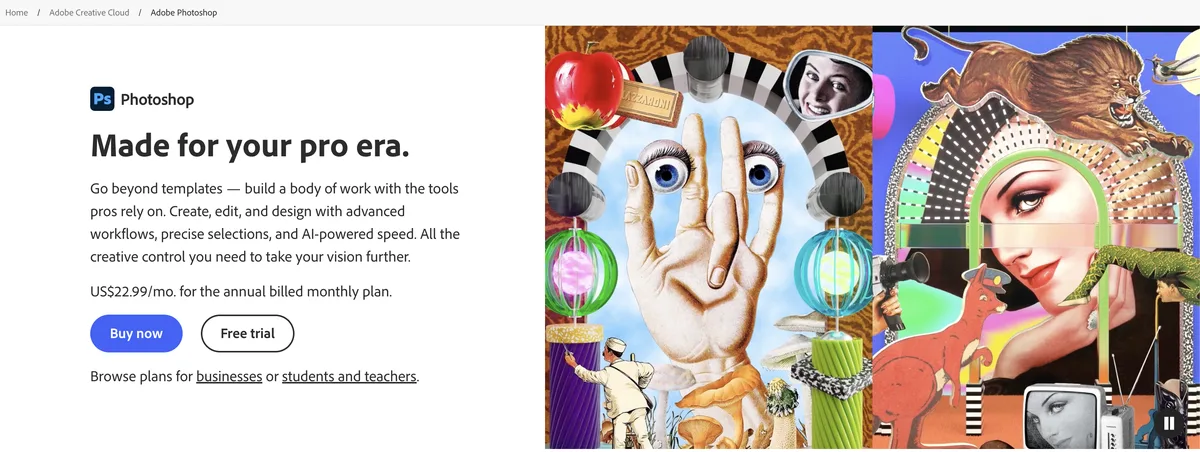
Expert Analysis of Adobe Photoshop
Photoshop has no buy-once door at all: subscription is the only way in. Its standard Generative Fill is credit-metered unless you move to a Firefly Pro or Creative Cloud tier. Firefly Pro, unusually, bills monthly with no contract.
 Oleh KemFounder & Lead Analyst
Remove Backgrounds With Content-Aware Fill
Content-Aware Fill selects and removes objects or reflections from product shots, cutting post-production time 65% on catalog-scale batches of 200+ images.
Extend Crops for Each Platform With AI
Generative Expand fills extended canvas edges with contextual backgrounds. One 1200×628 asset becomes Instagram, Pinterest, and LinkedIn crops in seconds.
One Camera RAW Preset Grades 500 Photos
One Camera RAW preset syncs white balance, contrast, and saturation across a full shoot folder via batch processing - no individual file opens required.
Firefly Pro
$19.99/moBest for: Individuals
- ✓Photoshop on web & mobile + 4,000 credits for creative AI
- ✓Standard AI UNLIMITED
- ✓Premium AI via credits
Showing 3 of 4 plans. See all plans & API pricing →
Prices last verified July 16, 2026
Monitored Plans & Rates
1 price change recordedComparEdge is tracking Adobe Photoshop pricing: Change DetectedChangelog
Adobe Photoshop lowered "Creative Cloud All Apps" from $89.99/mo to $59.99/mo (-33%)
Plan Structure Changes
View all 12 →The Final Verdict: Is Adobe Photoshop Right for You?
Exceptionally rated design tools software built for photographers and digital artists who need focused workflows.
Top Pros
- Affordable starting at $9.99/mo
- Highly rated (4.6/5 on G2)
- 15 key features including Photo Editing and Layer-based Design
Watch Out For
- Adobe Photoshop can sometimes feel complex at first due to the number of tools and options available.
- Adobe Photoshop's interface needs to be user-friendly.
Oleh KemFounder & Lead AnalystExpert verified·Updated July 16, 2026·Our methodologyFrequently Asked Questions About Adobe Photoshop
Explore More Design Tools Tools for 2026






Sources & verification
| Source | What was checked | Last checked |
|---|---|---|
| Official Website | Official vendor website | — |
| Official Pricing Page | Source of verified tiers | July 16, 2026 |
| G2 | G2 verified user reviews · 4.6/5 · 13,317 reviews | — |
| Capterra | Capterra verified user reviews · 4.8/5 | — |
| TrustRadius | TrustRadius verified reviews | — |
| PeerSpot | PeerSpot enterprise peer reviews | — |
| StackShare | StackShare developer community | — |
Every fact on this Adobe Photoshop pricing page is tied to a named source and a verification date. Freshness-sensitive figures trace to the sources above; verify against the vendor before relying on them.
Explore Adobe Photoshop
Every page on Adobe Photoshop in one place, you are on overview.