

Miro Review: Features, Pricing & Integrations 2026
Best for collaborative mapping and workshops, Miro integrates deeply with Jira and has a 4.6/5 G2 rating. Free to $25/mo; large boards can lag.
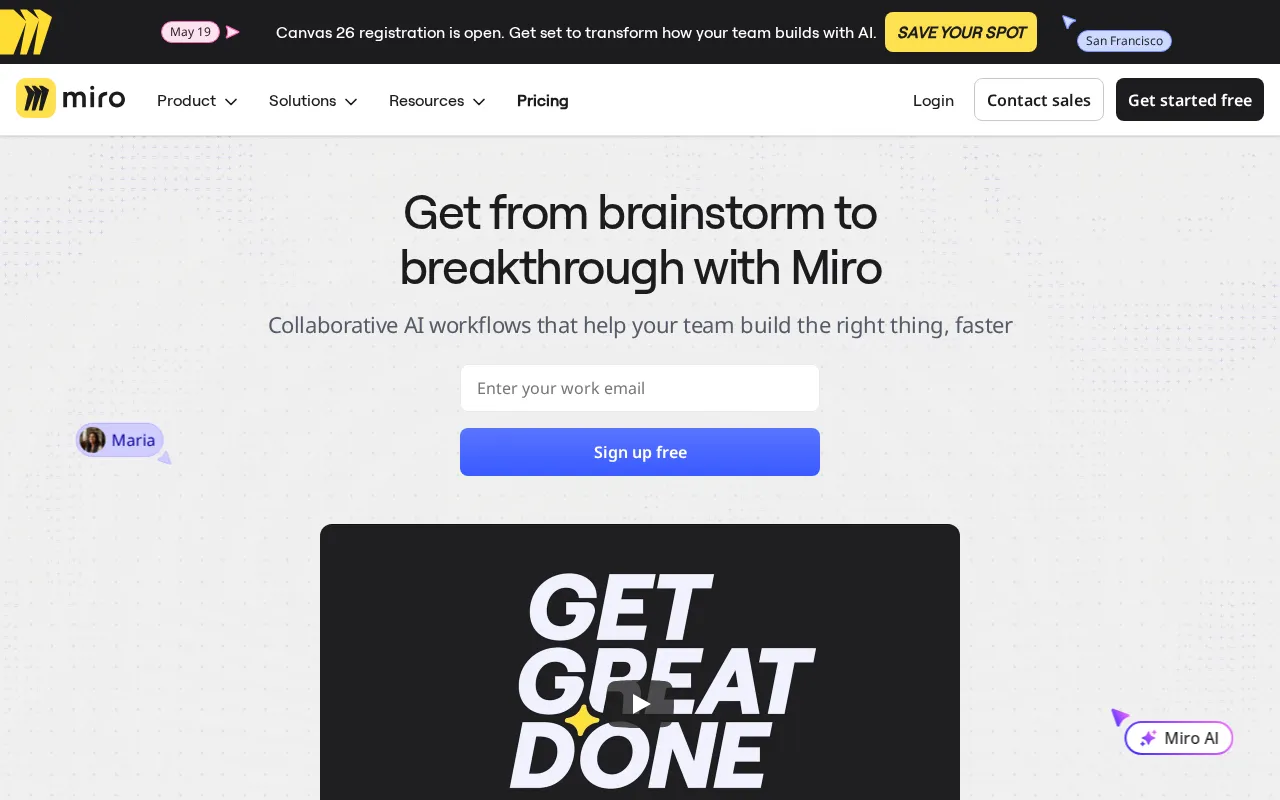
Expert Analysis of Miro
Miro is built for workshops, not pixel-perfect screens. Its free tier stops hard at three boards, and Prototypes cost extra even on a paid plan. Big boards can crawl. Strong for mapping and research, weak for real interface work.
 Oleh KemFounder & Lead Analyst
Map 12 User Paths on One Infinite Canvas
User Flows connects decision nodes and state transitions across web and mobile touchpoints in a single Infinite Canvas, replacing scattered artboards.
Free
FreeBest for: Ideal for individuals or small teams exploring basic collaboration
- ✓Up to 3 editable boards
- ✓Pre-built templates
- ✓Core collaboration features (comments, mentions)
- ✓Basic integrations (Slack, Google Drive)
- ✓Unlimited team members
Starter
$10/user/moBest for: small to medium teams needing enhanced collaboration and project management
- ✓Unlimited editable boards
- ✓Custom templates
- ✓Core integrations
- ✓Attention management
- ✓Private board mode
Business
$25/user/moBest for: Suited for larger organizations requiring advanced security, administration, and analytics
- ✓Advanced integrations (Jira, Azure, Asana)
- ✓SSO (SAML-based)
- ✓Advanced permissions and board management
- ✓Guest and external collaborator controls
- ✓Priority support
Showing 3 of 4 plans. See all plans & API pricing →
Prices last verified July 8, 2026
Monitored Plans & Rates
Currently TrackingComparEdge is tracking Miro pricing. No price changes recorded since monitoring began.
The Final Verdict: Is Miro Right for You?
Exceptionally rated design tools software built for Agile product and design teams who need focused workflows.
Top Pros
- Vast template library for workshops, retros, and journey maps
- Deep integrations with Jira, Asana, and other core work tools
- Miroverse community provides thousands of pre-built board templates
Watch Out For
- Performance can lag on very large, complex boards with many objects
- Steep learning curve for advanced features beyond basic whiteboarding
Oleh KemFounder & Lead AnalystExpert verified·Updated July 8, 2026·Our methodologyFrequently Asked Questions About Miro
Explore More Design Tools Tools for 2026






Sources & verification
| Source | What was checked | Last checked |
|---|---|---|
| Official Website | Official vendor website | — |
| Official Pricing Page | Source of verified tiers | July 8, 2026 |
| G2 | G2 verified user reviews · 4.6/5 · 12,949 reviews | — |
| Capterra | Capterra verified user reviews · 4.7/5 | — |
| TrustRadius | TrustRadius verified reviews | — |
| PeerSpot | PeerSpot enterprise peer reviews | — |
Every fact on this Miro pricing page is tied to a named source and a verification date. Freshness-sensitive figures trace to the sources above; verify against the vendor before relying on them.
Explore Miro
Every page on Miro in one place, you are on overview.