

Figma Review: Features, Pricing & Integrations 2026
Best for real-time UI design and prototyping, Figma rates Plans range from free to $20/user/month, though large files can lag.
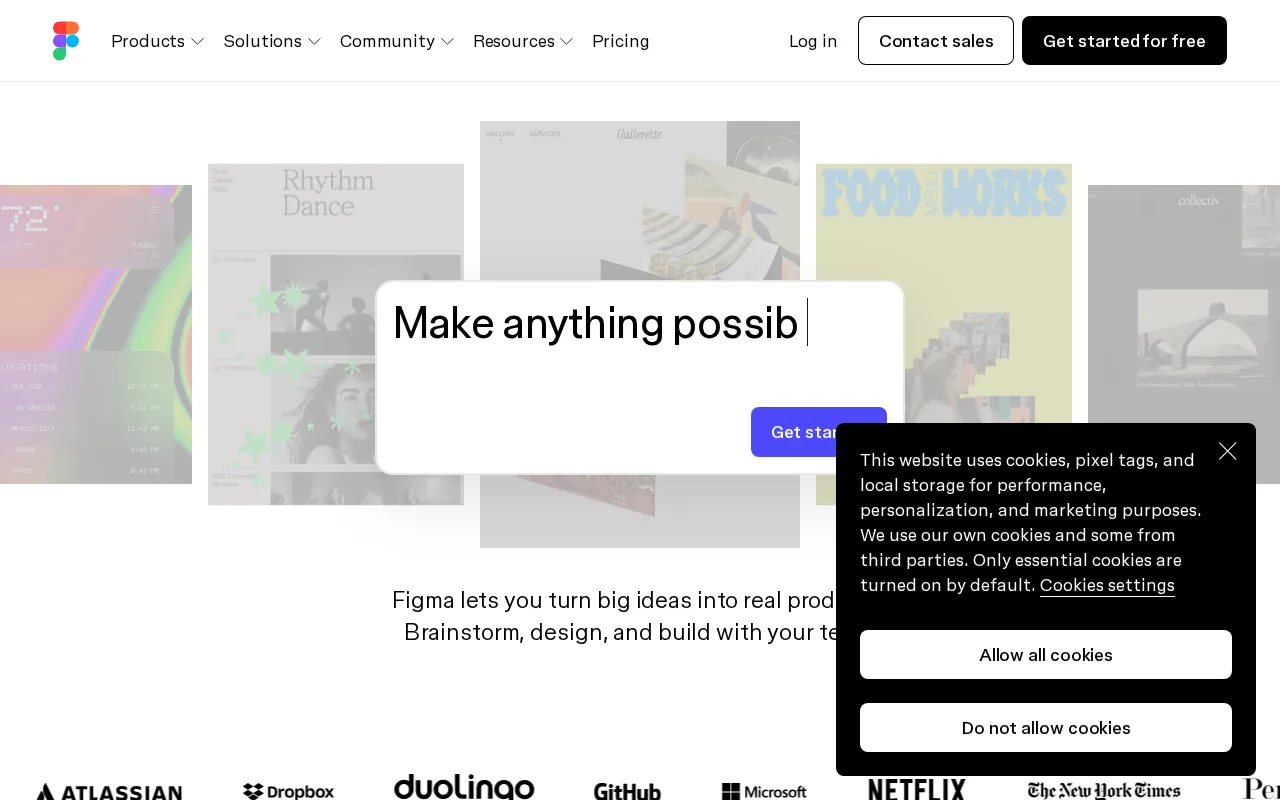
Expert Analysis of Figma
Figma's real cost is a seat puzzle, not a headcount. It bills Full, Dev and Collaborate seats at different prices, each with its own monthly AI-credit ration. The free Starter caps you at three Figma and three FigJam files.
 Oleh KemFounder & Lead Analyst
Design Tokens Distributed via Dev Mode
Design Systems tokens in Dev Mode give developers exact values to copy - cutting 40+ quarterly hours spent translating Figma specs into code constants.
CSS Snippets Direct From Dev Mode
Finalize components in Figma and switch to Dev Mode for instant CSS snippets, spacing, and asset exports - no clarification requests, no back-and-forth.
Wire Multi-Step Flows Before Engineering
Figma Prototyping links conditional flows - login paths, form states, checkout steps - into clickable previews that surface UX friction before engineering begins.
Starter
FreeBest for: Ideal for individuals or small teams just starting with design
- ✓3 Figma design files
- ✓3 FigJam files
- ✓Unlimited personal files
- ✓30-day version history
- ✓Collaboration with viewers
Showing 3 of 4 plans. See all plans & API pricing →
Prices last verified July 8, 2026
Monitored Plans & Rates
1 price change recordedComparEdge is tracking Figma pricing: Change DetectedChangelog
Figma "Professional" price changed from $15/mo to $20/mo
The Final Verdict: Is Figma Right for You?
A top-rated design tools tool with 38 features and a free plan - excellent for Product design teams of all sizes.
Top Pros
- Real-time, browser-based collaboration for seamless teamwork
- All-in-one platform for UI design, prototyping, and developer handoff
- Extensive plugin ecosystem (FigJam, etc.) extends core functionality
Watch Out For
- Performance can degrade on very large, complex design files
- Offline access is limited and requires a desktop app with pre-opened files
Oleh KemFounder & Lead AnalystExpert verified·Updated July 8, 2026·Our methodologyFrequently Asked Questions About Figma
Explore More Design Tools Tools for 2026






Sources & verification
| Source | What was checked | Last checked |
|---|---|---|
| Official Website | Official vendor website | — |
| Official Pricing Page | Source of verified tiers | July 8, 2026 |
| G2 | G2 verified user reviews · 4.6/5 · 2,000 reviews | — |
| Capterra | Capterra verified user reviews · 4.7/5 | — |
| TrustRadius | TrustRadius verified reviews | — |
| PeerSpot | PeerSpot enterprise peer reviews | — |
| StackShare | StackShare developer community | — |
Every fact on this Figma pricing page is tied to a named source and a verification date. Freshness-sensitive figures trace to the sources above; verify against the vendor before relying on them.
Explore Figma
Every page on Figma in one place, you are on overview.