

Procreate Review: Features, Pricing & Integrations 2026
Digital artists and illustrators use Procreate on iPad for professional sketching. It costs a one-time fee of $12.99.
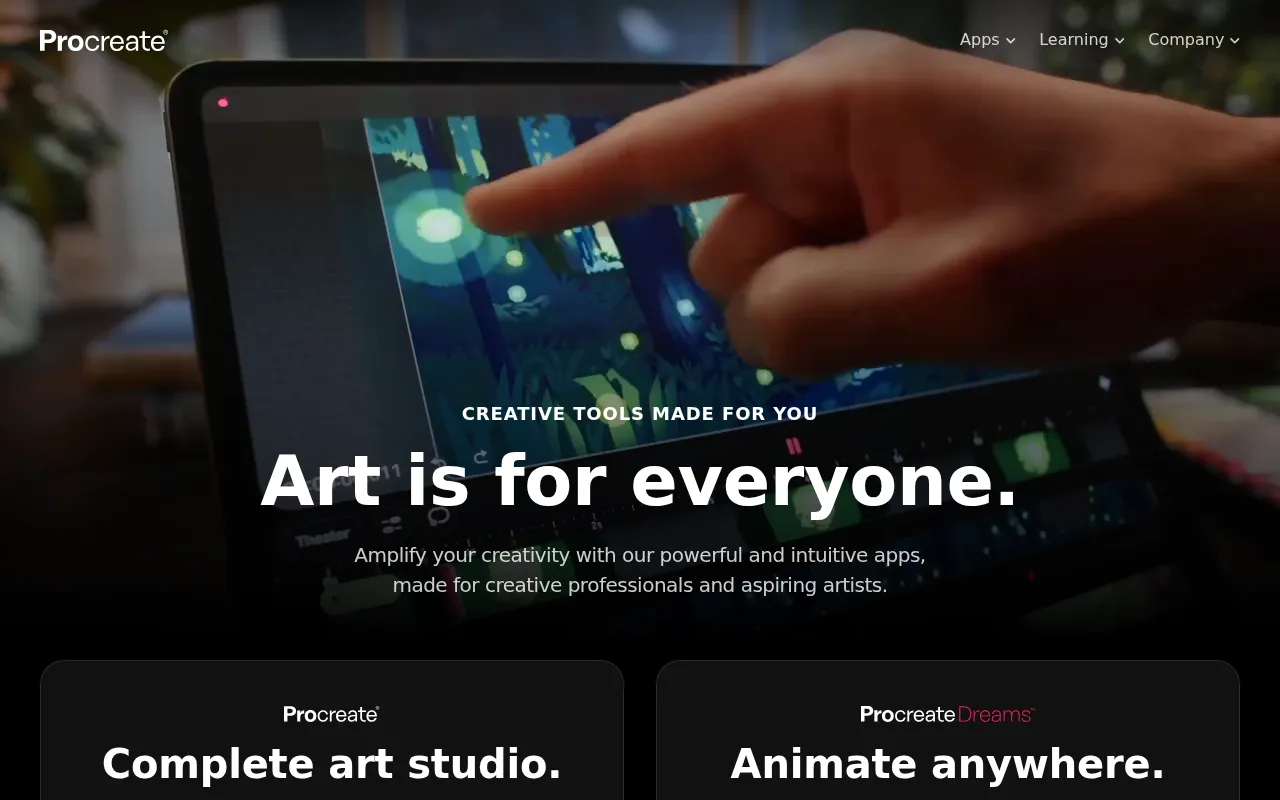
Expert Analysis of Procreate
Procreate prices with total clarity: one $14.99 App Store purchase, no subscription. Its siblings are separate buys, Dreams and Pocket sold on their own. iPad-only, and never meant to be a team tool or a desktop editor.
 Oleh KemFounder & Lead Analyst
Animate Frames at True 16K Resolution
Procreate's Animation Assist and 16K canvas let illustrators paint and sequence keyframes at full fidelity, with no re-import into separate animation software.
Paint PBR Textures on Separate Layers
The 400+ Brushes library and Layer Support let game artists paint material variations - metal, fabric, skin - and export layered PSDs ready for engine atlasing.
Procreate Pocket
$5.99/one-timeBest for: This is the most affordable entry point for mobile artists, offering core features for a low one-time cost.
- ✓Sketch & Paint on iPhone
- ✓Max Canvas: 16,000 × 4,000 px
- ✓~32 layers
- ✓300+ brushes
- ✓Basic animation
Procreate
$14.99/one-timeBest for: Artists/illustrators on iPad (the #1 drawing app for iPad)
- ✓Complete digital painting and illustration application
- ✓Canvas support up to 16,384 × 16,384 pixels
- ✓200+ layers on M-series iPad Pro models
- ✓300+ professional brushes
- ✓3D model painting with AR preview
Procreate Dreams
$19.99/one-timeBest for: Designed for animation and motion graphics, this app offers powerful tools for creating dynamic visual content with a single purchase.
- ✓Animation anywhere
- ✓Timeline-based layers
- ✓Animation-focused brush set
- ✓Professional animation capabilities
- ✓Full Apple Pencil support
Prices last verified July 8, 2026
Monitored Plans & Rates
Currently TrackingComparEdge is tracking Procreate pricing. No price changes recorded since monitoring began.
The Final Verdict: Is Procreate Right for You?
Strong design tools choice for iPad-based digital illustrators - 5/5 rating, 18 features.
Top Pros
- Affordable starting at $12.99/mo
- Highly rated (4.6/5 on G2)
- 18 key features including Digital Painting and Brushes (400+)
Oleh KemFounder & Lead AnalystExpert verified·Updated July 8, 2026·Our methodologyFrequently Asked Questions About Procreate
Explore More Design Tools Tools for 2026






Sources & verification
| Source | What was checked | Last checked |
|---|---|---|
| Official Website | Official vendor website | — |
| Official Pricing Page | Source of verified tiers | July 8, 2026 |
| G2 | G2 verified user reviews · 4.9/5 · 72 reviews | — |
| Capterra | Capterra verified user reviews · 4.8/5 | — |
| TrustRadius | TrustRadius verified reviews | — |
Every fact on this Procreate pricing page is tied to a named source and a verification date. Freshness-sensitive figures trace to the sources above; verify against the vendor before relying on them.
Explore Procreate
Every page on Procreate in one place, you are on overview.