

Pixlr Review: Features, Pricing & Integrations 2026
Best for quick browser-based photo editing with a generous free tier. It offers simple and advanced modes from free to $24.99/mo.
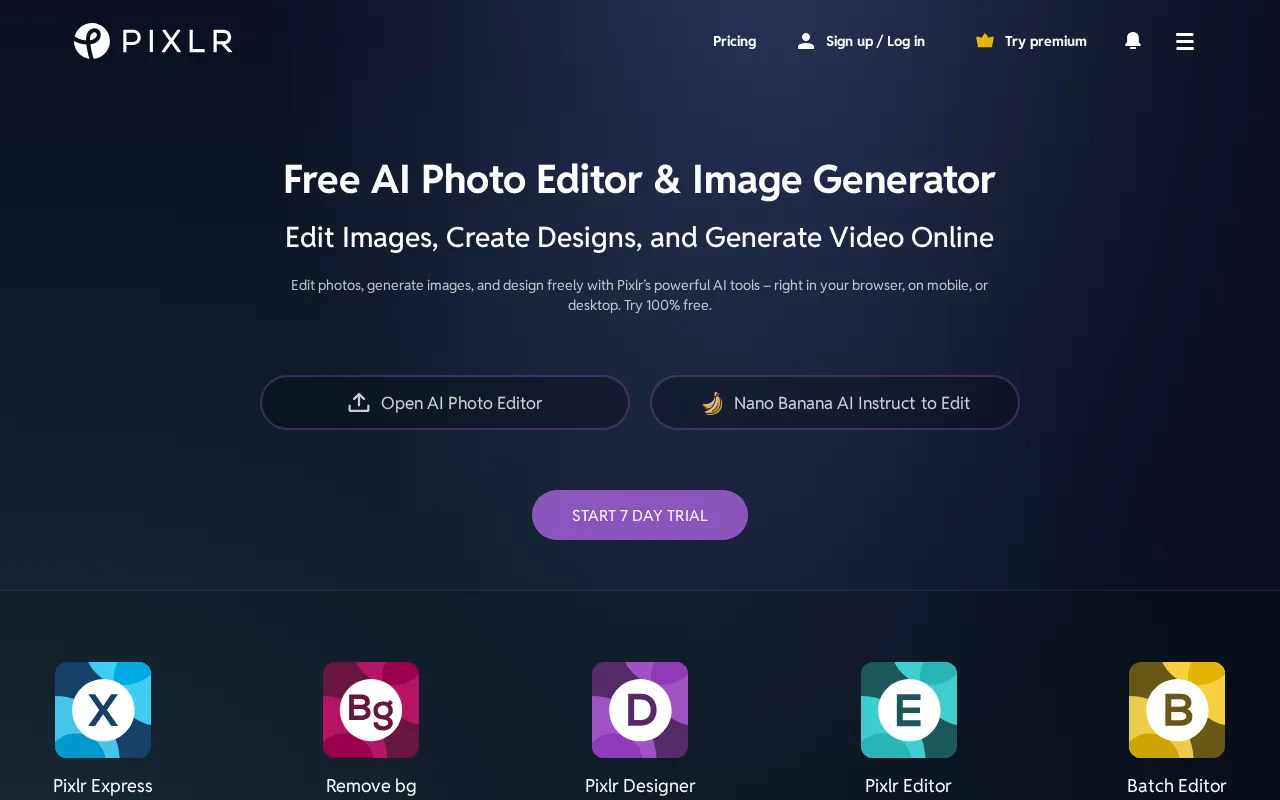
Expert Analysis of Pixlr
Pixlr is cheap to enter, but its AI credits expire monthly with no rollover, so an unused allowance is simply lost. Even Ultra's unlimited fast mode bows to a fair-use cap. The free tier works, wrapped in ads.
 Oleh KemFounder & Lead Analyst
Strip Backgrounds from 200 Photos Fast
Batch Editor and Background Remover handle 50-200 product shots in one session, cutting per-image prep from 8 minutes to under 90 seconds.
Color-Correct Raw Assets Before Handoff
Apply Color Correction and Filters & Effects in the Photo Editor to normalize client images before design handoff, keeping brand profiles consistent.
Generate Hero Images With AI in Minutes
Pixlr's AI Image Generator produces on-brand hero images and textures matching existing template styles, cutting asset creation from days to hours.
Build Social Collages for Six Formats
Collage Maker combines product shots and brand graphics into 6-8 social formats - Instagram, Stories, LinkedIn - with auto-resizing templates.
Showing 3 of 4 plans. See all plans & API pricing →
Prices last verified July 16, 2026
Monitored Plans & Rates
1 price change recordedComparEdge is tracking Pixlr pricing: Change DetectedChangelog
Pixlr "Premium" price changed from $7.99/mo to $9.99/mo
Plan Structure Changes
The Final Verdict: Is Pixlr Right for You?
One of the most capable design tools platforms available for free, trusted by Solopreneurs & social media managers.
Top Pros
- Two distinct editors: simple (Pixlr X) and advanced (Pixlr E)
- Generous free plan with core editing tools and some AI credits
- Browser-based, no software installation required for quick edits
Watch Out For
- Free version is heavily ad-supported, disrupting workflow
- AI generator credits are limited, even on paid plans
Oleh KemFounder & Lead AnalystExpert verified·Updated July 16, 2026·Our methodologyFrequently Asked Questions About Pixlr
Explore More Design Tools Tools for 2026






Sources & verification
| Source | What was checked | Last checked |
|---|---|---|
| Official Website | Official vendor website | — |
| Official Pricing Page | Source of verified tiers | July 16, 2026 |
| G2 | G2 verified user reviews · 4.3/5 · 747 reviews | — |
| Capterra | Capterra verified user reviews · 4.5/5 | — |
| TrustRadius | TrustRadius verified reviews | — |
Every fact on this Pixlr pricing page is tied to a named source and a verification date. Freshness-sensitive figures trace to the sources above; verify against the vendor before relying on them.
Explore Pixlr
Every page on Pixlr in one place, you are on overview.