

Pixlr Pricing: Plans & Cost Calculator 2026
Free tier includes basic editing, while 3 paid plans range from $2.49 to $24.99/mo for advanced AI tools.
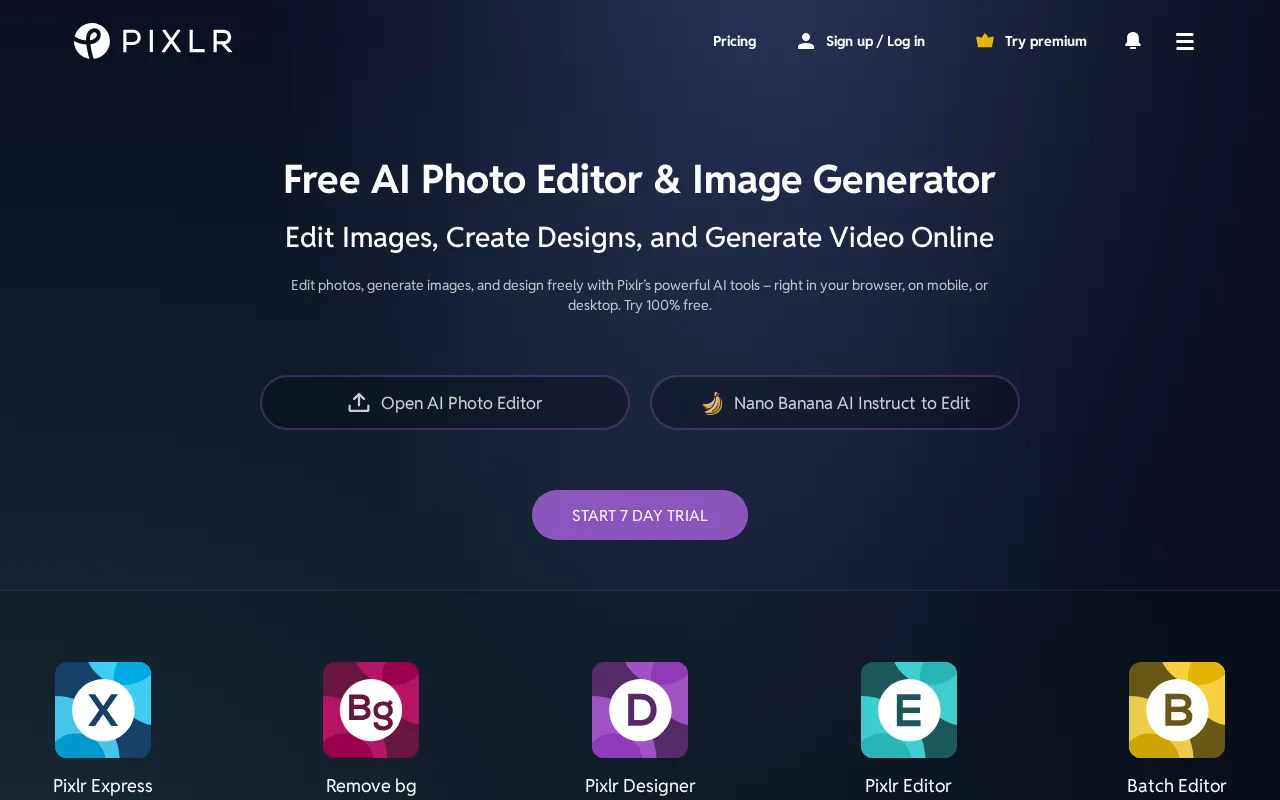
Pixlr plans and pricing
Billing surface
Pick a plan, set your seat count and switch billing to see the running total. The full breakdown lives in the calculator below.
Plus
I just need the basics
Ultra
Maximum AI power for professionals
Pixlr pricing: the quick answer
Pixlr is browser-based photo editing priced flat, from $2.49 a month for Plus to $24.99 for Ultra as of July 16, 2026, across three paid plans plus a free ad-supported tier. Plus at $2.49 monthly ($1.99 yearly) removes ads and gives 80 AI credits a month. Premium at $9.99 ($7.99 yearly) opens every AI model and 1,000 credits. Ultra starts at $24.99 ($19.99 yearly) with up to 10,000 credits. The catch buyers miss: AI credits expire after one month with no rollover, so unused allotment is just gone.
- FreeFree
- Plus$2.49/mo
- Premium$9.99/mo
- Ultra$24.99/mo
At $2.49/mo to start, Pixlr sits 83% below the $15/mo median across 14 design tools tools we track.
Pixlr cost calculator
Pixlr Hidden Costs & Pitfalls
Pixlr's tiers look cheap because the real cost is metered in AI credits, not dollars. Every generation burns credits at a different rate, and the monthly allotment resets each cycle even if you barely touched it.
Pixlr pricing, read against its live plans and category
Positioning
Pixlr is the ultra-budget end of browser-based editing. Plus is $2.49/mo and Premium is $9.99/mo, both well under the category median of $15/mo, and even the top Ultra tier starts at $24.99/mo. Annual billing knocks 20% off across the board, so committed users pay $1.99, $7.99, and $19.99 respectively. The prices are honest, but the value hinges entirely on how many AI credits you actually consume, because that is the real currency here, not the monthly fee.
Cost drivers
- 1AI credits expire after one month with no rollover: Plus gives 80/mo, Premium 1,000/mo, Ultra up to 10,000/mo. Whatever you don't spend is forfeited at the reset, so buying a tier bigger than your steady usage is money left on the table.
- 2Ultra MAX is an in-cart upsell at $49.99/mo that doubles the Ultra allotment from 5,000 to 10,000 credits. Only worth it if you reliably burn past 5,000 a month.
- 3Run dry mid-month and a credit top-up pack is priced at purchase, which can quietly push a $9.99 Premium month above $20.
Watch-outs
Users report sudden, unannounced monetization changes on the free tier, above all a hard daily export cap, plus friction disputing charges and getting cancellations processed.
Strengths
- Two distinct editors, the simple Pixlr X and the advanced Pixlr E, both in the browser with no install.
- Plus at $2.49/mo removes ads and adds unlimited saving, a low bar to clear for casual editors.
Editor’s take
Skip the restricted free tier and take Plus at $2.49/mo if you just need ad-free editing without the daily export cap. Anyone doing real AI generation should size the tier to their monthly credit burn, since the whole cost model turns on credits that vanish at the reset. If you want a more mature, collaborative design ecosystem with a stronger free tier, Canva starting at $15/mo is the sharper pick.
 Oleh KemFounder & Lead Analyst
Pixlr price history
Frequently asked questions
Sources & verification
| Source | What was checked | Last checked |
|---|---|---|
| Official Pricing Page | Source of verified tiers | July 16, 2026 |
| Official Website | Official vendor website | — |
| G2 | G2 verified user reviews · 4.3/5 · 747 reviews | — |
| Capterra | Capterra verified user reviews · 4.5/5 | — |
| TrustRadius | TrustRadius verified reviews | — |
Every fact on this Pixlr pricing page is tied to a named source and a verification date. Freshness-sensitive figures trace to the sources above; verify against the vendor before relying on them.
Explore Pixlr
Every page on Pixlr in one place, you are on pricing.