

Penpot Review: Features, Pricing & Integrations 2026
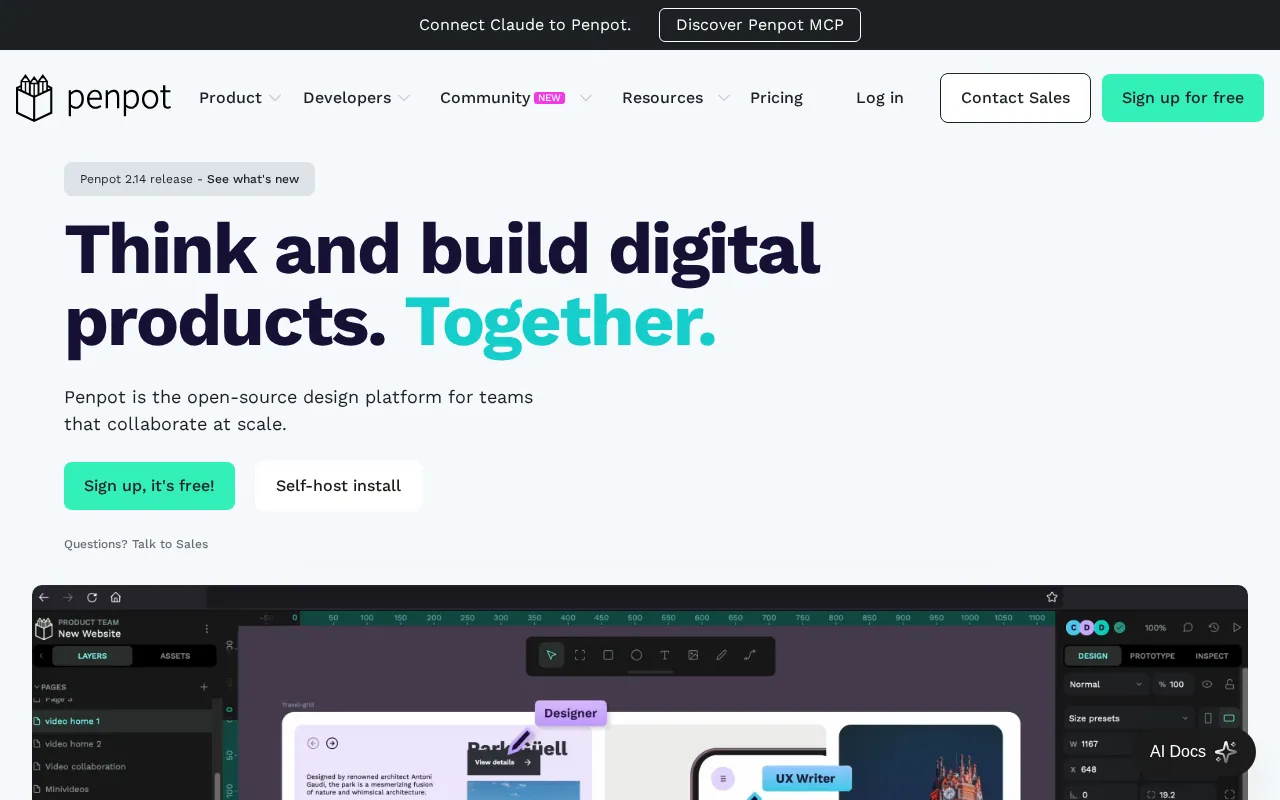
Unlike Figma, this open-source alternative uses native SVG to prevent vendor lock-in. It offers a free tier and self-hosting.
Expert Analysis of Penpot
Penpot's twist is a bill cap: its Unlimited plan charges per user but stops at a flat monthly ceiling for the whole team, a limit rivals lack. It is open-source and self-hostable, which drops the cost to your own server time.
 Oleh KemFounder & Lead Analyst
Self-Host Design Files Behind a Firewall
Self-host Penpot and keep component libraries inside private infrastructure. Fintech and healthcare teams control design access without per-seat licensing fees.
SVG Assets Ready for Paste Into Codebase
Native SVG storage means icons and illustrations paste into code without conversion. Front-end teams cut back-and-forth rounds by 40% on icon-heavy products.
Professional
FreeBest for: Individuals / small teams; "free and fully featured"
- ✓All core features (no file limits within storage, unlimited teams, plugins, open source)
- ✓Up to 8 team members + unlimited viewers
- ✓up to 10GB storage
- ✓7 days autosaved versions
- ✓7 days deleted-file recovery
Showing 3 of 4 plans. See all plans & API pricing →
Prices last verified July 16, 2026
Monitored Plans & Rates
1 price change recordedComparEdge is tracking Penpot pricing: Change DetectedChangelog
Penpot "Enterprise" price changed from $950/mo to $25/mo
Plan Structure Changes
The Final Verdict: Is Penpot Right for You?
A top-rated design tools tool with 15 features and a free plan - excellent for Teams prioritizing open-source & self-hosting.
Top Pros
- Truly open-source with no vendor lock-in
- Self-hosting option for full data control and security
- Native SVG format for clean developer handoff
Watch Out For
- Fewer third-party plugins and integrations than Figma
- Performance can lag on very complex, multi-page files
Oleh KemFounder & Lead AnalystExpert verified·Updated July 16, 2026·Our methodologyFrequently Asked Questions About Penpot
Explore More Design Tools Tools for 2026






Sources & verification
| Source | What was checked | Last checked |
|---|---|---|
| Official Website | Official vendor website | — |
| Official Pricing Page | Source of verified tiers | July 16, 2026 |
| G2 | G2 verified user reviews · 4.3/5 · 10 reviews | — |
| Capterra | Capterra verified user reviews · 4.4/5 | — |
| StackShare | StackShare developer community | — |
Every fact on this Penpot pricing page is tied to a named source and a verification date. Freshness-sensitive figures trace to the sources above; verify against the vendor before relying on them.
Explore Penpot
Every page on Penpot in one place, you are on overview.