

Penpot Pricing: Plans & Cost Calculator 2026
Designers needing advanced features can upgrade to the $7/user/mo Unlimited plan, while Penpot also offers a free tier and a $25/user/mo Enterprise plan.
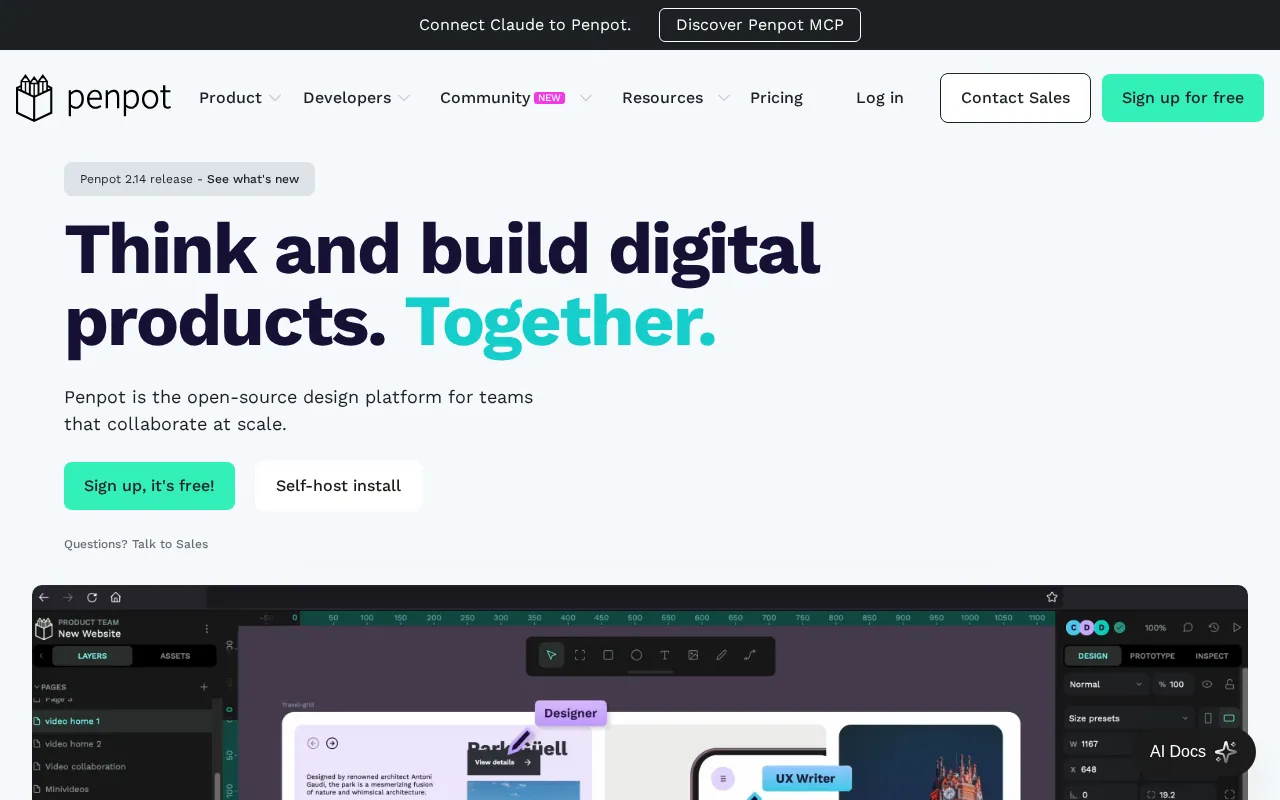
Penpot plans and pricing
Billing surface
Pick a plan, set your seat count and switch billing to see the running total. The full breakdown lives in the calculator below.
Professional
Individuals / small teams; "free and fully featured"
Unlimited
Teams that outgrow free; "support Penpot and unlock more"
Enterprise
Orgs needing governance/security; "transparent & predictive TCO"
Private Server
Orgs needing full control & security
Penpot pricing: the quick answer
Penpot is open source, so self-hosting it costs nothing but your own server, and its hosted cloud spans four plans. The free Professional plan covers teams up to 8 members with 10GB storage. Paid Unlimited is $7 per user a month. Enterprise is $25 per user monthly, and a dedicated Private Server runs $50,000 a year.
- ProfessionalFree
- Unlimited$7/user/mo
- Enterprise$25/user/mo
- Private ServerCustom
At $7/mo to start, Penpot sits 53% below the $15/mo median across 14 design tools tools we track.
Penpot cost calculator
Penpot Hidden Costs & Pitfalls
Penpot's pricing has one unusual feature worth planning around: it caps the monthly bill instead of letting per-seat costs run away. The thing that actually costs you is deciding whether to self-host for free or pay for the hosted convenience.
Penpot pricing, read against its live plans and category
Positioning
Penpot disrupts the design space with a highly aggressive pricing model, positioning its Unlimited plan at $7/user/mo, which is less than half of the $15/mo category median. The Professional plan is entirely free, offering unlimited files, projects, and teams, which directly challenges traditional SaaS limits. For organizations requiring dedicated infrastructure, the Enterprise plan sits at $25/user/mo (with a legacy $950/mo flat org cap), while the Private Server plan offers custom pricing. For teams seeking a budget-friendly, open-source alternative to mainstream design suites, Penpot delivers exceptional value.
Cost drivers
- 1Pricing is straightforward; no documented hidden fees or overage traps found.
Watch-outs
While Penpot is highly affordable, users note that the platform still struggles with performance bottlenecks on basic tasks, which can drain team productivity. Additionally, the tool is still maturing, meaning larger teams may face workflow gaps compared to established industry giants.
Strengths
The Unlimited plan at $7/user/mo offers truly open-source with no vendor lock-in.
- Truly open-source with no vendor lock-in
- Self-hosting option for full data control and security
- Native SVG format for clean developer handoff
What users say
“Figma is good but the free limit of only 3 pages is a deal-breaker.”
“Runs super smooth, and for an open source beta it has tons of features.”
Editor’s take
Individual designers and small teams should start with the free Professional plan, while growing teams requiring version history should opt for the $7/user/mo Unlimited plan with its capped monthly bill of $175. Enterprise buyers needing strict access controls should look at the $25/user/mo tier. If you require a fully mature ecosystem and industry-standard collaboration despite a higher price tag, consider Figma at $16/mo.
 Oleh KemFounder & Lead Analyst
Penpot price history
Cheaper Design Tools tools



Frequently asked questions
Sources & verification
| Source | What was checked | Last checked |
|---|---|---|
| Official Pricing Page | Source of verified tiers | July 16, 2026 |
| Official Website | Official vendor website | — |
| G2 | G2 verified user reviews · 4.3/5 · 10 reviews | — |
| Capterra | Capterra verified user reviews · 4.4/5 | — |
| StackShare | StackShare developer community | — |
Every fact on this Penpot pricing page is tied to a named source and a verification date. Freshness-sensitive figures trace to the sources above; verify against the vendor before relying on them.
Explore Penpot
Every page on Penpot in one place, you are on pricing.