

Sketch Review: Features, Pricing & Integrations 2026
While Figma dominates browser-based design, Sketch remains the native Mac standard at $12/mo. It offers unmatched offline performance.
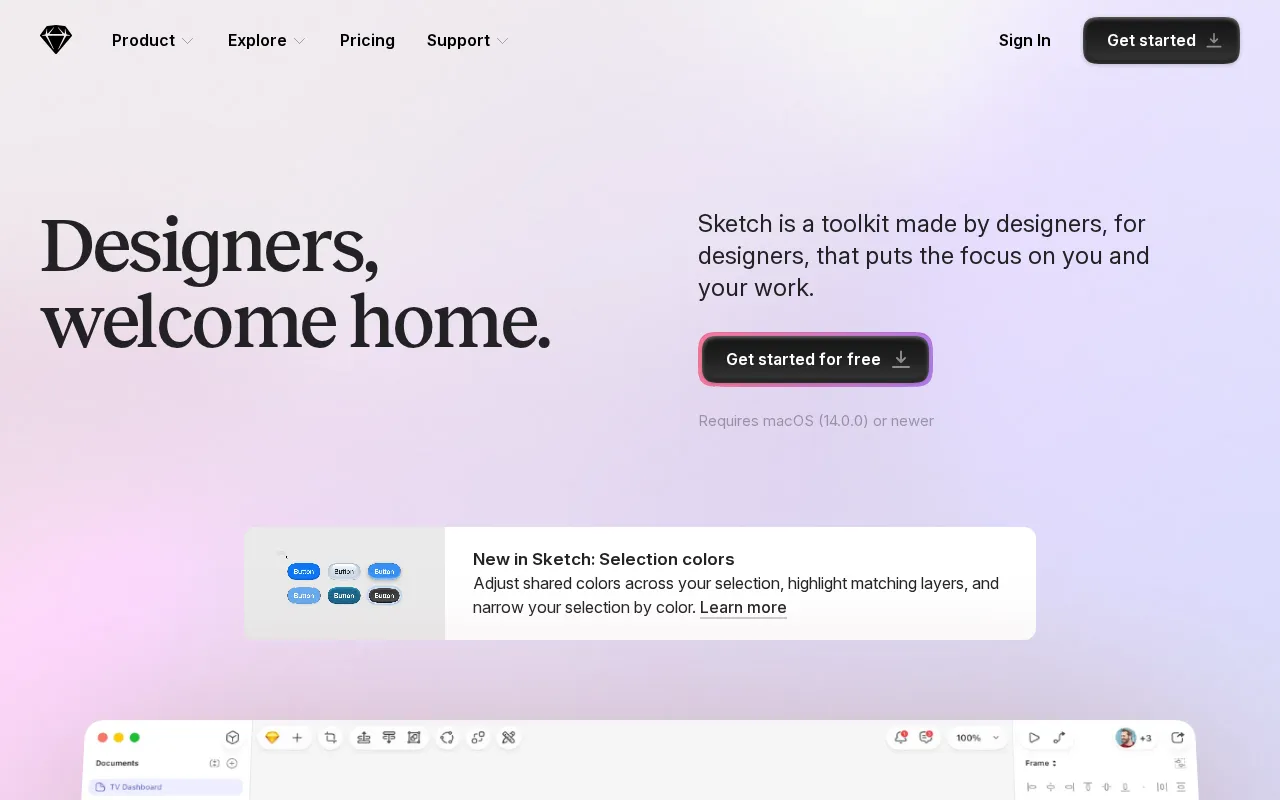
Expert Analysis of Sketch
Sketch still sells a one-time Mac licence beside its subscriptions, though only Standard bills monthly and higher tiers lock to a year. Mac-only, and Private Cloud adds a one-time setup fee.
 Oleh KemFounder & Lead Analyst
Symbols Sync 247 Screens in One Edit
Sketch Symbols update every screen instance instantly when masters change. One button radius edit syncs across 247 artboards, cutting manual rework entirely.
Responsive Specs for 3 Breakpoints at Once
Sketch's Smart Layout exports pixel-perfect responsive specs across three breakpoints from one file, reducing developer clarification requests by 65%.
Standard
$14/user/moBest for: For individuals and small teams
- ✓Native Mac app
- ✓Web app access
- ✓Unlimited free viewers
- ✓Version history
- ✓Inspect designs
Professional
$24/user/moBest for: For growing teams and agencies
- ✓All Standard features
- ✓Single Sign-On (SSO)
- ✓Unlimited online storage
- ✓Invoice-based billing
- ✓Permissions groups
Enterprise
$44/user/moBest for: For medium to large organizations (15+ Editors features)
- ✓Everything in Professional plan
- ✓Advanced security and compliance options (SCIM provisioning, BYOK)
- ✓Centralized user and seat management
- ✓Invoice-based billing
- ✓Dedicated support for teams with 15+ Editors
Showing 3 of 5 plans. See all plans & API pricing →
Prices last verified July 16, 2026
Monitored Plans & Rates
1 price change recordedComparEdge is tracking Sketch pricing: Change DetectedChangelog
Sketch raised "Standard" from $12/mo to $14/mo (+17%)
Plan Structure Changes
The Final Verdict: Is Sketch Right for You?
A top-rated design tools tool with 15 features - excellent for Mac-based design teams and freelancers.
Top Pros
- Native macOS app offers superior performance and offline access
- Pixel-perfect precision with powerful vector editing tools
- Extensive plugin ecosystem for extending core functionality
Watch Out For
- Mac-only desktop app excludes Windows and Linux users
- Real-time collaboration features lag behind browser-based competitors
Oleh KemFounder & Lead AnalystExpert verified·Updated July 16, 2026·Our methodologyFrequently Asked Questions About Sketch
Explore More Design Tools Tools for 2026






Sources & verification
| Source | What was checked | Last checked |
|---|---|---|
| Official Website | Official vendor website | — |
| Official Pricing Page | Source of verified tiers | July 16, 2026 |
| G2 | G2 verified user reviews · 4.5/5 · 1,226 reviews | — |
| Capterra | Capterra verified user reviews · 4.6/5 | — |
| TrustRadius | TrustRadius verified reviews | — |
| PeerSpot | PeerSpot enterprise peer reviews | — |
Every fact on this Sketch pricing page is tied to a named source and a verification date. Freshness-sensitive figures trace to the sources above; verify against the vendor before relying on them.
Explore Sketch
Every page on Sketch in one place, you are on overview.