

CorelDRAW Review: Features, Pricing & Integrations 2026
Excels at print production and large-format design with flexible perpetual licensing. Plans run $25.42-$55/mo.
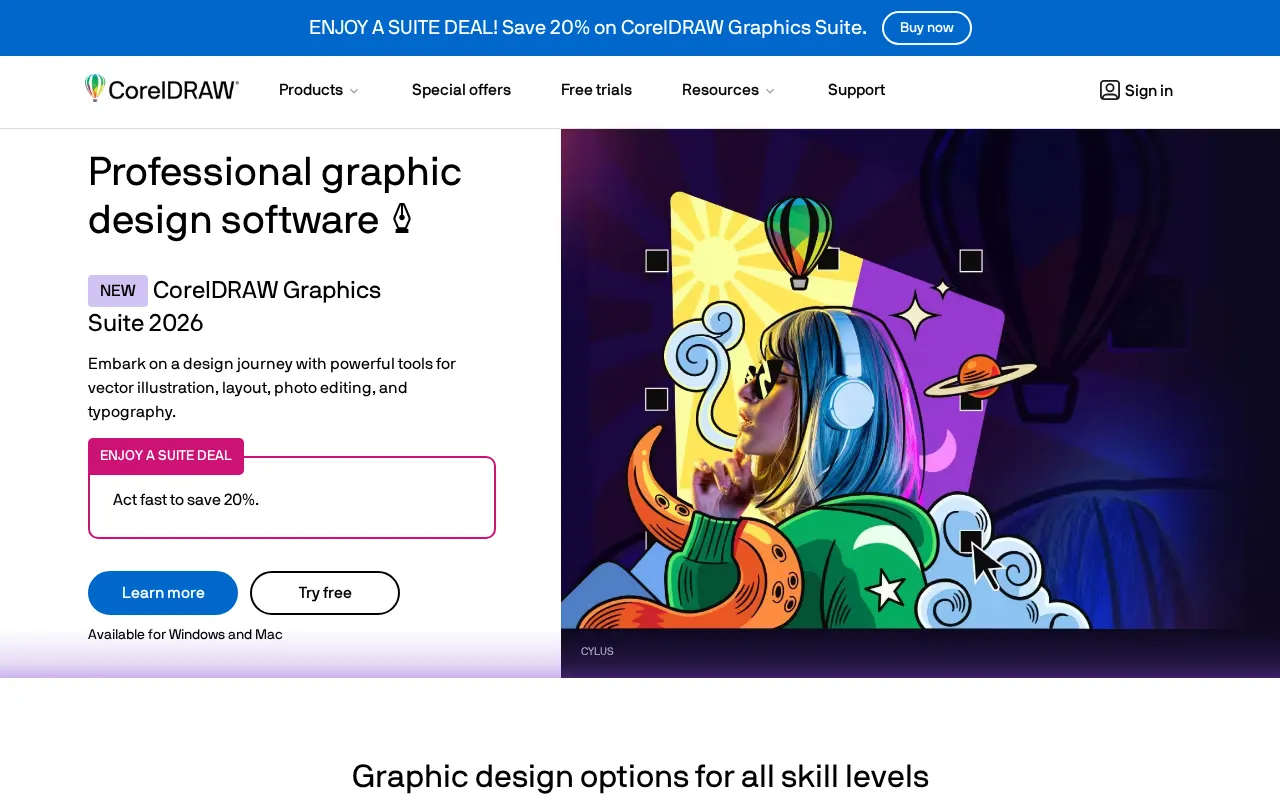
Expert Analysis of CorelDRAW
CorelDRAW runs three cash registers at once: a monthly plan, a first-year promo annual rate that jumps at renewal, and a one-time perpetual licence. The bought version freezes the current release, with no future updates and none of the AI. Live buy-versus-subscribe math.
 Oleh KemFounder & Lead Analyst
Deliver Camera-Ready Print Files Faster
Print Production embeds crop marks, bleeds, and CMYK separations into package designs, cutting pre-press revision cycles from 5-7 rounds down to 2-3.
Blend Photos and Vectors in One Canvas
Mesh Fill wraps realistic gradients across vector shapes while Photo Editing handles color corrections in the same canvas - no round-trips to Photoshop needed.
Export Brand Guidelines as a Single PDF
Typography and Color Management codify font rules and brand colors across artboards; Page Layout exports the full system as one developer-ready PDF.
Output One File to Both Print and Digital
Color Management maps one brand master to both CMYK print and RGB web output, keeping logos and palettes accurate across offset printing, ads, and presentations.
Annual Plan
$25.42/moBest for: Same
- ✓Latest version + exclusive apps & features + monthly AI credits
- ✓subscription-exclusive features
- ✓renew subscription
- ✓buy for business
Prices last verified July 16, 2026
Monitored Plans & Rates
2 price changes recordedComparEdge is tracking CorelDRAW pricing: Change DetectedChangelog
CorelDRAW raised "CorelDRAW Go" from $9.99/mo to $10/mo (0%)
CorelDRAW raised "CorelDRAW Graphics Suite - 365-day Subscription" from $39/mo to $55/mo (+41%)
Plan Structure Changes
View all 11 →The Final Verdict: Is CorelDRAW Right for You?
Strong design tools choice for Print, signage & manufacturing designers - 4.4/5 rating, 15 features.
Top Pros
- Flexible perpetual license and subscription options
- Strong focus on print production and large-format design
- Built-in tools for sign making, engraving, and apparel
Watch Out For
- Steeper learning curve for users accustomed to Adobe
- Limited adoption in creative agencies; less industry standard
Oleh KemFounder & Lead AnalystExpert verified·Updated July 16, 2026·Our methodologyFrequently Asked Questions About CorelDRAW
Explore More Design Tools Tools for 2026






Sources & verification
| Source | What was checked | Last checked |
|---|---|---|
| Official Website | Official vendor website | — |
| Official Pricing Page | Source of verified tiers | July 16, 2026 |
| G2 | G2 verified user reviews · 4.3/5 · 550 reviews | — |
| Capterra | Capterra verified user reviews · 4.5/5 | — |
| TrustRadius | TrustRadius verified reviews | — |
Every fact on this CorelDRAW pricing page is tied to a named source and a verification date. Freshness-sensitive figures trace to the sources above; verify against the vendor before relying on them.
Explore CorelDRAW
Every page on CorelDRAW in one place, you are on overview.