
Best Veo 2 Alternatives in 2026
Stick with Veo 2 if you only need its $19.99 plan for basic ai-video generation. Switch to Hailuo AI (from free to $199.99/mo) if you require advanced cinematic motion controls.
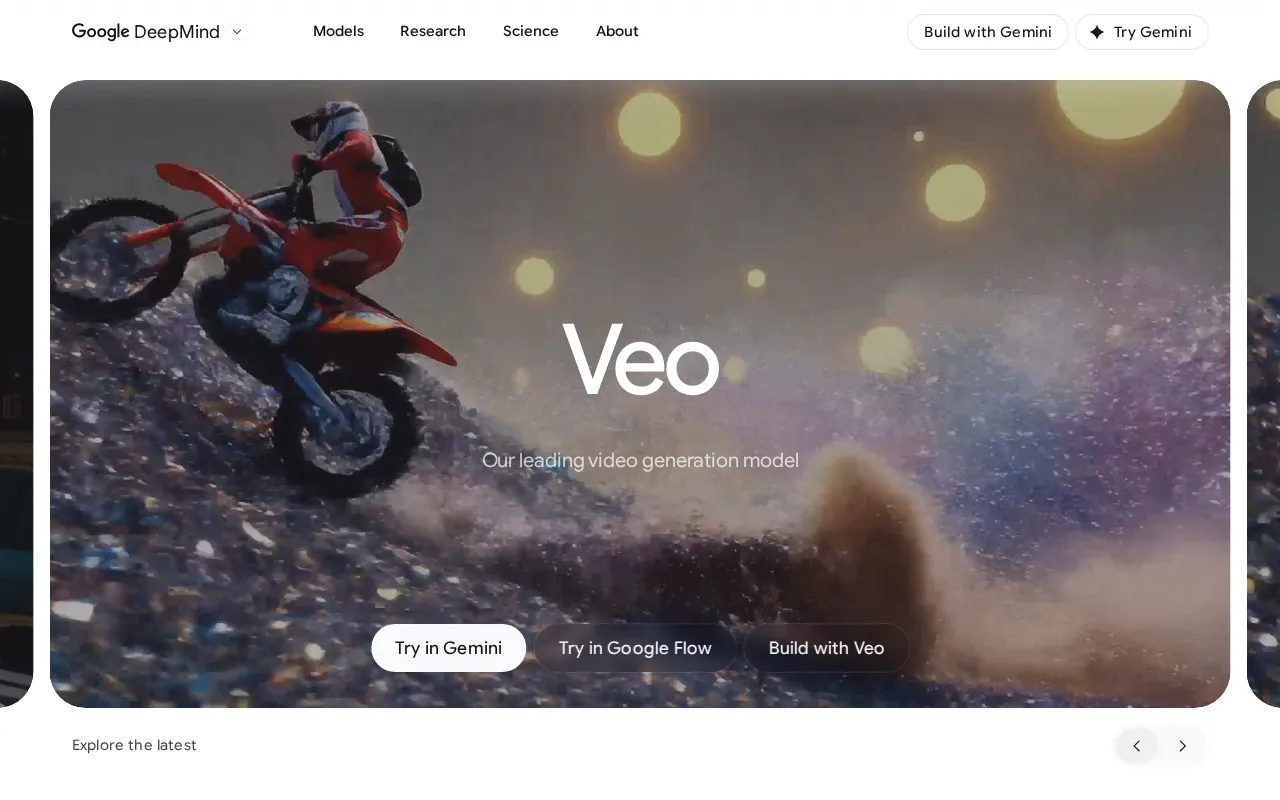
Feature Overview: Top Veo 2 Alternatives
Veo 2 compared against all 14 ai video tools alternatives. Pricing, free plan availability, rating, and ai video tools-specific capabilities.
| Tool | Price | Free Plan | Rating |
|---|---|---|---|
 | $19.99/mo | - | |
 | $14.99/mo | 5.0G2 | |
 | $29/mo | 4.8G2 | |
 | $29/mo | 4.6G2 | |
 | $24/mo | 4.6G2 | |
 | $9.99/mo | 4.6G2 | |
 | $20/mo | 4.5G2 | |
 | $6.99/mo | 4.5Capterra | |
 | $15/mo | 4.5G2 | |
 | $19/mo | 4.5G2 | |
 | $30/mo | No | 4.4Capterra |
 | $100/mo | 4.4G2 | |
 | $10/mo | 4.4G2 | |
 | Pay-as-you-go | No | 4.3G2 |
 | $10/mo | - |
How Does Veo 2 Compare to Alternatives?
Independently verified metrics. Sources: Vendor documentation, independent research. Verified 2026.
| Tool | Gen Times | Max FPSFPS | Max Resolution | Max Durations |
|---|---|---|---|---|
| HeyGen | 120 | 30 | 1080p | 600 |
| Synthesia | 180 | 30 | 1080p | 3,600 |
| Descript | - | 60 | 4K | - |
| Kling AI | 120 | 30 | 1080p | 180 |
When Should You Stick with Veo 2?
Alternatives are not always the right move. Veo 2 remains strong in these scenarios.
- +Generates 1080p-plus video running over a minute
- +Genuine cinematic camera control, so text like 'dolly zoom' or 'tracking shot' produces the actual move
- +Holds temporal and visual consistency well within a single subject and shot
- +Handles nuanced physics and object interaction that survives a close look
- +Latent diffusion transformer architecture pushes fine detail in the frame
- -Deprecated, with a June 30, 2026 shutdown, so any workflow you build on it has a hard expiry
- -No audio, unlike the Veo 3 family, so every clip is silent and needs sound added separately
- -Access has been narrow: invite-gated consumer entry and API limited to select Vertex AI partners
- -Safety filters are aggressive enough to block benign prompts, including references to children or ordinary dynamic action
Veo 2 Alternatives for Video Creators
14 alternatives evaluated by features, pricing, and real-world use cases.
Expert Take
The Veo 2 API rate is $0.50 a second at 720p, and the advanced camera controls cost the same as a plain call. This generation carries no audio track at any price, and Google has published an end-of-life date for the model.
 Oleh KemFounder & Lead Analyst
An AI model that generates short, high-fidelity video clips with exceptionally realistic motion from text or image promp. Rated 5.0/5 vs 4.5/5 for Veo 2.
- +Exceptional motion dynamics and physical realism
- +Generous free tier with daily generation credits
- +High degree of character and style consistency
- +Fast generation speeds for quick iterations
- −Maximum video length is currently limited to 6 seconds
- −Fewer camera controls and advanced features than competitors
- −Data privacy concerns due to its base in China
AI video platform for creating studio-quality avatar videos with voice cloning and one-click translation.. Rated 4.9/5 vs 4.5/5 for Veo 2.
- +Real-time video translation with accurate lip-syncing
- +Custom avatar creation from a single photo or video
- +Extensive library of 300+ voices in 40+ languages
- +API access for programmatic video generation at scale
- +Generous free plan with 1 minute of credit and one instant avatar
- +Talking photo
- +Avatar creation
- −Free and Creator plans include a prominent HeyGen watermark
- −Custom voice cloning requires a paid plan and can take time
- −Avatar movements can feel robotic or limited in expression
AI video generation platform with realistic avatars and text-to-video capabilities for enterprise training.. Rated 4.7/5 vs 4.5/5 for Veo 2.
- +Competitive pricing from $29/mo
- +Highly rated (4.7/5 on review platforms)
- +12 key features including AI avatars and 120+ languages
- −One of the issues we face is the variability in accents; there are hundreds to choose from, but some work better than others, and
- −The video part needs improvement.
- −There could be animation features for Avatars.
An AI-powered editor that lets you edit video and audio by editing a text document, with voice cloning and studio sound.. Rated 4.7/5 vs 4.5/5 for Veo 2.
- +Edit video/audio by simply editing the transcribed text.
- +Overdub feature clones your voice to fix audio mistakes.
- +Studio Sound enhances voice recordings with one click.
- +Automatically removes filler words ('um', 'uh') and silences.
- +Multitrack editing for complex podcast and video projects.
- +Text-based editing
- +Overdub voice cloning
- −Overdub voice cloning can sound robotic without careful training.
- −Video editing features are less advanced than dedicated NLEs like Premiere.
- −Performance can be slow with very long or high-resolution files.
An all-in-one AI video editor for creating social-ready content with auto captions, effects, and direct TikTok publishin. Rated 4.7/5 vs 4.5/5 for Veo 2.
- +Seamless one-click export directly to TikTok
- +Massive library of trending TikTok sounds & effects
- +Generous free plan with no watermarks on exports
- +AI-powered auto captions are surprisingly accurate
- +Available on mobile, desktop, and web for cross-device editing
- +AI video editor
- +Auto captions
- +Background removal
- −Free cloud storage is limited to 1GB, forcing upgrades
- −Desktop app can be resource-intensive on older hardware
- −Lacks advanced color grading and audio mixing tools
An AI video generator that creates publish-ready videos from a simple text prompt, complete with stock media and voiceov. Priced higher at $20/mo vs $19.99/mo.
- +Generates a complete, editable video from a single text prompt
- +Includes 8M+ premium iStock media assets in paid plans
- +Offers human-like AI voiceovers in multiple languages and accents
- +Provides a collaborative editor for real-time team feedback
- −AI-selected stock footage can be generic or repetitive
- −Limited control over specific scene transitions and animations
- −Voiceover pacing and intonation can sometimes feel unnatural
An AI model that generates high-fidelity, cinematic videos up to two minutes long from simple text prompts.. Starts cheaper at $6.99/mo vs $19.99/mo.
- +Generates up to 2-minute videos at 1080p 30fps
- +Advanced physics simulation for realistic motion
- +Reconstructs 3D space for complex camera movements
- −Currently only accessible via a waitlist in China
- −Limited API access for third-party integrations
- −Potential for inconsistent character/object continuity
An all-in-one AI magic suite for generating and editing professional-quality video from text, images, or existing clips.. Starts cheaper at $15/mo vs $19.99/mo.
- +Gen-2 model offers state-of-the-art text-to-video quality
- +All-in-one suite: generation, editing, and VFX tools
- +Multi Motion Brush for precise, isolated animation control
- −Video generation is limited to 4-second clips (extendable to 16s)
- −Inconsistent character and object continuity across scenes
- −Free and Standard plans include a prominent watermark on exports
Showing 8 of 14 alternatives
Common Questions About Switching from Veo 2
Sources & verification
| Source | What was checked | Last checked |
|---|---|---|
| Official Website | Official vendor website | — |
| Capterra | Capterra verified user reviews | — |
Every fact on this Veo 2 pricing page is tied to a named source and a verification date. Freshness-sensitive figures trace to the sources above; verify against the vendor before relying on them.