

Webflow Review: Features, Pricing & Integrations 2026
Best for designers wanting total visual control over clean HTML/CSS. Seat plans range from free to $49/user/mo, with a steep learning curve.
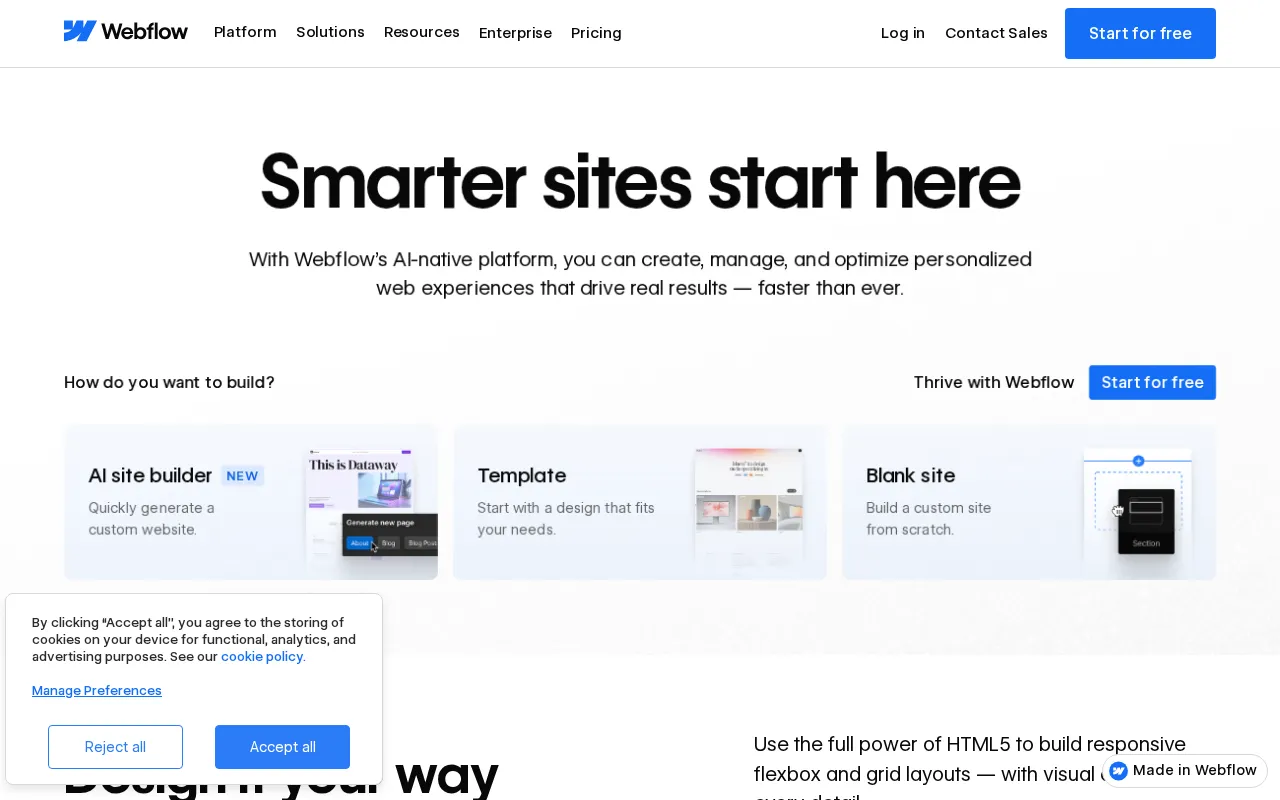
Expert Analysis of Webflow
Webflow bills on two axes at once: per published site and per workspace seat, so an agency pays twice before noticing. In exchange you get semantic code export no other visual builder matches. Localization remains the sore spot users complain about most.
 Oleh KemFounder & Lead Analyst
Animate Product Configurators Without Code
Interactions & Animations build real-time product configurators with instant visual feedback, with one agency cutting configuration abandonment by 34%.
Produce Client Case Studies at Agency Scale
CMS collections store case data once while the Visual Editor generates unique landing page layouts per client, cutting production time from 3 weeks to 4 days.
Gate Member Content with CMS Role Rules
CMS role gating and conditional visibility in the Visual Editor handle member access control without code, routing signups to personalized dashboards via Forms.
Score Leads with Multi-Step Form Logic
Multi-step Forms branch on user answers to pre-qualify leads before CRM entry, with webhooks pushing data to automation platform or Make for immediate follow-up.
Monitored Plans & Rates
Currently TrackingComparEdge is tracking Webflow pricing. No price changes recorded. Plan structure changes detected: 8 plans added, 4 plans removed.
Plan Structure Changes
View all 12 →The Final Verdict: Is Webflow Right for You?
Highly rated website builders software built for Professional Designers & Agencies who need comprehensive workflows.
Top Pros
- Build with clean, semantic HTML/CSS visually without coding
- Total design control over breakpoints for true responsiveness
- Integrated CMS for dynamic, data-driven content creation
Watch Out For
- Steep learning curve for non-technical users or traditional designers
- No native plugin ecosystem like WordPress; relies on integrations
Oleh KemFounder & Lead AnalystExpert verified·Updated July 8, 2026·Our methodologyFrequently Asked Questions About Webflow
Explore More Website Builders Tools for 2026





Sources & verification
| Source | What was checked | Last checked |
|---|---|---|
| Official Website | Official vendor website | — |
| Official Pricing Page | Source of verified tiers | July 8, 2026 |
| G2 | G2 verified user reviews · 4.4/5 · 988 reviews | — |
| Capterra | Capterra verified user reviews · 4.6/5 | — |
| TrustRadius | TrustRadius verified reviews | — |
| PeerSpot | PeerSpot enterprise peer reviews | — |
Every fact on this Webflow pricing page is tied to a named source and a verification date. Freshness-sensitive figures trace to the sources above; verify against the vendor before relying on them.
Explore Webflow
Every page on Webflow in one place, you are on overview.
You are here
Importing data, onboarding effort and switching safely
SEO output and page performance of sites it builds
Every tier and the entry price
Hidden fees, discounts and how to negotiate
Compared and ranked vs peers
Price and feature change history
Browse the full Website Builders category