

GIMP Pricing: Plans & Cost Guide 2026
Free of charge with no recurring fees, this open-source tool has 1 plan at $0/forever, saving $20/mo against the category average.
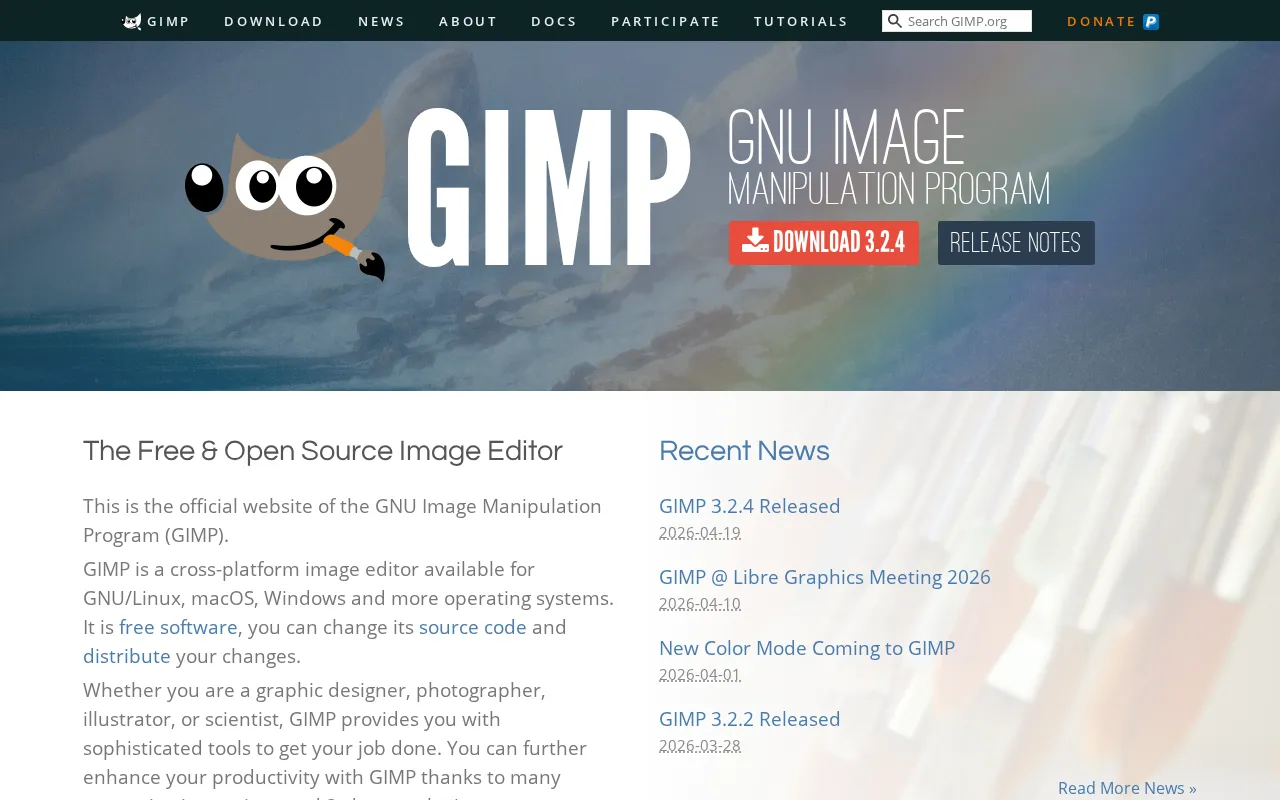
GIMP plans and pricing
Free
You get a full-featured, extensible image editor with cross-platform compatibility
GIMP pricing: the quick answer
GIMP is free, full stop: $0 as of July 8, 2026, released under the GPL with no paid tier, no subscription, and no per-seat charge, so a whole team can install it at no cost. It runs on Linux, macOS, and Windows with every feature unlocked, and it is funded by donations rather than sales. The one real catch has nothing to do with a bill: some third-party sites repackage GIMP and charge for it, so grab the official build from gimp.org and ignore anyone selling it.
- FreeFree
GIMP is free to start, against a $15/mo median across 15 design tools tools we track.
GIMP pricing, read against its live plans and category
Positioning
GIMP is an open-source platform offered entirely as a Free plan, bypassing the category median price of $15/mo. The software delivers advanced photo manipulation, multi-layer editing, and Python scripting without any subscription barriers. However, while the price is unbeatable, the value is compromised by a steep learning curve and a developer-centric interface. It is highly worth it for budget-constrained users, but teams requiring polished usability may find the indirect costs of training too high.
Cost drivers
- 1Pricing is straightforward; no documented hidden fees or overage traps found.
Watch-outs
GIMP has no billing traps, sudden price hikes, or cancellation issues because it is entirely free, non-profit software. The primary risk is the steep usability tax, as the interface lacks the polish of commercial alternatives and requires significant time to master.
Strengths
Even the free tier offers completely free, open-source software with no ads or upsells - strong value at no cost.
- Completely free, open-source software with no ads or upsells
- Highly extensible with custom scripts and third-party plugins
- Runs natively on Linux, macOS, and Windows without limitations
What users say
“GIMP is well worth the price comparison of being free, lol.”
“My experience is that Gimp is usable, but not enjoyable to use”
Editor’s take
Budget-conscious creators and developers who need advanced editing capabilities without a monthly fee should download the Free plan. Teams that prioritize collaborative design and a modern, intuitive user experience should look elsewhere. Consider Figma starting at the category median of $15/mo as a far more polished and collaborative alternative.
 Oleh KemFounder & Lead Analyst
GIMP Hidden Costs & Pitfalls
List price covers the subscription. Total cost of ownership for GIMP typically includes additional line items that don't appear on the pricing page.
GIMP price history
Cheaper Design Tools tools


Frequently asked questions
Sources & verification
| Source | What was checked | Last checked |
|---|---|---|
| Official Website | Official vendor website | — |
| G2 | G2 verified user reviews · 4.3/5 · 1,484 reviews | — |
| Capterra | Capterra verified user reviews · 4.4/5 | — |
| TrustRadius | TrustRadius verified reviews | — |
| PeerSpot | PeerSpot enterprise peer reviews | — |
Every fact on this GIMP pricing page is tied to a named source and a verification date. Freshness-sensitive figures trace to the sources above; verify against the vendor before relying on them.
Explore GIMP
Every page on GIMP in one place, you are on pricing.