
Figma Pricing: Plans & Cost Calculator 2026
Figma's per-seat pricing runs from a free Starter plan up to $90/mo for Enterprise, four plans in total, with paid tiers billed annually.
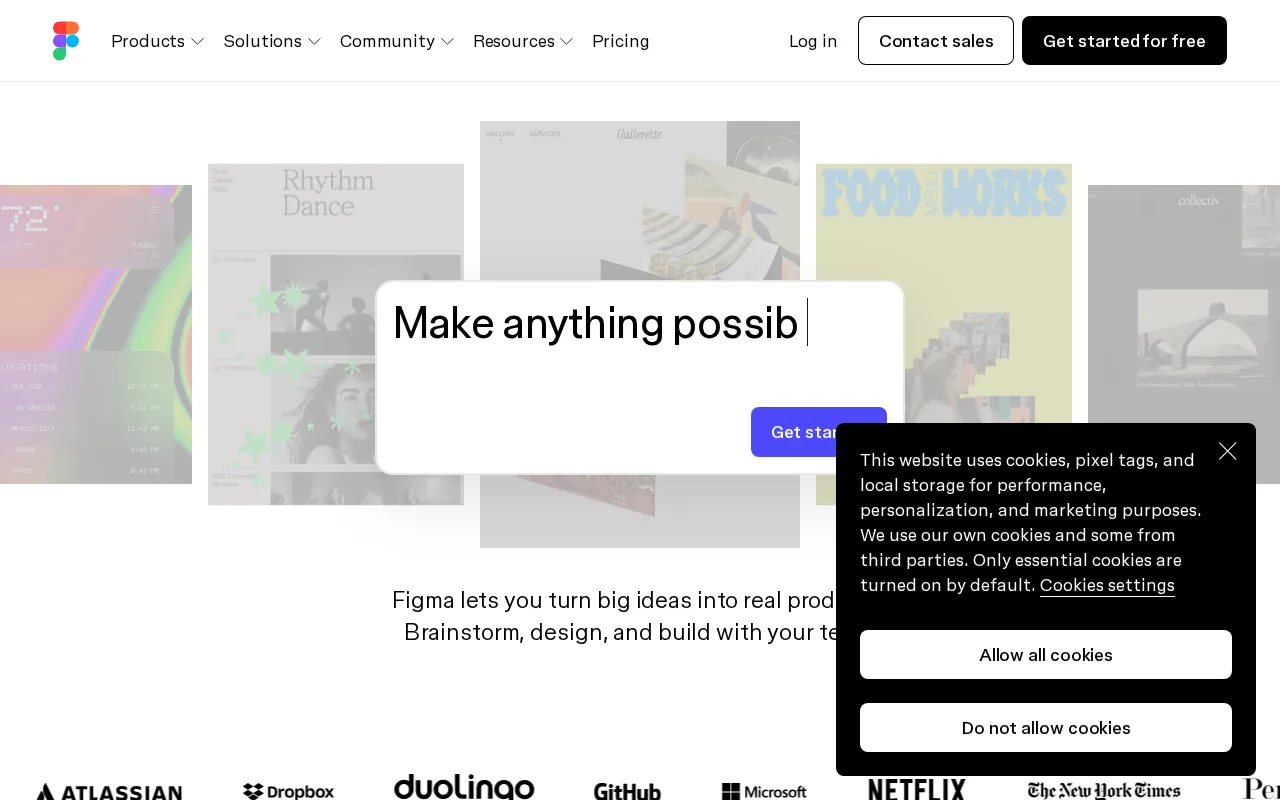
Figma plans and pricing
Billing surface
Pick a plan, set your seat count and switch billing to see the running total. The full breakdown lives in the calculator below.
Starter
Ideal for individuals or small teams just starting with design
Professional
growing teams needing advanced design features and robust collaboration tools
Organization
Suited for large organizations requiring centralized control, security, and design system management
Enterprise
Designed for very large enterprises with specific security, compliance, and integration needs
Figma pricing: the quick answer
Figma keeps a free Starter plan, capped at 3 design files and 3 FigJam files, and its paid pricing is per seat, billed annually. Professional runs $20/mo per full seat, or $16 on annual billing; Organization is $55/mo per seat and Enterprise $90/mo. Figma splits seats by role, so viewer and developer seats cost less than a full editor. Each full seat also carries a monthly AI credit allowance, with extra credits metered on top.
- StarterFree
- Professional$20/user/mo
- Organization$55/user/mo, annual
- Enterprise$90/user/mo, annual
At $20/mo to start, Figma sits 43% above the $14/mo median across 15 design tools tools we track.
Figma cost calculator
Figma Hidden Costs & Pitfalls
Figma's per-seat number hides two things: which seat type each person actually needs, and the fact that the AI allotment is a second meter running on top of the seat.
Figma pricing, read against its live plans and category
Positioning
Figma's Professional plan sits above the category median of $14/mo per seat, making it highly competitive for professional designers who require unlimited files and team libraries. The Starter plan is a highly functional free tier for individuals, but teams are quickly forced to upgrade to access basic collaboration features. For larger teams, the Organization and Enterprise plans require custom sales contracts, which can rapidly escalate costs. Given its industry-standard feature set, the Professional plan is absolutely worth the investment for active UI/UX designers.
Cost drivers
- 1Automatic billing for "editor" seats when sharing files with edit permissions without explicit confirmation.
- 2Sudden 30% price increases on existing seat-based plans.
- 3Lack of a lower-tier "design-only" paid plan, forcing users to pay for full collaborative seats.
Watch-outs
Figma's administrative billing model is a major pain point, with users reporting unexpected charges after sharing files with other designers. The platform has also faced backlash for sudden 30% price hikes on its seat-based tiers and a rigid refund policy that often requires public escalation to resolve.
Strengths
The Professional plan at $20/seat/mo offers real-time, browser-based collaboration for seamless teamwork.
- Real-time, browser-based collaboration for seamless teamwork
- All-in-one platform for UI design, prototyping, and developer handoff
- Extensive plugin ecosystem (FigJam, etc.) extends core functionality
What users say
“Figma just announced a new pricing... It”
“I genuinely believe if figma modifies the pricing strategy... they can pull in a lot”
Editor’s take
Individual freelancers and students should stick to the Starter plan, while growing design teams must budget for the Professional plan at $20/mo per seat to collaborate effectively. If you want to avoid Figma's aggressive seat-based billing traps, consider Sketch at its respective price point as a dedicated desktop alternative.
 Oleh KemFounder & Lead Analyst
Figma price history
Cheaper Design Tools tools



Frequently asked questions
Sources & verification
| Source | What was checked | Last checked |
|---|---|---|
| Official Pricing Page | Source of verified tiers | July 8, 2026 |
| Official Website | Official vendor website | — |
| G2 | G2 verified user reviews · 4.6/5 · 2,000 reviews | — |
| Capterra | Capterra verified user reviews · 4.7/5 | — |
| TrustRadius | TrustRadius verified reviews | — |
| PeerSpot | PeerSpot enterprise peer reviews | — |
| StackShare | StackShare developer community | — |
Every fact on this Figma pricing page is tied to a named source and a verification date. Freshness-sensitive figures trace to the sources above; verify against the vendor before relying on them.
Explore Figma
Every page on Figma in one place, you are on pricing.