
Supabase Performance: Benchmarks, Latency & Limits 2026
Supabase is managed Postgres on AWS ARM, from shared Nano to 64-core 16XL with 80,000 IOPS. Independent tests place it 4th of 4 on throughput but cheapest on ARM.
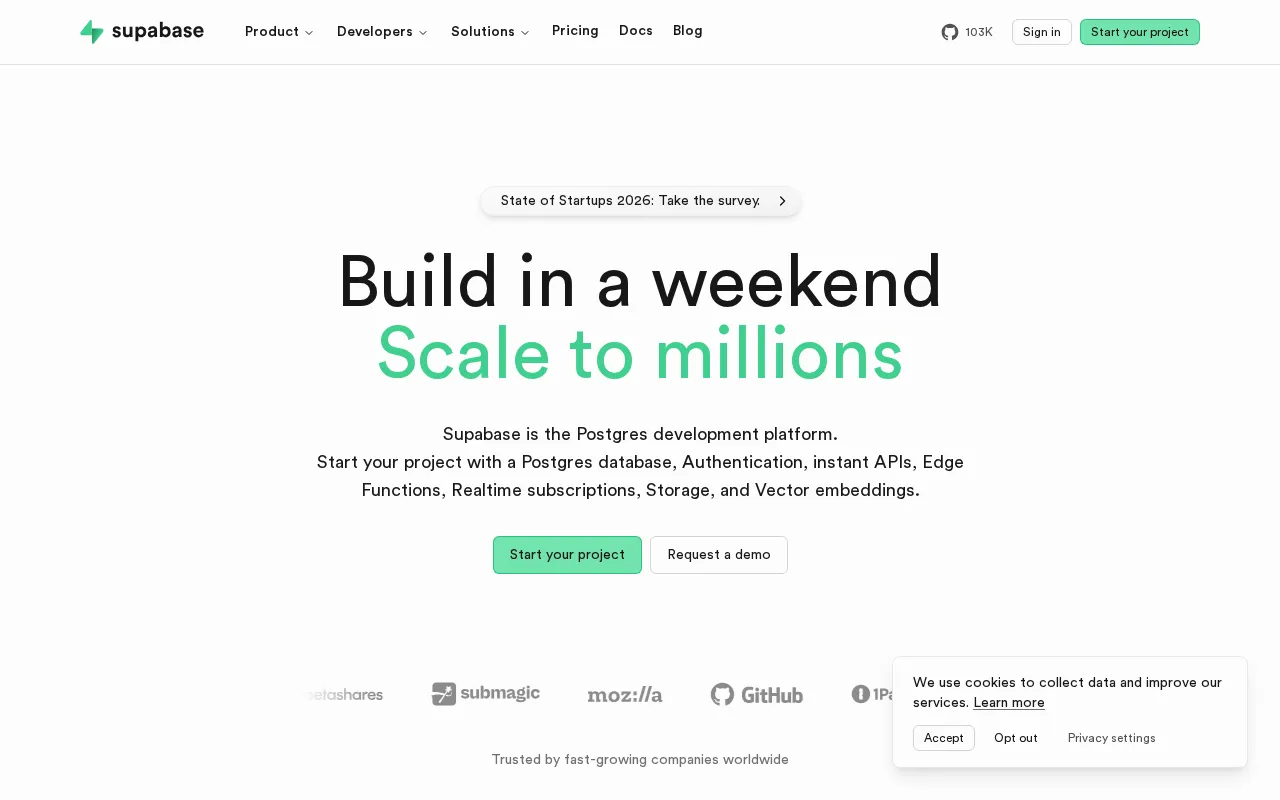
Supabase Performance verdict
Supabase is managed Postgres on AWS, with ARM compute add-ons from a shared Nano to a 64-core 16XL at 256 GB and 80,000 IOPS.
Supavisor pools up to 12,000 connections, and cross-region read replicas are available. Independent PeerDB pgbench, run over 24h on matched 2vCPU and 8 GB, placed Supabase fourth of four providers on raw throughput.
Choose Supabase Large or XL for cost-effective managed Postgres with dedicated ARM cores, when x86 throughput parity is not required. Use Supavisor transaction-mode pooling for serverless and high-concurrency APIs. Add cross-region read replicas for geo-distributed read scale, and provision io2 disks when you need sustained 80,000 IOPS. Plan vertical compute upgrades during low-traffic windows, since they cause downtime.
- Independent PeerDB testing placed Supabase fourth of four managed-Postgres providers on raw throughput, since its ARM compute trades x86 performance for lower cost.
- Vertical compute upgrades currently require downtime, and there is no auto-vertical-scale, so plan upgrades for low-traffic windows. Read replicas use asynchronous replication, so replica reads can lag the primary by seconds to minutes under heavy write load, and non-GET requests always hit the primary.
- Disk can only be increased, not decreased, and read-replica disk bills at 1.25x the primary, outside the spend cap.
- Compute range
- Nano to 16XL (256 GB)
- Baseline IOPS
- 250 to 80,000
- Pooled connections
- 12,000 (Supavisor)
- Independent rank (PeerDB)
- 4th of 4, lowest cost
- Read scaling
- Cross-region replicas
This page covers Supabase's throughput, scaling and disk performance. Backups and pricing live on their own pages.
Browse the full Supabase plan catalog
| Tier | vCPU | RAM | Direct conns | Baseline IOPS |
|---|---|---|---|---|
| Shared | 0.5 GB | 60 | 250 | |
| 2-core ARM (shared) | 1 GB | 60 | 500 | |
| 2-core ARM (shared) | 2 GB | 90 | 1,000 | |
| 2-core ARM (shared) | 4 GB | 120 | 2,000 | |
| Popular | 2-core ARM (dedicated) | 8 GB | 160 | 3,600 |
| 4-core ARM | 16 GB | 240 | 6,000 | |
| 8-core ARM | 32 GB | 380 | 12,000 | |
| 16-core ARM | 64 GB | 480 | 20,000 | |
| 32-core ARM | 128 GB | 490 | 40,000 | |
| 64-core ARM | 256 GB | 500 | 80,000 |
Large and above use dedicated ARM cores; Nano to Medium share vCPU with burst IOPS up to 11,800. Disks are gp3 by default (3,000 IOPS, 125 MB/s baseline) with io2 available for sustained 80,000 IOPS. Supavisor pools up to 12,000 client connections per project.
Intro prices are first-term promotional rates. Compute is a per-project add-on (ARM); read replicas bill at the same tier plus 1.25x disk. Full catalog from Supabase; verify live pricing before buying.
Supabase query latency profile
| Provider / config | Avg latency | Test | Source |
|---|---|---|---|
| AWS RDS (2 vCPU x86) | 2.884 ms | pgbench -c8 -j4, 24h | PeerDB |
| Azure Flexible Server (x86) | ~3.260 ms | pgbench -c8 -j4, 24h | PeerDB |
| Supabase Large (2 vCPU ARM) | Below AWS/Azure/GCP | pgbench -c8 -j4, 24h | PeerDB |
| Batch download (5 GB SELECT) | 160 s (vs GCP 113 s) | 5 GB SELECT | PeerDB |
| Supabase CPU utilization | ~57% peak | 24h pgbench (ARM) | PeerDB |
| Cost (matched specs) | $113/mo (lowest) | 2 vCPU / 8 GB | PeerDB |
Throughput, IOPS and connection limits
| Dimension | Value | Notes |
|---|---|---|
| Baseline IOPS range | 250 to 80,000 | Nano 250 to 16XL 80,000; gp3 default 3,000, io2 for sustained 80,000 |
| Disk throughput | Up to 2,375 MB/s | gp3 125 MB/s baseline default; up to 2,375 MB/s on 16XL |
| Direct connections | 60 to 500 | Scales with compute tier (Nano 60 to 16XL 500) |
| Pooled connections (Supavisor) | 12,000 / project | Transaction mode; for serverless and high-concurrency |
| Disk durability | 99.8 to 99.9% (gp3) | io2 disks available for higher durability and 80,000 IOPS |
| Peak throughput (independent) | AWS 2.7K TPS (Supabase lower) | PeerDB 2vCPU; Supabase ARM placed fourth of four |
Scale ceilings and the scaling model
| Aspect | Value | Notes |
|---|---|---|
| Vertical compute | Nano to 16XL | 0.5 GB to 256 GB RAM; upgrades require downtime, no auto-scale |
| Horizontal read scale | Cross-region read replicas | Async; GET auto-routed to nearest DB since April 2025 |
| Max DB size (recommended) | 200 GB to 2 TB | Large 200 GB, XL 500 GB, 2XL 1 TB, 4XL 2 TB recommended max |
| Disk resize | Increase only | Disk size can only be increased, not decreased |
| Pooled connections | 12,000 / project | Supavisor transaction mode |
| Read replica billing | Same tier + 1.25x disk | Read replica spend not covered by the spend cap |
Supabase reliability and architecture
- Supabase compute runs on ARM cores (dedicated from the Large tier up), which independent testing found delivers lower CPU utilization and throughput than x86 peers but at the lowest cost
- Disks are gp3 by default at 99.8 to 99.9% durability with 3,000 IOPS and 125 MB/s baseline; io2 disks are available for higher durability and sustained 80,000 IOPS
- Connection scaling uses Supavisor in transaction mode, pooling up to 12,000 client connections per project, well above the per-tier direct-connection ceiling of 60 to 500
- Supabase Realtime uses Postgres logical replication (WAL-based) to stream INSERT, UPDATE and DELETE events to clients over WebSocket, typically with sub-second lag on a healthy primary
- Baseline IOPS scale with compute from 250 on Nano to 80,000 on 16XL, with burst IOPS up to 11,800 on the shared smaller tiers, so I/O headroom is tied to the chosen compute add-on
- Read replicas keep additional databases in sync with the primary via asynchronous replication and auto-route GET requests to the nearest database, reducing read latency for distributed users
Supabase benchmark results, independently measured
- PeerDB ran a 24-hour pgbench workload (8 parallel connections, 4 jobs) across AWS RDS, Azure Flexible Server, GCP Cloud SQL and Supabase, each on a comparable 2vCPU/8 GB instance with the client VM collocated in the same region
- AWS RDS led the benchmark at 2.7K TPS and 2.884ms average latency, with Azure second (about 3.26ms) and GCP third; all three x86 providers outperformed Supabase on raw throughput
- Supabase placed fourth on its ARM Large tier (2vCPU, 8 GB), with a 5 GB SELECT taking 160 seconds versus GCP's 113, and a peak CPU of only ~57%, which PeerDB attributed to the ARM architecture
- Despite the lower throughput, Supabase was the most cost-effective of the four at $113/month, so the trade-off is ARM cost efficiency versus x86 raw performance
- The benchmark ran all providers on PostgreSQL 15 at matched specs, and PeerDB explicitly flagged ARM versus x86 as a confounding factor, so the result reflects architecture and cost as much as the platform
Supabase Performance FAQ
How does Supabase perform in independent benchmarks?
The independent PeerDB benchmark from 2024 ran a 24-hour pgbench across AWS RDS, Azure, GCP and Supabase on matched 2vCPU and 8 GB instances. AWS led at 2,700 TPS and 2.884ms, with Azure and GCP next. Supabase placed fourth on its ARM Large tier, slower than the x86 peers, with a 5 GB SELECT taking 160s against GCP's 113. But it ran at the lowest cost, $113 a month, with only around 57% peak CPU. The trade-off is ARM cost efficiency against x86 raw throughput.
What compute tiers does Supabase offer?
Ten. A shared Nano starts at 0.5 GB RAM, 60 connections and 250 IOPS. From there come Micro, Small, Medium and Large, the first dedicated ARM tier, then XL, 2XL, 4XL, 8XL up to 16XL at 64-core ARM, 256 GB RAM, 500 connections and 80,000 IOPS. Compute is a per-project add-on. The catalog explorer on this page lists every tier with vCPU, RAM, connections and IOPS.
How many connections does Supabase support?
Direct connections scale with compute, from 60 on Nano to 500 on 16XL. For higher concurrency, Supavisor, Supabase's connection pooler, runs in transaction mode and pools up to 12,000 client connections per project. That is the recommended path for serverless and high-concurrency API workloads, where many short-lived connections would otherwise exhaust the direct limit.
How does Supabase scale?
Reads scale horizontally via cross-region read replicas, asynchronous, with GET requests auto-routed to the nearest database since April 2025. Writes scale vertically by upgrading the compute add-on, from Nano up to 16XL, but vertical upgrades currently require downtime, and there is no auto-vertical-scale. Disk can be increased but not decreased, so size it deliberately.
What IOPS and disk throughput does Supabase deliver?
Baseline IOPS scale with compute, from 250 on Nano to 80,000 on 16XL, with burst IOPS up to 11,800 on the shared smaller tiers. Disks are gp3 by default, 3,000 IOPS and 125 MB/s baseline, reaching up to 2,375 MB/s on 16XL. io2 disks are available when you need sustained 80,000 IOPS and higher durability than the 99.8 to 99.9% of gp3.
Is Supabase fast enough for production Postgres?
Yes for most workloads, with caveats. Its ARM compute is slower than x86 peers on raw pgbench throughput, ranked fourth of four by PeerDB, but it is the most cost-effective and scales to 64 cores and 80,000 IOPS. For peak write throughput parity with AWS or GCP, size up the compute tier and use io2 disks. For read scale, add cross-region replicas, and pool connections through Supavisor.
Sources & verification
| Source | What was checked | Last checked |
|---|---|---|
| Supabase Official | Official product page | July 10, 2026 |
| Peerdb Comparing Postgres Managed Services Aws Azure | Independent reference | July 10, 2026 |
| Supabase Database Connection Management | Database Connection Management | July 10, 2026 |
| Supabase Guides Compute And Disk | Platform Compute And Disk | July 10, 2026 |
| Supabase Guides Going Into Prod | Platform Going Into Prod | July 10, 2026 |
| Supabase Guides Read Replicas | Platform Read Replicas | July 10, 2026 |
| Supabase Pricing | Pricing and plans | July 10, 2026 |
Every fact on this Supabase page is tied to a named source and a verification date. Freshness-sensitive figures trace to the sources above; verify against the vendor before relying on them.
Explore Supabase
Every page on Supabase in one place, you are on performance.
Snapshot, score and verdict
Backups, replication, scaling ops and integrations
You are here
Every tier and the entry price
Hidden fees, discounts and how to negotiate
Compared and ranked vs peers
Price and feature change history
Browse the full Cloud Hosting category