
Grammarly Review: Features, Pricing & Integrations 2026
Rated 4.7/5 by 13,700+ users. Grammarly corrects and tones writing across all your apps, starting with a free tier up to $30/user/mo.
Expert Analysis of Grammarly
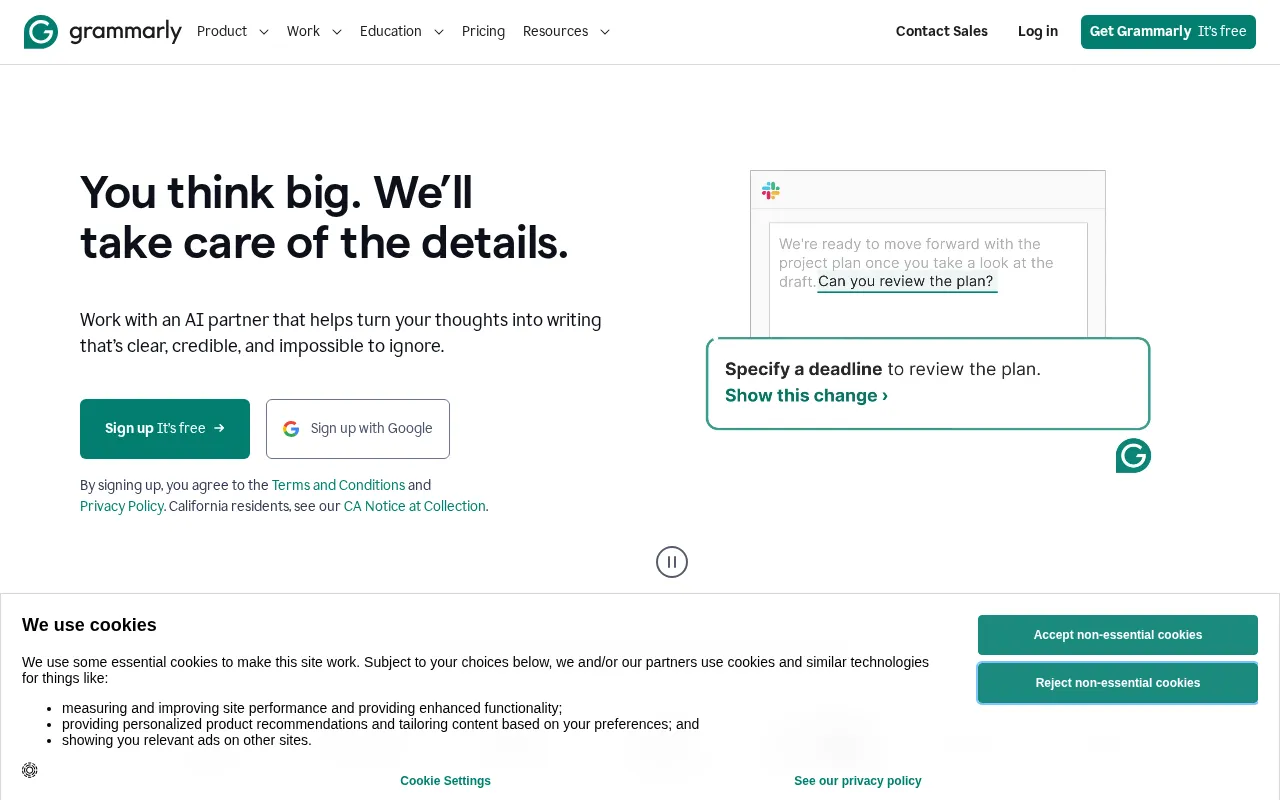
The public plans page shows the tier structure and no recurring price at all. The button it does show starts a trial, and the standing rate waits behind a sign-in wall. Education buyers get a discount that is mentioned only in the FAQ.
 Oleh KemFounder & Lead Analyst
Standardize Outbound Email Tone at Scale
Tone suggestions catch aggressive or casual phrasing in the Browser extension, keeping outbound emails on-voice without review cycles that eat 4+ hours daily.
Scan for Plagiarism Before External Handoff
Plagiarism detection scans 16+ billion sources in under 3 seconds per document, catching unattributed language before it reaches external stakeholders.
Catch Ambiguities in Technical Specs
Style improvements catch passive voice and unclear modifiers in spec documents, cutting engineering scope clarification requests by 35% and compressing feedback loops.
Enforce Terminology Across 200+ Contributors
The Team style guide pushes real-time corrections into Google Docs, team chat, and email clients - cutting first-pass copy editing for 60-70% of contributor submissions.
Free
FreeBest for: Write without spelling and grammar mistakes
- ✓Basic grammar and spelling checks
- ✓Punctuation correction
- ✓Conciseness suggestions
- ✓Browser extension
- ✓100 AI prompts per month
Pro
$30/user/moBest for: Most Popular, achieve goals with clear and confident writing
- ✓Advanced grammar, spelling, and punctuation checks
- ✓Contextual error detection
- ✓Vocabulary enhancement suggestions
- ✓Genre-specific writing style checks
- ✓Plagiarism detection (16+ billion web pages)
Prices last verified July 8, 2026
Monitored Plans & Rates
Currently TrackingComparEdge is tracking Grammarly pricing. No price changes recorded. Plan structure changes detected: 1 plan removed.
Plan Structure Changes
The Final Verdict: Is Grammarly Right for You?
A top-rated ai writing tool with 8 features and a free plan - excellent for Professionals and teams needing consistency.
Top Pros
- Integrates seamlessly across browsers, desktop apps, and mobile
- Real-time tone detection adjusts writing for specific audiences
- Comprehensive free version covers core grammar and spelling needs
Watch Out For
- Suggestions can be overly prescriptive, stifling creative or nuanced writing styles
- Advanced features (plagiarism, style guides) are locked behind a pricey Pro plan
Oleh KemFounder & Lead AnalystExpert verified·Updated July 8, 2026·Our methodologyFrequently Asked Questions About Grammarly
Explore More AI Writing Tools Tools for 2026




Sources & verification
| Source | What was checked | Last checked |
|---|---|---|
| Official Website | Official vendor website | — |
| Official Pricing Page | Source of verified tiers | July 8, 2026 |
| G2 | G2 verified user reviews · 4.7/5 · 13,700 reviews | — |
| Capterra | Capterra verified user reviews · 4.7/5 | — |
| TrustRadius | TrustRadius verified reviews | — |
| PeerSpot | PeerSpot enterprise peer reviews | — |
Every fact on this Grammarly pricing page is tied to a named source and a verification date. Freshness-sensitive figures trace to the sources above; verify against the vendor before relying on them.
Explore Grammarly
Every page on Grammarly in one place, you are on overview.