

Cursor Pricing: Plans & Cost Calculator 2026
Free Hobby tier plus paid plans from $20 to $200/mo, each a credit pool that bills overage at API rates once it runs dry.
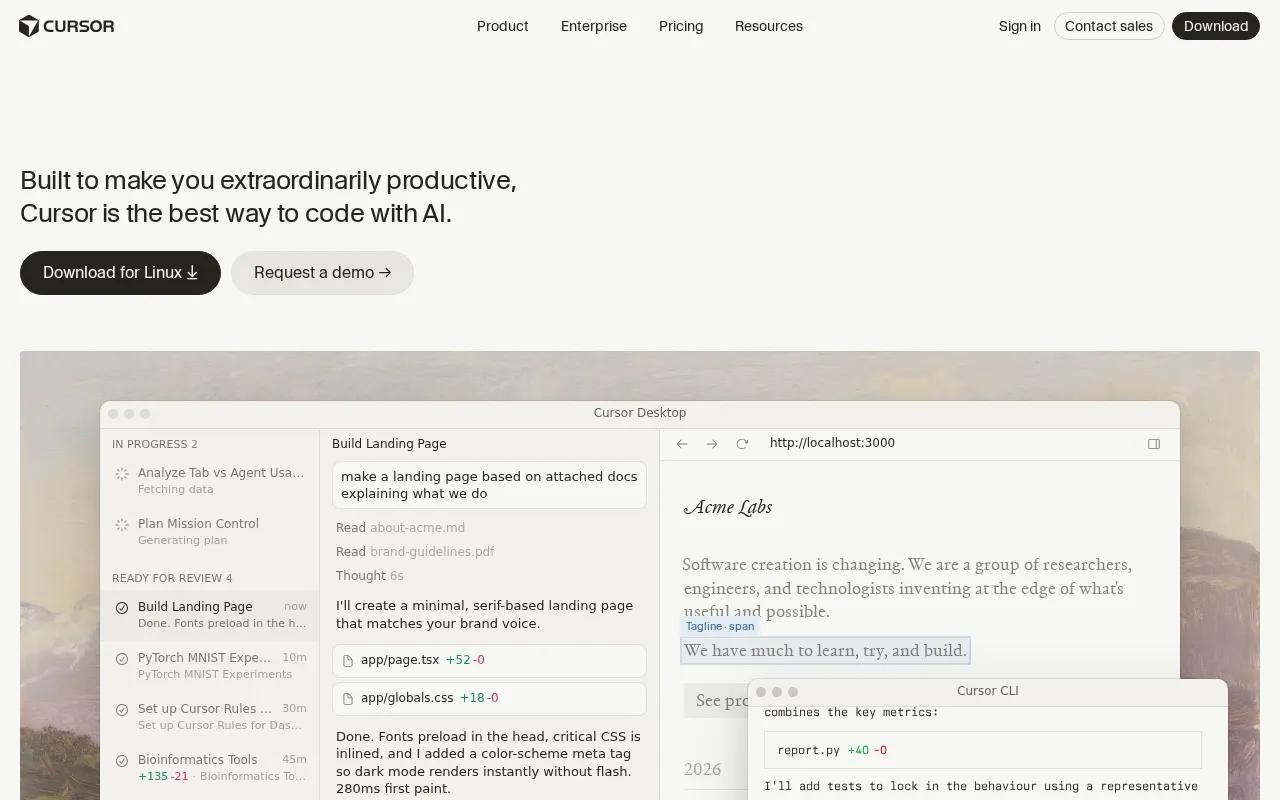
Cursor plans and pricing
Billing surface
Pick a plan, set your seat count and switch billing to see the running total. The full breakdown lives in the calculator below.
Hobby
Individuals trying Cursor
Pro
Developers needing extended limits
Teams Standard
Teams: standard usage limits
Pro+
Developers needing extended limits
Ultra
Agent power users
Enterprise
Large orgs needing security+compliance
Cursor pricing: the quick answer
Cursor is freemium as of July 16, 2026, with a $0 Hobby tier and paid plans that all work as credit pools. Pro is $20/mo ($16 annual), Pro+ is $60 ($48), and Ultra is $200 ($160), each bundling a monthly credit pool equal to its price that premium model requests draw down. Teams come in two seats: Standard at $40/user/mo ($32 annual) and Premium at $120 ($96) with 5x the Agent limits, and Enterprise is custom. Annual billing is a flat 20% off every tier. The catch worth reading twice: once you burn the included credit, extra usage bills in arrears at raw API pricing, so a heavy agent day can push a $20 Pro seat well past $20.
- HobbyFree
- Pro$20/user/mo
- Teams Standard$40/mo
- Pro+$60/mo
- Teams Premium$120/mo
- Ultra$200/mo
- EnterpriseCustom
At $20/mo to start, Cursor sits right at the $20/mo median across 11 ai coding tools tools we track.
Cursor cost calculator
Cursor Hidden Costs & Pitfalls
Every paid Cursor tier is a credit wallet sized to its price. The subscription buys you that pool, and the real question is what happens the day you empty it.
Cursor pricing, read against its live plans and category
Positioning
Cursor's paid tiers are credit pools sized to their price. Pro at $20/mo carries a $20 pool, Pro+ at $60/mo a $60 pool, and Ultra at $200/mo a $200 pool, with premium requests to Opus 4.8, Sonnet 5, GPT-5.5, and Gemini 3.1 Pro drawing them down. The free Hobby tier is a real trial with unlimited completions and limited agent use. For a developer who lives in the agent, the honest read is that $20 is the entry, not the bill, because on-demand usage past the pool runs at API rates.
Cost drivers
- 1Premium model requests deplete the monthly credit pool, and further usage bills in arrears at API pricing, so speed stops being free once the pool is empty.
- 2Raising your included credit means jumping tiers to Pro+ at $60/mo or Ultra at $200/mo, not buying a cheap top-up.
- 3On the Teams plans ($40 Standard or $120 Premium per user/mo) the credit is per seat, so heavy users burn their share and drop to on-demand billing.
Watch-outs
Buyers reported the Pro plan's limits tightening without much warning and agent runs draining credit fast enough to produce surprise charges.
Strengths
The repo-wide context and multi-file editing are the reason people pay, and the VS Code fork keeps their extensions and muscle memory intact. Users rate it 4.5 on G2 and 4.8 on Capterra.
Editor’s take
Start on Pro at $20/mo, but if you run agents continuously, budget for Pro+ at $60/mo rather than bleeding out in API overage. If you want a flat rate with no credit pool to track, GitHub Copilot at $10/mo is the more predictable pick.
 Oleh KemFounder & Lead Analyst
Cursor price history
Cheaper AI Coding Tools tools



Frequently asked questions
Sources & verification
| Source | What was checked | Last checked |
|---|---|---|
| Cursor help center: student discount policy | Documents that the free-year student program closed to new sign-ups on June 25 2026, so no current student offer applies. | July 16, 2026 |
| Cursor help center: cancellation policy | Explains that canceling keeps access through the paid period and then drops the account back to the free Hobby plan. | July 16, 2026 |
| Official Pricing Page | Source of verified tiers | July 16, 2026 |
| Official Website | Official vendor website | — |
| G2 | G2 verified user reviews · 4.5/5 · 78 reviews | — |
| Capterra | Capterra verified user reviews · 4.8/5 | — |
| TrustRadius | TrustRadius verified reviews | — |
| PeerSpot | PeerSpot enterprise peer reviews | — |
Every fact on this Cursor pricing page is tied to a named source and a verification date. Freshness-sensitive figures trace to the sources above; verify against the vendor before relying on them.
Explore Cursor
Every page on Cursor in one place, you are on pricing.