
Best 1Password Alternatives in 2026
Bitwarden (free to $6/mo) and Dashlane offer free tiers that undercut 1Password. Switch if paying a recurring annual subscription for basic vaulting is no longer viable.
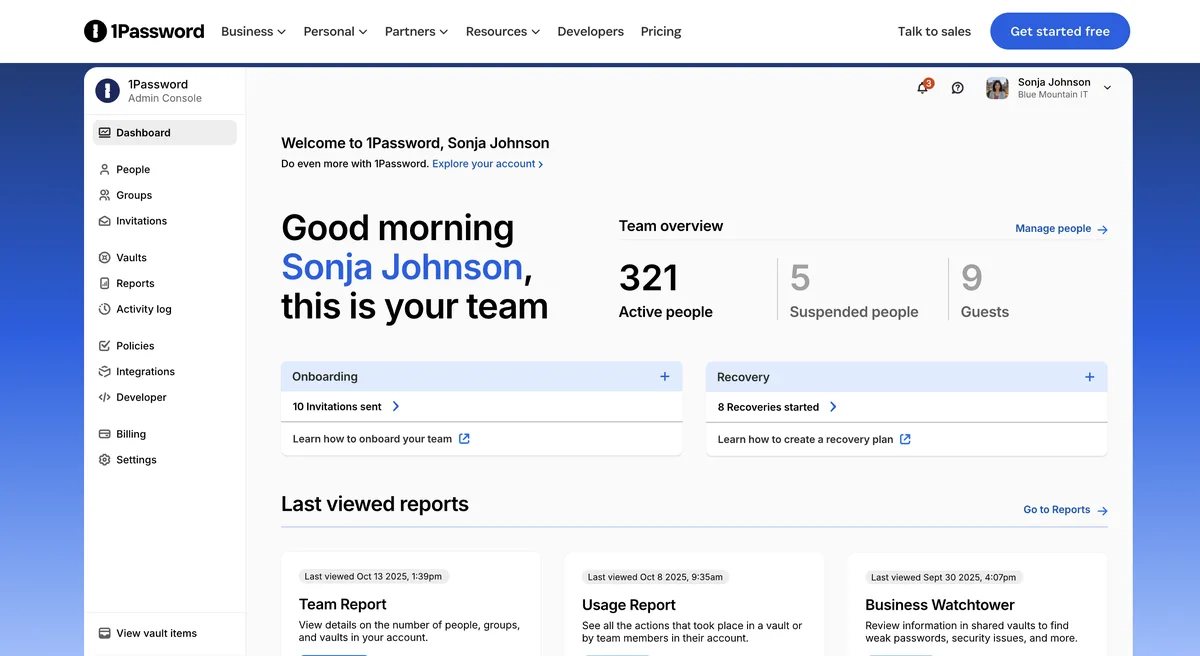
Feature Overview: Top 1Password Alternatives
1Password compared against all 4 password managers alternatives. Pricing, free plan availability, rating, and password managers-specific capabilities.
| Tool | Price | Free Plan | Rating |
|---|---|---|---|
 | $4.99/mo | No | 4.6G2 |
 | $1.65/mo | 4.7G2 | |
 | Free | 4.4G2 | |
 | Pay-as-you-go | No | 4.5G2 |
 | $1.99/mo | 4.5G2 |
How Does 1Password Compare to Alternatives?
Independently verified metrics. Sources: Vendor documentation, independent research. Verified 2026.
| Tool | KDF Iterations | Autofill Rate% | Free Devices | Open Source |
|---|---|---|---|---|
| 1Password (this) | 650,000 | 95% | 0 | No |
| Bitwarden | 600,000 | 98% | 999 | Yes |
| LastPass | 600,000 | 90% | 1 | No |
| Dashlane | - | 92% | 1 | No |
| NordPass | - | 90% | 1 | No |
When Should You Stick with 1Password?
Alternatives are not always the right move. 1Password remains strong in these scenarios.
- +Travel Mode temporarily removes vaults from devices for border crossings.
- +Secret Key adds a unique 34-character layer of security on top of your master password.
- +Watchtower provides advanced breach monitoring and security health checks.
- +Seamless integration with privacy.com for creating virtual payment cards.
- +Developer-friendly tools including a CLI and SSH agent.
- -No free-forever plan is available; only a 14-day trial.
- -The desktop app and browser extension can sometimes fall out of sync.
- -Steeper learning curve compared to simpler password managers.
- -Sharing items with non-users is less intuitive than with some competitors.
1Password Alternatives for Teams & Individuals
4 alternatives evaluated by features, pricing, and real-world use cases.
Expert Take
The annual rate that makes 1Password look affordable is a first-year promotion on Individual and Families, so the second year lands higher. The Teams Starter Pack carries ten people on one fee, and everyone after the tenth is billed per seat.
 Oleh KemFounder & Lead Analyst
An open-source password manager offering secure, cross-platform vault access with a generous free plan and self-hosting . Starts cheaper at $1.65/mo vs $4.99/mo.
- +Fully open-source codebase builds trust and allows for security audits.
- +Extremely generous free tier with unlimited passwords and devices.
- +Self-hosting option provides complete data control and sovereignty.
- −User interface is more functional than polished compared to rivals.
- −Autofill can be less reliable on complex or multi-step login forms.
- −Initial setup for self-hosting requires significant technical expertise.
A user-friendly password manager that securely stores credentials and autofills logins across all your devices and brows. 1Password edges it on ratings (4.7 vs 4.5/5).
- +Excellent cross-platform and browser extension support
- +Simple, intuitive interface ideal for beginners
- +Secure password sharing for individuals and families
- +Emergency access feature for trusted contacts
- +Robust password generator and security dashboard
- +Auto-fill
- +Password generator
- +Dark web monitoring
- −Free plan is limited to a single device type (mobile or desktop)
- −Past security breaches have raised user trust concerns
- −Autofill can be inconsistent on complex or multi-step forms
A user-friendly password manager that secures digital identity with a built-in VPN and live dark web monitoring.. 1Password edges it on ratings (4.7 vs 4.6/5).
- +Built-in VPN for secure browsing on public Wi-Fi.
- +Live dark web monitoring alerts you to breached credentials.
- +Intuitive one-click password changer for supported sites.
- +Secure file storage (1GB) for sensitive documents.
- +Excellent auto-fill and password capture capabilities.
- +Built-in VPN
- +Dark web monitoring
- −Free plan is limited to one device and 50 passwords.
- −Desktop app is being phased out in favor of a web-only experience.
- −VPN feature lacks advanced controls and server selection options.
A security-focused password manager that simplifies digital life with XChaCha20 encryption and data breach scanning.. 1Password edges it on ratings (4.7 vs 4.6/5).
- +Uses modern XChaCha20 encryption, a more future-proof algorithm
- +Password Health tool identifies weak, old, or breached passwords
- +Data Breach Scanner actively monitors for your leaked credentials
- +Offers secure password sharing with trusted contacts via NordPass
- +Passkeys support for faster, phishing-resistant logins
- +XChaCha20 encryption
- +Password health checker
- −Free plan is limited to one active device session at a time
- −No emergency access feature for a trusted contact to inherit data
- −Lacks advanced features like a built-in VPN or travel mode
Common Questions About Switching from 1Password
Sources & verification
| Source | What was checked | Last checked |
|---|---|---|
| Official Website | Official vendor website | — |
| Official Pricing Page | Source of verified tiers | July 8, 2026 |
| G2 | G2 verified user reviews · 4.6/5 · 1,787 reviews | — |
| Capterra | Capterra verified user reviews · 4.7/5 | — |
| TrustRadius | TrustRadius verified reviews | — |
| PeerSpot | PeerSpot enterprise peer reviews | — |
Every fact on this 1Password pricing page is tied to a named source and a verification date. Freshness-sensitive figures trace to the sources above; verify against the vendor before relying on them.