
OneTrust Compliance Evidence Automation 2026
OneTrust collects evidence with pre-architected collectors and monitors controls continuously. Shared evidence reuses one collection across 50+ frameworks.
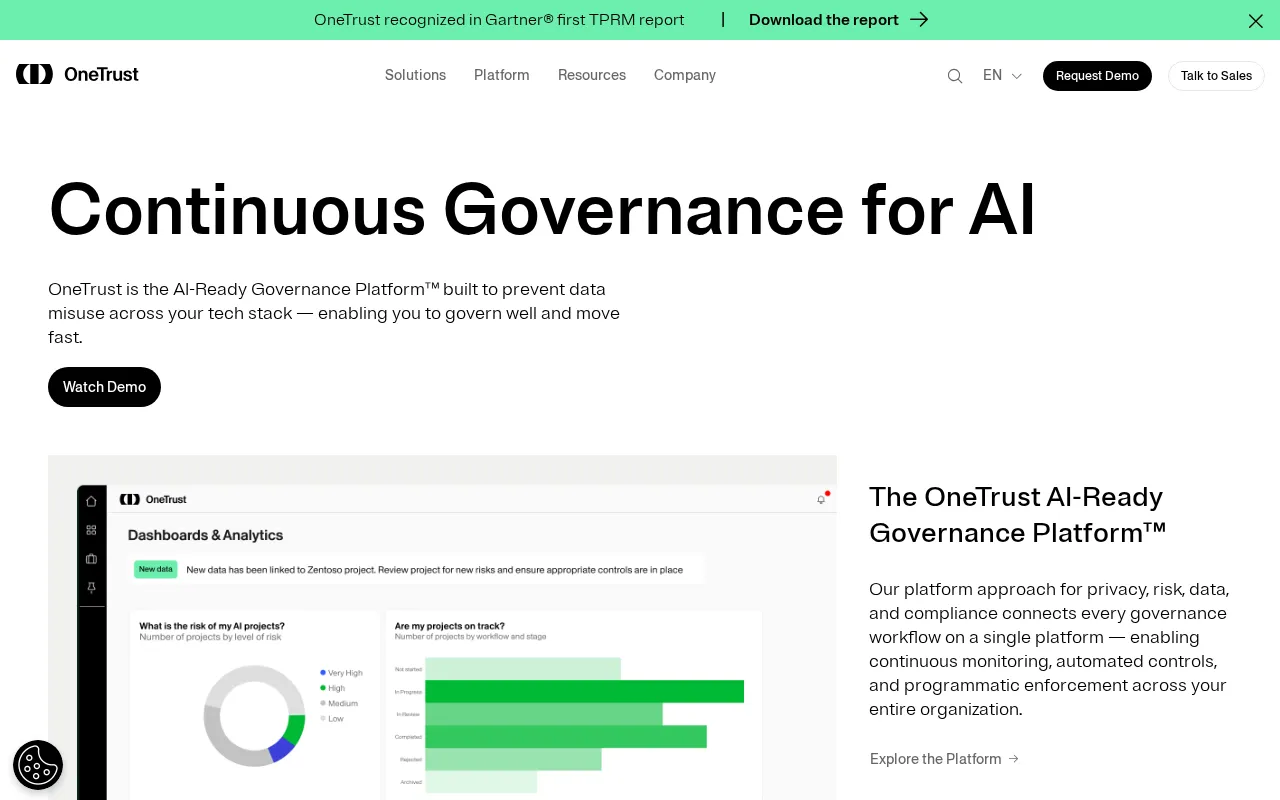
OneTrust Evidence Automation verdict
OneTrust automates evidence by connecting to external systems with pre-architected collectors.
Automatically collecting for certification or attestation, and monitoring controls continuously across frameworks and business scopes. A no-code workflow engine routes the human steps and reduces error, and the shared-evidence model reuses each collection across the 50-plus frameworks that need it.
Plan a OneTrust rollout as connecting your stack and delegating the human steps. Connect your cloud, database, identity, cybersecurity and HR systems from the 200-plus integrations with pre-architected collectors, so evidence collection is automated and monitoring is continuous. Use the shared-evidence framework so a single collection serves the frameworks that need it, and auto-generate controls and evidence tasks to remove setup. Route the human work, from risk and incident self-reporting to delegated evidence tasks and policy attestations, through the no-code workflow engine, and track it on real-time dashboards. Use the Trust Center to demonstrate posture externally. Budget for the human remainder: self-reported intake, stakeholder-owned tasks and UI-driven configuration. The payoff is a continuously monitored, reused evidence base across a multi-framework program.
- Evidence is collected by pre-architected collectors across more than 200 integrations and reused via shared evidence.
- Continuous controls monitoring and real-time dashboards keep the program current.
- Risk intake, delegated evidence tasks and UI-driven configuration stay human.
- Collection
- Pre-architected collectors
- Monitoring
- Continuous controls monitoring
- Reporting
- Real-time dashboards
- Workflow
- No-code automation
- Trust
- Outward-facing Trust Center
This page covers how OneTrust collects and automates evidence. Which frameworks it covers and pricing live on their own pages.
How much evidence OneTrust automates for you
Toggle the systems you run. See what OneTrust auto-collects evidence from read-only and continuously, and what stays manual no matter your stack.
Pick the systems in your stack to see what OneTrust auto-collects, and what you still own.
- Risk and incident self-reporting
- Evidence tasks delegated to stakeholders
- UI-driven configuration
- Policy approval workflow design
- External assessor for certification
OneTrust auto-collects evidence from connected systems with pre-architected collectors and reuses it across frameworks; risk intake, delegated tasks and configuration stay yours.
How OneTrust automates compliance evidence
- OneTrust connects to external systems to automatically collect evidence for certification or attestation.
- Pre-architected collectors integrate directly with your tech stack to automate evidence collection.
- Continuous controls monitoring keeps compliance visibility current across frameworks and scopes.
- A no-code workflow engine eliminates redundant tasks and reduces human error.
- Collected evidence is reused across 50+ frameworks rather than re-gathered per audit.
OneTrust automated tests and monitoring
| Aspect | Detail | Notes |
|---|---|---|
| Controls monitoring | Continuous | Across frameworks and business scopes |
| Evidence collection | Automated collectors | Pre-architected, direct to stack |
| Reporting | Real-time dashboards | Automated reporting |
| Workflow | No-code automation | Reduce redundant tasks and error |
| Controls + evidence | Auto-generated | Required controls and evidence tasks |
| Reuse | Shared evidence | One collection, 50+ frameworks |
Evidence sources OneTrust connects
| Integration | Type | Capabilities | Setup |
|---|---|---|---|
| Cloud computing | Infrastructure | AWS, Azure, Google Cloud · Config + posture evidence | Connect |
| Databases & warehouses | Data | RDS, Redshift, Athena · Snowflake | Connect |
| IAM & identity / SSO | Identity | Identity verification · SSO access evidence | Connect |
| Cybersecurity | Security | Security tooling · Posture signals | Connect |
| HR | People | HR systems · Personnel evidence | Connect |
| Analytics / data | Data | Adobe, Acxiom, ALTR · Data evidence | Connect |
| Collaboration & tasks | Workflow | Task management · Evidence tasks | Connect |
| Visual builder | Custom | Custom connectivity · Pre-architected collectors | Build |
OneTrust audit workflow and evidence packaging
- An outward-facing Trust Center lets stakeholders take control of their data and see your trust program.
- A single policy portal gives employees policy access, reporting and attestation.
- Policy attestations and exceptions are tracked with automated follow-up.
- Real-time dashboards automate the reporting auditors and leadership rely on.
Continuous monitoring and drift in OneTrust
| Signal | Cadence | Channel / action |
|---|---|---|
| Control status | Continuous | Continuous controls monitoring across scopes |
| Compliance visibility | Real-time | Dynamic dashboards report readiness |
| Attestation / exception | On change | Automated follow-up |
| Evidence task | On gap | Routed to stakeholder owners |
| Workflow | Ongoing | No-code automation reduces error |
What still needs manual work in OneTrust
- Risk and incident intake rely on a culture of self-reporting, a human input the platform organizes.
- Evidence tasks are delegated to non-compliance stakeholders, so people across the business do the collecting.
- Configuration is no-code but UI-driven and human-configured, not automatic.
- Policy approval workflows reflect your unique process, which you design and run.
- Audit certification is issued by an external assessor, not the platform; OneTrust readies the evidence.
OneTrust Evidence Automation FAQ
How does OneTrust collect evidence automatically?
It connects to external systems with pre-architected collectors that integrate directly with your tech stack, then automatically collects evidence for certification or attestation. Because the collectors run against your live systems, and the evidence is reused across frameworks through the shared-evidence model, there is no per-framework screenshot collection.
How does OneTrust monitor controls?
Through continuous controls monitoring that improves compliance visibility across frameworks and business scopes, surfaced on dynamic, real-time dashboards. Combined with auto-generated controls and evidence tasks, this keeps control status current rather than checked once for an audit. Drift shows up on the dashboard instead of at audit time.
How does the audit and trust side work?
OneTrust packages it with portals and dashboards. An outward-facing Trust Center lets stakeholders see your trust program and take control of their data. A policy portal gives employees access, reporting and attestation, with automated follow-up on exceptions, and real-time dashboards automate the reporting auditors and leadership need.
What happens when a control changes between audits?
It surfaces and routes. Continuous controls monitoring flags the change on real-time dashboards, and attestation and exception tracking applies automated follow-up. The no-code workflow engine routes the evidence task to the right stakeholder owner across the business. The response is coordinated rather than missed.
What evidence still has to be collected manually?
The technical-control majority is automated, but the program runs through people. Risk and incident intake rely on self-reporting, evidence tasks are delegated to non-compliance stakeholders across the business, and configuration, while no-code, is UI-driven and human-configured. Audit certification itself is issued by an external assessor, with OneTrust readying the evidence.
Sources & verification
| Source | What was checked | Last checked |
|---|---|---|
| Onetrust Official | Official product page | July 10, 2026 |
| Onetrust | Platform | July 10, 2026 |
| Onetrust Integrations | Integrations and connectors | July 10, 2026 |
| Onetrust Solutions Tech Risk And Compliance | Solutions Tech Risk And Compliance | July 10, 2026 |
Every fact on this OneTrust page is tied to a named source and a verification date. Freshness-sensitive figures trace to the sources above; verify against the vendor before relying on them.
Explore OneTrust
Every page on OneTrust in one place, you are on evidence automation.
Snapshot, score and verdict
You are here
Which frameworks it automates and how evidence is collected
Every tier and the entry price
Compared and ranked vs peers
Price and feature change history
Browse the full Compliance Automation category