
Descope Deployment Options & Rollout 2026
Descope centers on visual Flows that run on its own infrastructure and issue a session JWT. You integrate four ways, and a Project ID is enough to start.
Descope Deployment verdict
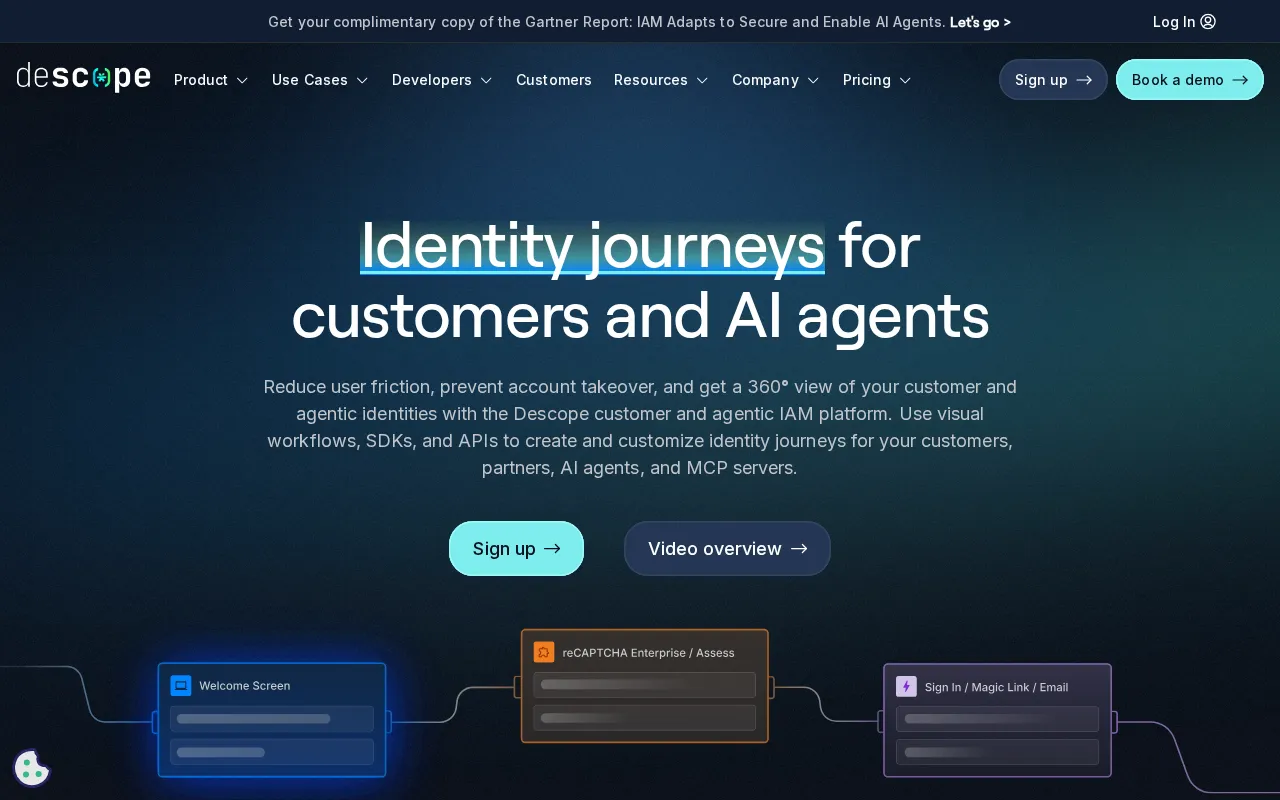
Descope deploys around Flows.
Visual, drag-and-drop authentication journeys built in the Descope Console. You assemble them from Screens for the UI, Actions for logic, Conditions for branching and Connectors for HTTP integration, with Scriptlets and Subflows for extension.
Plan Descope as a visual composition exercise, not an auth-coding project. Start from a flow-library template with just your Project ID. Assemble the journey from Screens, Actions, Conditions and Connectors, and test every scenario in the flow runner, including authenticated journeys by passing a refresh JWT. Then choose your integration depth. Native SDK embedding gives full in-app control with no redirects. Bring-your-own-screen keeps your UI over Descope's flow logic. Descope as a hosted OIDC or SAML provider needs zero development, and backend SDKs let you own session management and custom APIs. Use Connectors to call your backend or third-party risk and identity services, but treat those as external dependencies in your reliability planning. Because logic updates without redeploying code, you can iterate on flows in production and watch completion rates. Enterprises lean on the multi-tenant architecture and management flows. Small teams get live in minutes with Flows alone. Pick your data-residency region during setup.
- Descope centers on Flows, visual journeys that run on Descope's infrastructure and output a session JWT, rather than a server you host.
- You can integrate four ways: native SDK, bring-your-own-screen, a hosted OIDC or SAML provider, or backend SDKs, trading convenience for control.
- Connectors call external services mid-flow, so a real deployment can depend on third-party endpoints you have to operate.
- Core
- Visual Flows (no-code)
- Blocks
- Screens / Actions / Conditions / Connectors
- Runtime
- Runs on Descope infra, JWT out
- Integrate
- Native SDK / BYOS / hosted / backend
- Start
- Project ID only
This page covers how Descope deploys and is administered. Its compliance posture and pricing live on their own pages.
Deploy Descope: commands and config
Install the open-source React SDK and wrap your app so Descope is available everywhere; all you need is a Project ID.
// npm i @descope/react-sdk
import { AuthProvider } from '@descope/react-sdk';

const AppRoot = () => (
  <AuthProvider projectId="my-project-id">
    <App />
  </AuthProvider>
);- The @descope client SDKs are open source on GitHub under the MIT license
- Set DESCOPE_PROJECT_ID; the Project ID is found in the Descope Console
- Flows render in your app via the SDK or on Descope's hosted page; output is a session JWT
Real Descope commands from the official docs. Pick a task to see what it does, then copy the command.
What you run at each Descope layer
| Aspect | What you run | Notes |
|---|---|---|
| Flow runtime | Runs on Descope infrastructure | Built in the Console; output is a JWT |
| Native implementation | Embed via SDKs, no redirects | Full control and customization in-app |
| Hosted application | Descope as OIDC/SAML provider | Connect apps with no development |
| Screen rendering | Client SDK or hosted page | Screens render in your app or Descope's hosted page |
| Session | Descope session token (JWT) | Issued at end of flow; refresh JWT for tests |
| Residency | Multi-region (EU, AU) | Choose region for data residency |
| SDKs | @descope open-source (MIT) | React, JS/TS and backend SDKs on GitHub |
Descope connectors and integration surface
| Integration | Type | Capabilities | Setup |
|---|---|---|---|
| Screens | UI block | Forms collect input · Component editor · Client SDK or hosted render | Drag-and-drop |
| Actions | Logic block | Authenticate, send OTP · Create / update user · Assign roles, add JWT claims | Configure |
| Conditions | Branching block | Route on risk scores · User attributes, device info · JWT claims | Configure |
| Connectors | Integration block | HTTP to external services · Call backend or DB · Fraud / identity verification | Configure |
| Scriptlets / Subflows | Extensibility | Inline JavaScript · Reusable embedded flows | Code / compose |
| Client SDKs | Frontend SDK | JS/TS, React, Next.js · Session management · Bring your own screens | Install |
| Backend SDKs / APIs | Server SDK | Custom auth APIs · Server-side session validation · User management | Build |
| Open-source SDKs | Source | MIT-licensed · React, JS/TS, Node · Inspectable on GitHub | Install |
Descope rollout plan and risk points
- Teams are advised to start simple with basic flows from the flow library and gradually add complexity, testing thoroughly in the flow runner before going live.
- Authenticated flows can be tested by providing a refresh JWT as input to simulate an existing user session.
- Connectors introduce external dependencies, since their HTTP responses are stored in flow context and consumed by later conditions, actions or screens.
- Because logic updates without deploying code, rollout iterations avoid a full app redeploy, and teams monitor flow completion rates and iterate.
Descope Deployment FAQ
How is Descope deployed?
Around Flows. You build visual, drag-and-drop authentication journeys in the Descope Console from Screens, Actions, Conditions, plus Connectors, and the flow runs on Descope's infrastructure, issuing a session JWT at the end. You only need a Project ID to start. You integrate the flow through an SDK, as a federated OIDC or SAML provider, or via backend SDKs. There is no self-hosted server: Descope hosts the flow runtime and identity store.
What are the ways to integrate Descope?
Four. Native implementation embeds Descope through the SDKs with full control and no redirects. The hosted option uses Descope as an OIDC or SAML provider with no development. Client SDKs let you build your own login UI while Descope handles session management. Backend SDKs let you build a fully custom frontend and APIs with Descope behind them. Flows is the recommended path, and bring-your-own-screen keeps your own UI over the flow logic.
What are the building blocks of a Descope flow?
Four core blocks plus two extensions. Screens are the UI layer, the forms that collect input. Actions are the logic layer: authenticate, send an OTP, create users, assign roles, add JWT claims. Conditions are the branching layer, routing on user attributes, device info, risk scores and connector responses. Connectors are the integration layer, making HTTP calls to external services mid-flow. Scriptlets add inline JavaScript, and Subflows embed one flow inside another for reuse.
How do I integrate Descope in code?
With the open-source SDKs. On the frontend you wrap your app in the AuthProvider from @descope/react-sdk. You then render a flow with the Descope component by flow id, such as a default like sign-up-or-in, and read auth state with hooks. On the backend you validate the session token with @descope/node-sdk and manage users through its management API. The SDKs are MIT-licensed on GitHub, and a Project ID is all you need to wire them up.
How do I test and roll out Descope flows?
Start simple with a flow-library template and add complexity gradually. Then test thoroughly in the flow runner across every scenario. For journeys that assume an authenticated user, such as step-up MFA or impersonation, pass a refresh JWT as input to simulate an existing session. Because logic updates without deploying code, you iterate in production and monitor flow completion rates, while keeping an eye on connector calls to external services as dependencies.
Sources & verification
| Source | What was checked | Last checked |
|---|---|---|
| Descope Official | Official product page | July 10, 2026 |
| Descope Developer docs | Flows | July 10, 2026 |
| Descope Developer docs | Getting Started | July 10, 2026 |
| Descope Security Compliance | Security Compliance | July 10, 2026 |
| GitHub Descope React Sdk | Descope React SDK | July 10, 2026 |
Every fact on this Descope page is tied to a named source and a verification date. Freshness-sensitive figures trace to the sources above; verify against the vendor before relying on them.
Explore Descope
Every page on Descope in one place, you are on deployment.
Snapshot, score and verdict
Frameworks covered and what a security review will ask
You are here
Every tier and the entry price
Compared and ranked vs peers
Price and feature change history
Browse the full Identity & Access Management category